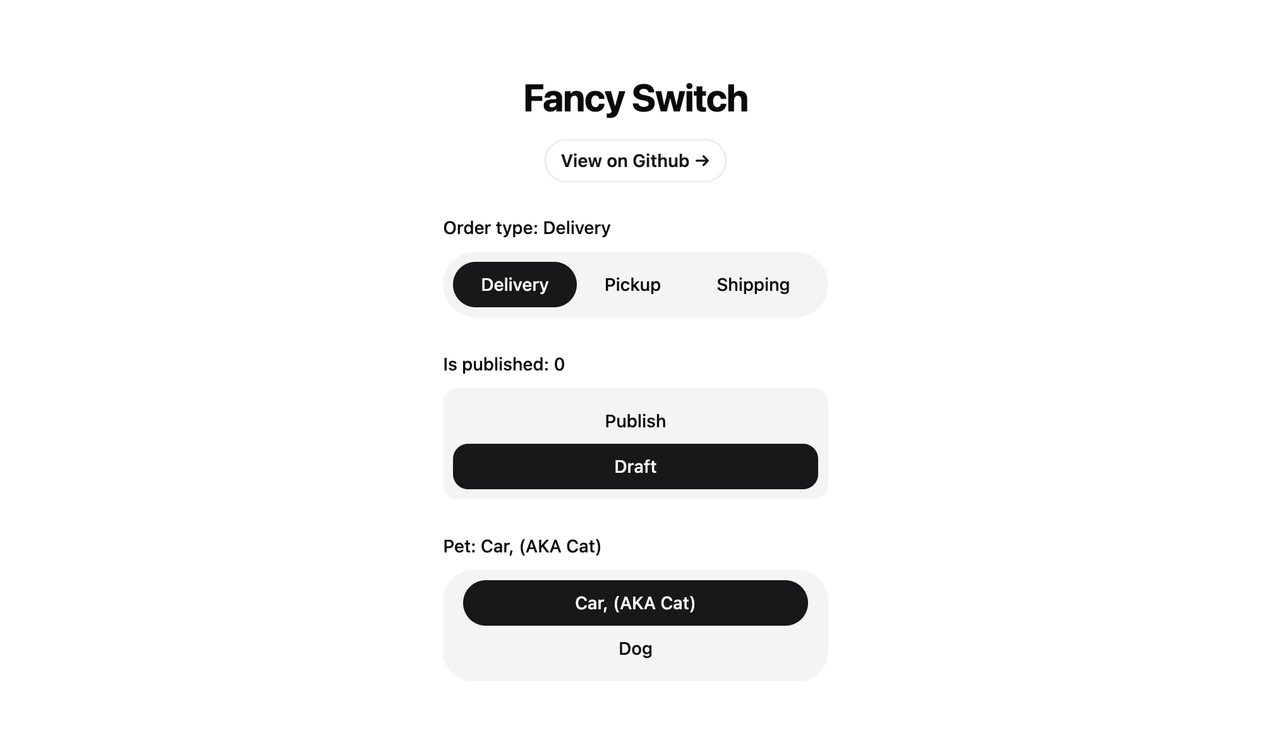
Simple Fancy Switch Component without framer-motion.
To install the package using npm, run the following command:
npm install @omit/react-fancy-switchIf you use shadcn/ui, There an example of how to use the
FancySwitch component. The component is located at website/src/components/custom/fancy-switch.tsx.tsx.
import React, { useState } from 'react'
import { FancySwitch } from '@/components/fancy-switch'

const orderTypes: string[] = ['Delivery', 'Pickup', 'Shipping']

export const App = () => {
  const [orderType, setOrderType] = useState<string>()

  return (
    <FancySwitch
      value={orderType}
      onChange={(value) => setOrderType(value)}
      options={orderTypes}
      className="flex rounded-full bg-muted p-2"
      highlighterClassName="bg-primary rounded-full"
      radioClassName={cn(
        'relative mx-2 flex focus:outline-none h-9 cursor-pointer items-center justify-center rounded-full px-3.5 text-sm font-medium transition-colors data-[checked]:text-primary-foreground'
      )}
      highlighterIncludeMargin={true}
    />
  )
}If you are using react-hook-form you can see the example in the website/src/App.tsx file.
interface FancySwitchProps {
  // optional
  value: string | number | undefined

  // optional
  onChange: (value: string | number) => void

  options: (string | number | object)[]

  // optional
  valueKey?: string // default: 'value'
  labelKey?: string // default: 'label'

  // optional
  radioClassName?: string
  highlighterClassName?: string
  highlighterIncludeMargin?: boolean
}This project is open source and available under the MIT License.