Extension is no longer maintained
With Obsidian Desktop 1.2.7, a new hotkey was added to Obsidian that makes this extension no longer necessary. Therefore, I have decided to discontinue the development of this extension.
To change the default behavior in Obsidian, you can set the hotkey for the command
Create new note in current tabtocmd+nand remove the binding for theCreate new notecommand.
Replaces the current tab when creating a new note
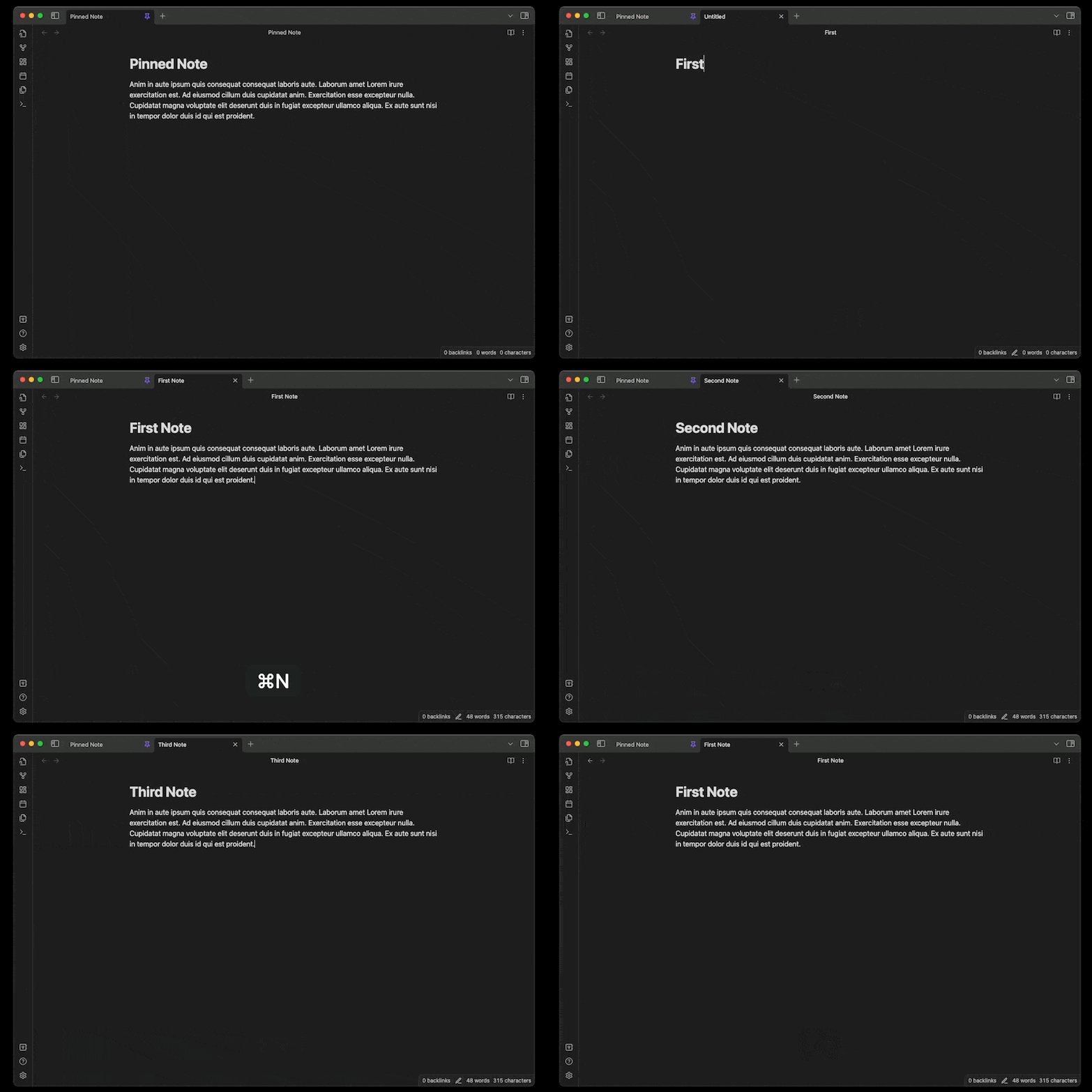
No setup required! Simply download and enable the plugin in the settings.
Whenever you create a new tab in Obsidian, a new tab is opened. This can get quite annoying if you want to quickly capture a large amount of notes.
Unfortunately, there is currently no way of changing this behaviour in Obsidian.
You have to close all those tabs manually either through the context menu or by using keyboard shortcuts (e.g. CMD+W | CTRL+W).
This plugin works around this limitation by closing the previously active tab whenever you create a new note. Pinned, and manually opened tabs that are not active will stay open though. This plugin also works together with split panes.