| title | Running Elementary Tests and Generate Reports |
|---|---|
| sidebarTitle | Generate report |
The CLI tool allows users to generate reports and visuallize results based on the tests we just configured. While we have already added the Elementary packages to our dbt project, the Elementary CLI requires a separate installation, as it is a Python tool.
Important: Both dbt Cloud and dbt Core users will need to run the Elementary CLI locally. If you are a cloud user, you will need to ensure your configuration has met all the [prerequisites](/tutorial/setup). Run one of the following commands based on your platform:## Running Elementary
Now that we have added Elementary tests to our schemas.yml file, it’s time to run our first tests. We begin by running on a subset of our data that is all valid:
dbt run --vars "{'anomalies': False}"## Your First Test Now that we have populated our data warehouse with valid data, we will run our tests and ensure that everything passes: ```shell dbt test ``` All of our tests (except the dbt project's example tests) should pass. Now, let's visualize our results: ```shell edr report ```
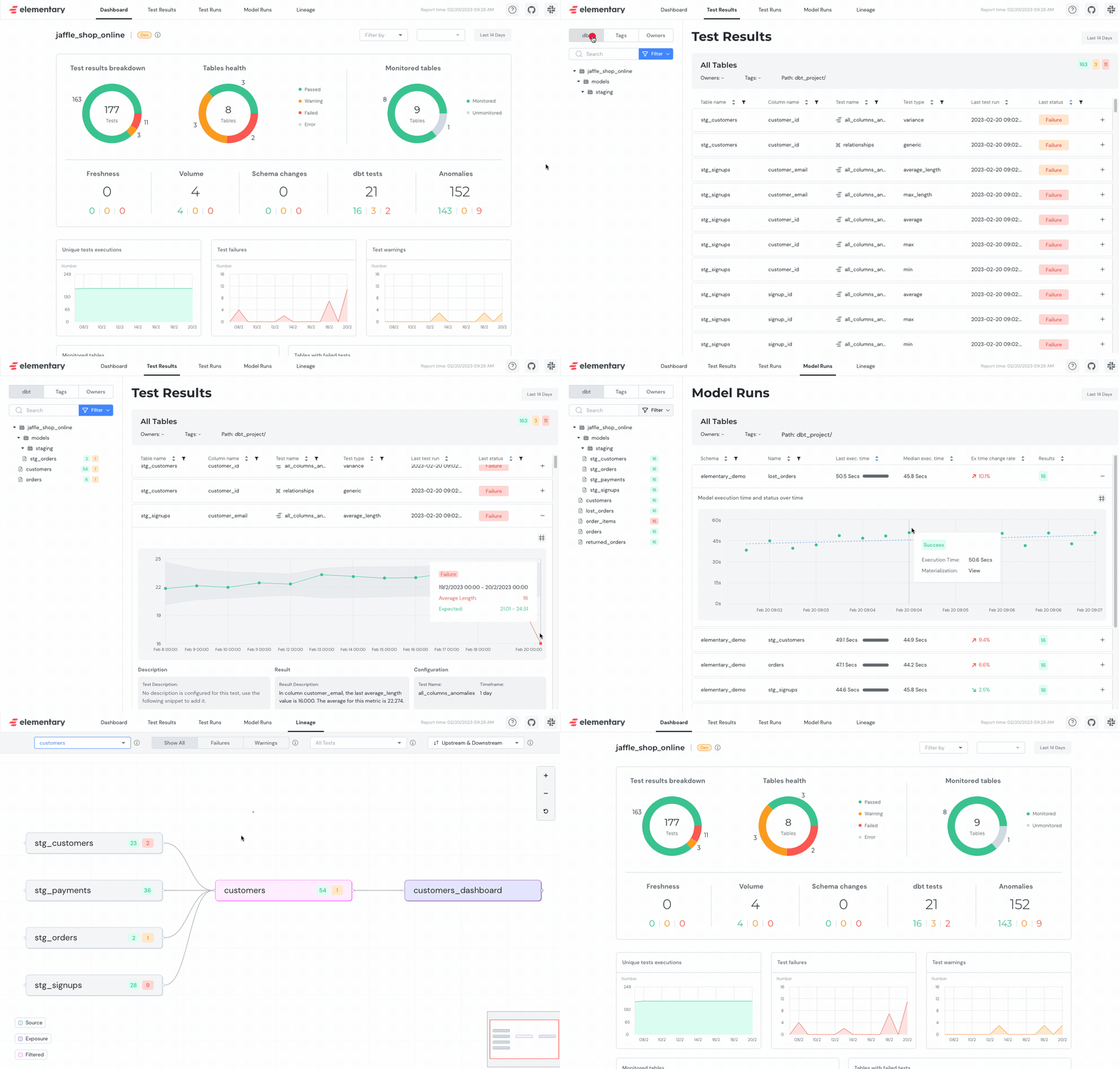
## Let's get real though... Data is rarely perfect. Let’s get real and add some more data to our project: ```shell dbt run --vars "{'anomalies': True}" ``` Now let's run our tests again: ```shell dbt test ``` Now we should see our Elementary tests fail! Now let's visualize this failure: ```shell edr report ``` ## Congratulations! Congratulations, you successfully configured Elementary's tests and ran the report!