Please view README.md
The project was inspired by the React version of [Tetris] (https://github.com/chvin/react-tetris), which is more interested in its implementation principles and prefers Vue compared to React, so the React version Refactoring for the Vue version, the general idea is to treat the components as a function, to ensure that a single input (props) can get a certain output (view), and then do the same for different methods, using Vuex for Redux
Poke: http://binaryify.github.io/vue-tetris/?lan=zh Play it!
![Effect preview] (https://img.alicdn.com/tps/TB1Ag7CNXXXXXaoXXXXXXXXXXXX-320-483.gif)
Recording at normal speed, the experience is smooth.
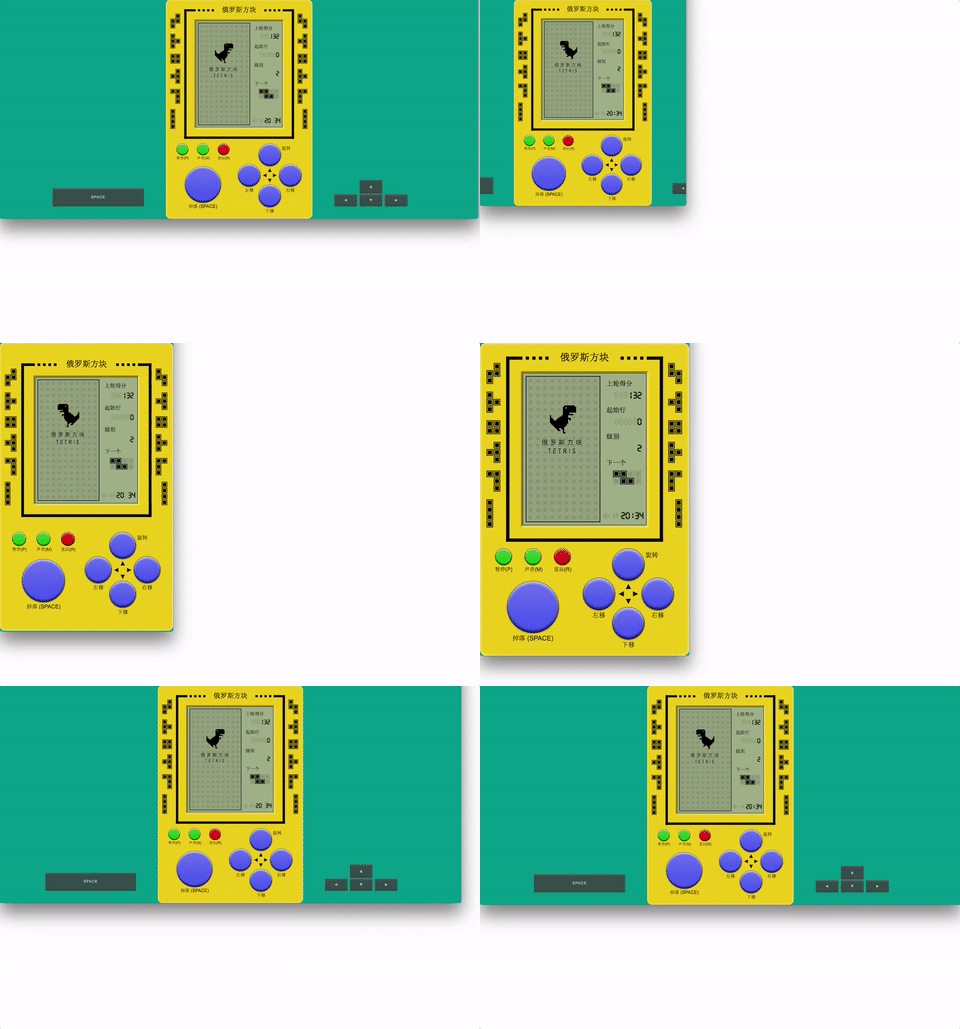
Not only refers to the adaptation of the screen, but to the responsive operation of using the keyboard on the PC and using the finger on the mobile phone:
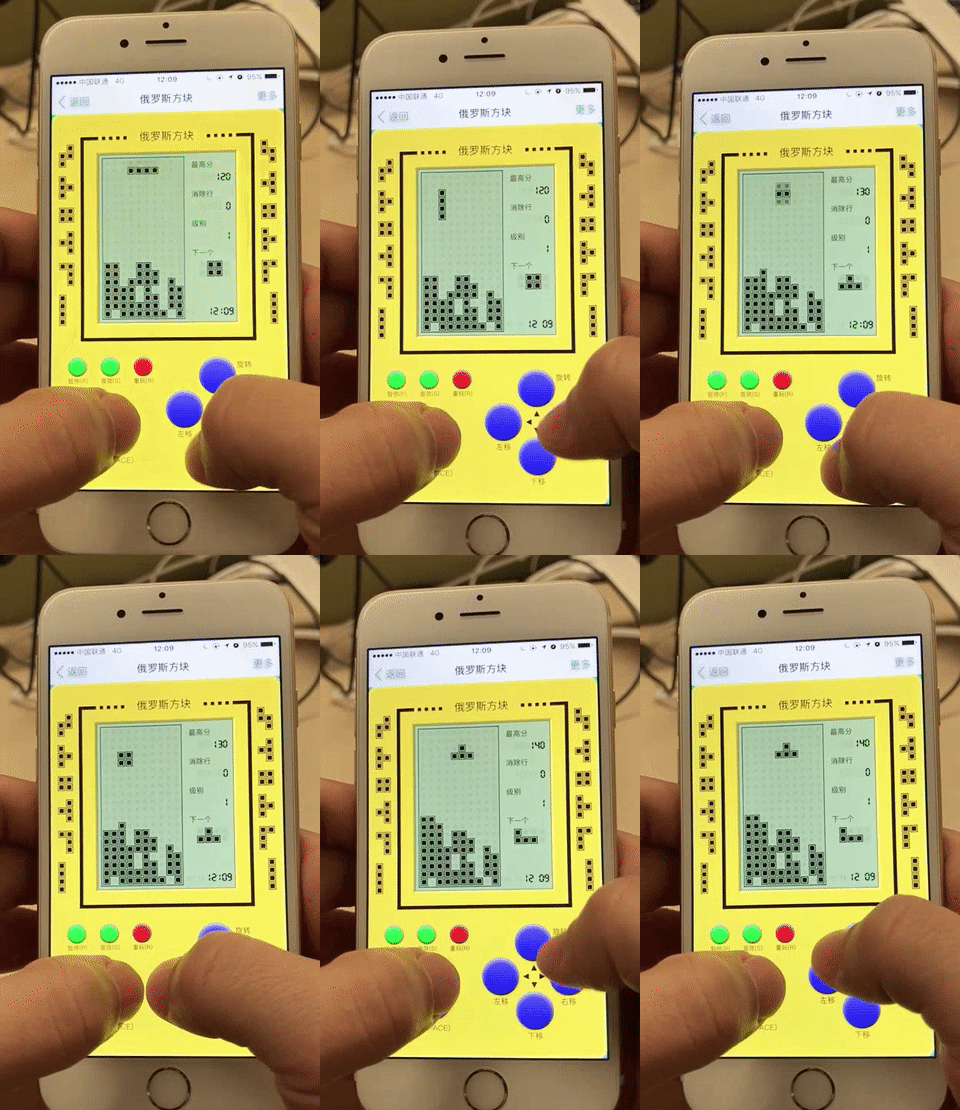
[Video] (http://static.binaryify.com/persistence.mp4)
What are you most afraid of playing stand-alone games? Power off. Store the state in localStorage by subscribing to store.subscribe to accurately record all states. The webpage is closed, the program crashes, the phone is dead, and the connection is reopened.
Vuex Status Preview (Vue DevTools extension)

[Video] (http://static.binaryify.com/vuex.mp4)
The Vuex design manages all the state of the persistence, which is a guarantee of persistence above.
The game framework uses Vue + Vuex
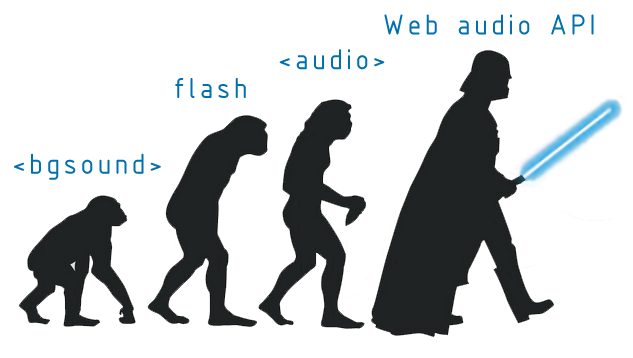
There are a lot of different sound effects in the game, but actually only one sound file is referenced: /build/music.mp3. With the 'Web Audio Api, you can play sounds with millisecond precision and high frequency, which is not possible with the ` tag. While holding the arrow keys while the game is in progress, you can hear high-frequency sound effects.
![Web Sound Advanced] (https://img.alicdn.com/tps/TB1fYgzNXXXXXXnXpXXXXXXXXXX-633-358.png)
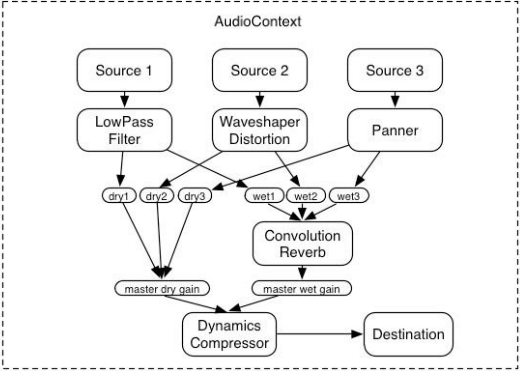
WAA is a brand new relatively independent interface system, with higher processing rights for audio files and more professional built-in audio effects. It is the recommended interface of W3C, which can professionally handle "sound speed, volume, environment, sound color visualization, High frequency, sound direction and other requirements, the following figure describes the use of WAA.
[Process] (https://img.alicdn.com/tps/TB1nBf1NXXXXXagapXXXXXXXXXX-520-371.png)
Source represents an audio source, Destination represents the final output, and multiple Sources synthesize Destination. Source code: [/src/unit/music.js] (https://github.com/Binaryify/vue-tetris/blob/master/src/unit/music.js) Implemented ajax to load mp3 and convert to WAA , control the process of playing.
WAA Support for the latest 2 versions of each browser (CanIUse)
![Browser compatible] (https://img.alicdn.com/tps/TB15z4VOVXXXXahaXXXXXXXXXXX-679-133.png)
You can see that the IE camp and most Android machines can not be used, other ok.
Web Audio Api Learning Materials:
- [Web API Interface | MDN] (https://developer.mozilla.org/en-us/docs/Web/API/Web_Audio_API)
- [Getting Started with Web Audio API] (http://www.html5rocks.com/en/tutorials/webaudio/intro/)
- 技术:
- 按下方向键水平移动和竖直移动的触发频率是不同的,游戏可以定义触发频率,代替原生的事件频率,源代码:/src/unit/event.js ;
- 左右移动可以 delay 掉落的速度,但在撞墙移动的时候 delay 的稍小;在速度为6级时 通过delay 会保证在一行内水平完整移动一次;
- 对按钮同时注册
touchstart和mousedown事件,以供响应式游戏。当touchstart发生时,不会触发mousedown,而当mousedown发生时,由于鼠标移开事件元素可以不触发mouseup,将同时监听mouseout模拟mouseup。源代码:/src/components/keyboard/index.js; - 监听了
visibilitychange事件,当页面被隐藏\切换的时候,游戏将不会进行,切换回来将继续,这个focus状态也被写进了 Vuex 中。所以当用手机玩来电话时,游戏进度将保存;PC开着游戏干别的也不会听到gameover,这有点像ios应用的切换。 - 在
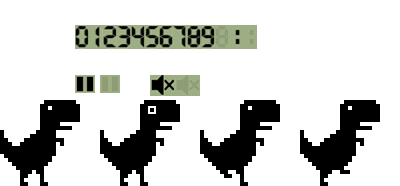
任意时刻刷新网页,(比如消除方块时、游戏结束时)也能还原当前状态; - 游戏中唯一用到的图片是
,其他都是CSS;
- 游戏兼容 Chrome、Firefox、IE9+、Edge等;
- 玩法:
- 可以在游戏未开始时制定初始的棋盘(十个级别)和速度(六个级别);
- 一次消除1行得100分、2行得300分、3行得700分、4行得1500分;
- 方块掉落速度会随着消除的行数增加(每20行增加一个级别);
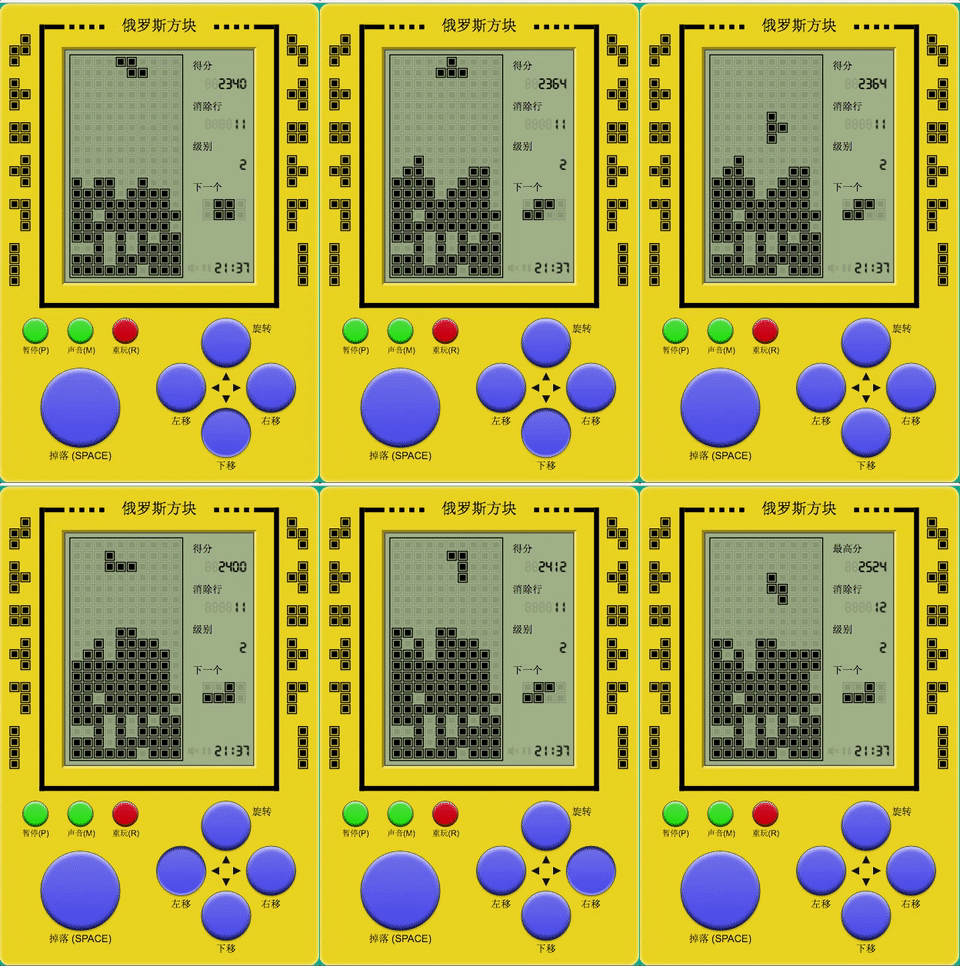

Vue 版本和 React 版本核心代码基本相同,但在编写组件的时候遇到了几个问题,比如:
-
如何把 React 组件改写成 Vue 的,我的思路是把组件当成函数,保证一个输入(props)能得到一个确定的输出(view),然后对不同方法也是做同样处理, React 的 setState 会触发 render 方法,所以可以在 methods 自定义 render 方法再在 state 变化后手动触发 render 方法
-
生命周期,简单来说, React 的
componentWillMount对应 Vue 的beforeMount, React 的componentDidMount对应 Vue 的mounted,React 的用来优化性能的shouldComponentUpdate在 Vue 里并不需要,不需要手动优化这也是我喜欢 Vue 的一点 -
Vue 没有 React 的
componentWillReceiveProps的生命周期,我的解决方法是使用 watch 配合deep:true来监听 props 的变化,如:
  watch: {
    $props: {
      deep: true,
      handler(nextProps) {
        //xxx
      }
    }
}- 在必要时候使用 jsx 和 'render' 函数,是的, vue 支持 jsx,在这个项目中
matrix 组件的功能逻辑较复杂,使用template模版来渲染组件已经不合适了, React 每次 setState 会触发 'render' 方法,所以我们可以在 methods自定义 'render' 方法再在 state 变化后手动触发 'render' 方法,但是这个方法对有复杂逻辑的组件来说会变得很繁琐,我的解决方法是通过 Vue 的 jsx 转换插件babel-plugin-transform-vue-jsx来使用 jsx 语法对页面进行渲染,当 props 或 state 变化了自动触发 'render' 方法,另外要注意的是 vue 的 jsx 和 React 的 jsx 书写上有一点的差异, 当 'render' 方法存在时,template 语法会失效. 'render' 函数一个比较实用的用处是在开发类似 React-log 之类的不需要渲染 html 只需要执行一些方法的组件时 template 会显得很多余,因为这时候并不需要渲染 dom 了,如果用了 'render' 函数,简单的在 'render' 函数里 return false 就行,如: react-log
Redux 的数据流向是通过 mapStateToProps 把 store 的状态转化为 props 然后通过connect 函数注入到 根组件,根组件再把这些 props 传入不同组件,当 store 的状态变化,根组件会重新 render, 更新子组件上的 props,子组件再 根据新 props重新 render
引用知乎一个答友的回答https://www.zhihu.com/question/47686258来说就是:
单例store的数据在react中可以通过view组件的属性(props)不断由父模块**“单向”**传递给子模块,形成一个树状分流结构。如果我们把redux比作整个应用的“心肺” (redux的flux功能像心脏,reducer功能像肺部毛细血管),那么这个过程可以比作心脏(store)将氧分子(数据)通过动脉毛细血管(props)送到各个器官组织(view组件)末端的view组件,又可以通过flux机制,将携带交互意图信息的action反馈给store。这个过程有点像将携带代谢产物的“红细胞”(action)通过静脉毛细血管又泵回心脏(store)action流回到store以后,action以参数的形式又被分流到各个具体的reducer组件中,这些reducer同样构成一个树状的hierarchy。这个过程像静脉血中的红细胞(action)被运输到肺部毛细血管(reducer组件)接收到action后,各个child reducer以返回值的形式,将最新的state返回给parent reducer,最终确保整个单例store的所有数据是最新的。这个过程可以比作肺部毛细血管的血液充氧后,又被重新泵回了心脏
而 vuex 的思路则不同,任何组件都随时可以通过 this.$store.state.xxx 获取 store 上的数据,更自由,从 store 实例中读取状态最简单的方法就是在计算属性中返回某个状态:
computed: {
    keyboard () {
      return this.store.state.keyboard
    }
  }
调用 store.commit 提交 payload修改数据 或者 store.dispatch 提交 mutation 间接修改 store 上的数据, commit 和 dispatch 的区别在于 commit 用于同步修改状态, dispatch 用于异步修改状态,异步完成需要再调用 commit,一般简单的需求只需要 commit 一个 payload 就行,只要 store 上的数据变了,组件都会自动重新渲染
npm install
npm run dev
浏览自动打开 http://localhost:8080
在 i18n.json 配置多语言环境,使用"lan"参数匹配语言如:https://Binaryify.github.io/vue-tetris/?lan=en
http://binaryify.github.io/vue-tetris/?lan=zh
npm run build
在 dist 文件夹下生成结果。