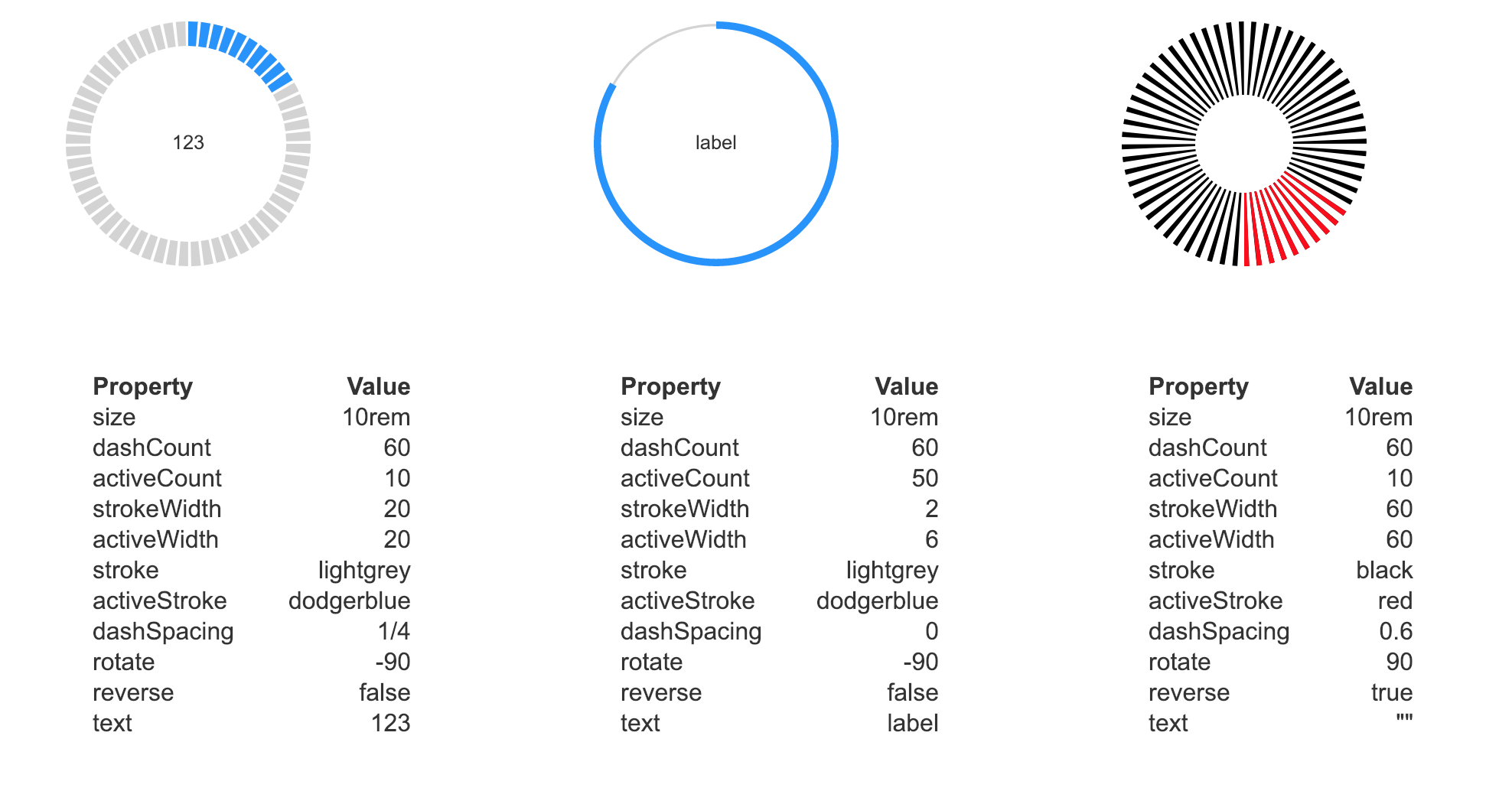
This Vue component creates a circular counter. The angle, colors, strokewidth, spacing between dashes and direction can all be controlled through properties.
With a package manager
# npm
$ npm install vue-circle-counter

#yarn
$ yarn add vue-circle-counter
For the browser
<script src="unpkg.com/vue-circle-counter@latest/dist/circleCounter.umd.min.js"></script>
The component generates an SVG element with default width and height of 100% (outer diameter of the counter).
Two dashed strokes are overlayed: the bottom one controlled by stroke and dashCount and the top one by
activeStroke and activeCount. You can reverse the direction to counter-clockwise and rotate the start
angle (default is right / 3 o'clock).
| prop | description | default | options |
|---|---|---|---|
dashCount |
Total number of dashes | 60 |
Natural number |
activeCount |
Number of dashes on top | 10 |
Natural number |
strokeWidth |
Bottom stroke as a percentage of the radius | 20 |
0 to 100 |
activeWidth |
Top stroke as a percentage of the radius | 20 |
0 to 100 |
stroke |
Stroke color of the bottom dashes | lightgrey |
color |
activeStroke |
Stroke color of the top dashes | dodgerblue |
color |
dashSpacing |
Fraction of width taken up by space between dashes | 1/4 |
0 to 1 |
rotate |
Degrees rotation for start angle (0 = right) | -90 |
-360 to 360 |
reverse |
Reverse the direction of counting (true = counter-clockwise) | false |
false or true |
MIT Open Source License