




GeoSentinel is a geospatial monitoring platform that tracks global movement in real time.
It aggregates ship and flight routes, live coordinates, and geodata into a unified system, providing clear geographic and geopolitical awareness for analysis, visualization, and decision-making. . 🚀
🚀 Visit the Blog:
👉 https://haybnz.web.app/blog
🚀 Visit the Blog:
👉 https://varadaraj.online/
🔴 NOTE
Stay updated with the latest Geo Sentinel AI releases and announcements.
👉 Subscribe here:
https://docs.google.com/forms/d/e/1FAIpQLSe3qBh6r1orih2MkLf5DjdolX0jv5Abct02363lLxpXEute-Q/viewform
🔴 Video Tutorial
Stay updated with the latest Geo Sentinel AI releases and announcements.
👉 Subscribe here:
https://youtu.be/v4IKzEb03u0
Detailed guides on how to use GeoSentinel's advanced features:
- 🤖 GeoSential AI Guide - Learn how to use the AI assistant and its commands.
- 🔍 Search & Dark Web Guide - Instructions for OSINT and dark web searching.
- 🗺️ Access to GeoJSON data and surveillance grid tiles.
✈️ Real-time flight data.- 🚢 Live vessel tracking.
- 🛰️ Advanced aerial segmentation with YOLO.
- 🖼️ Image analysis for object and GPS metadata.
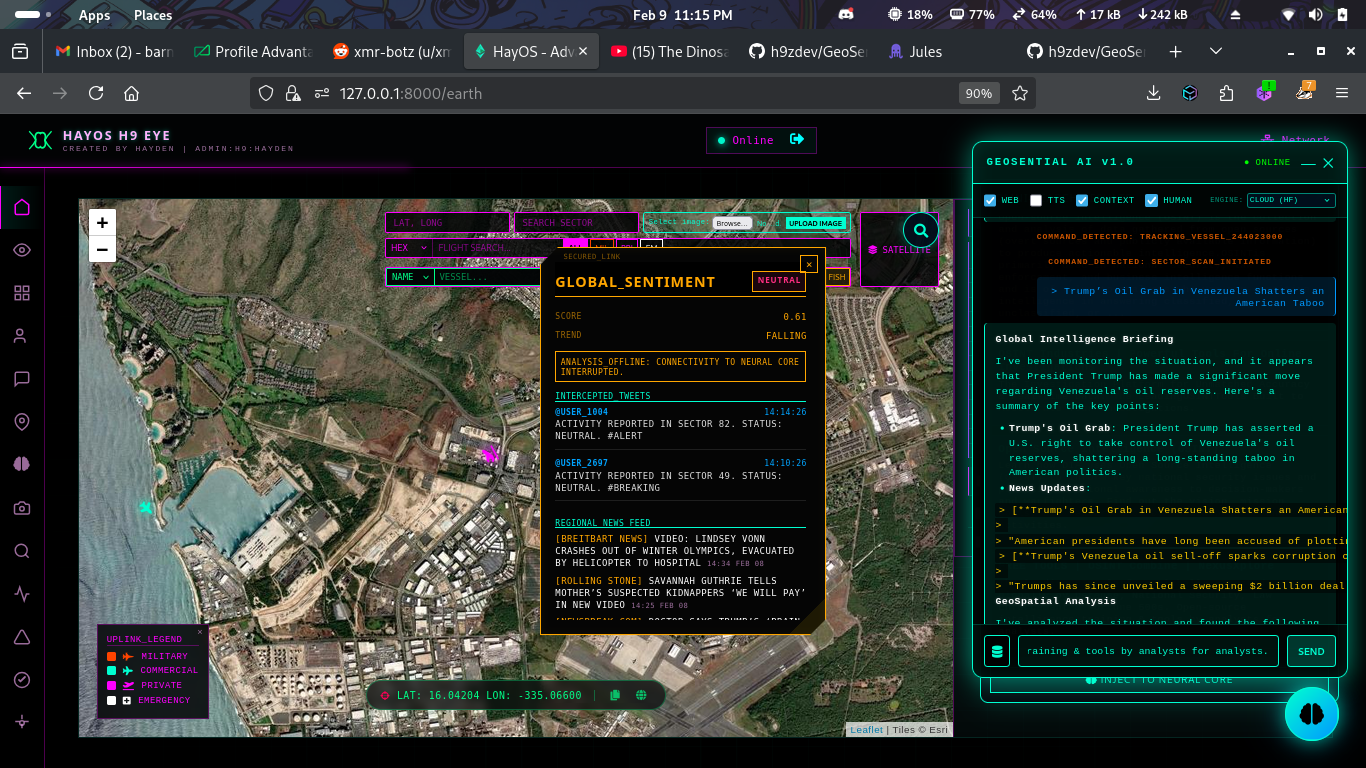
- 📰 Geopolitical news and sentiment analysis.
- 💹 Market data for commodities and cryptocurrencies.
- 🌐 Translation services.
- 🔒 TOR integration for enhanced privacy.
- 🤖 OLLAMA AI integration for local LLM processing.
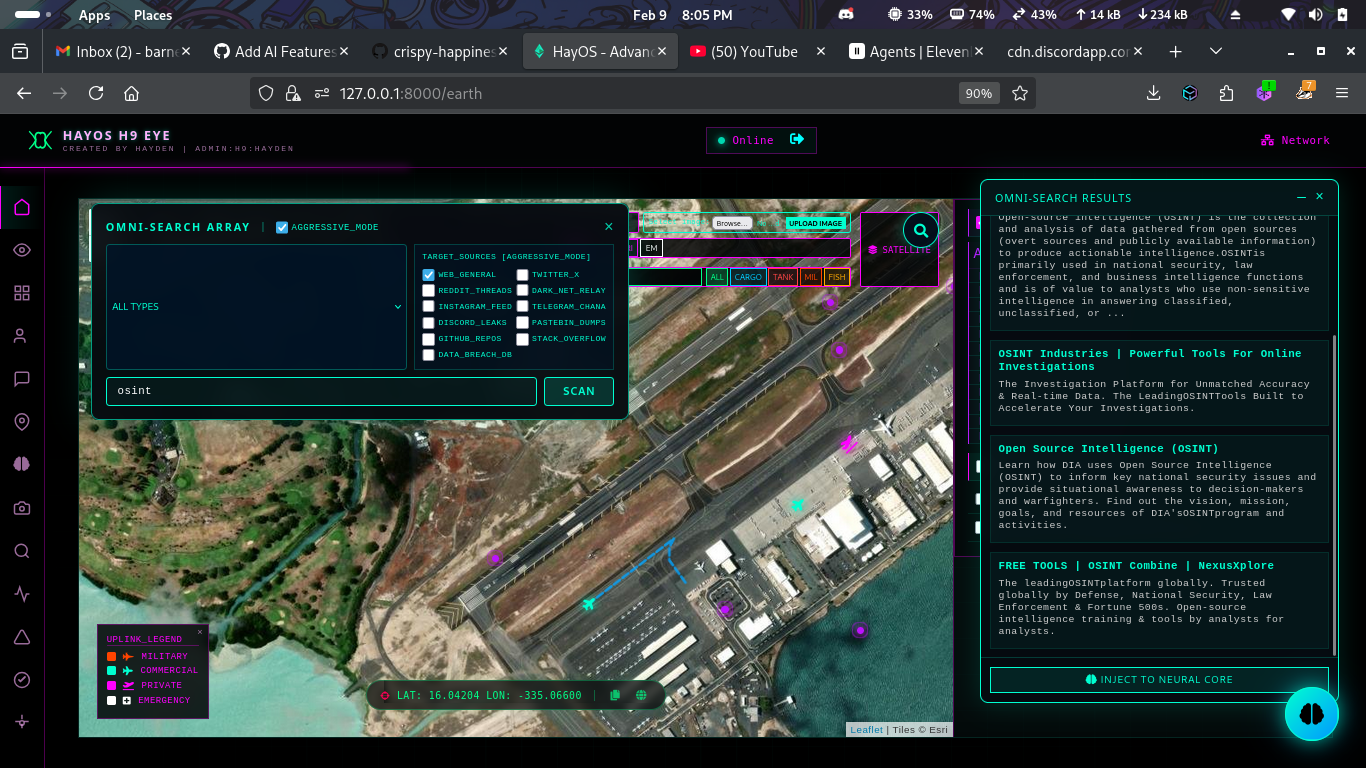
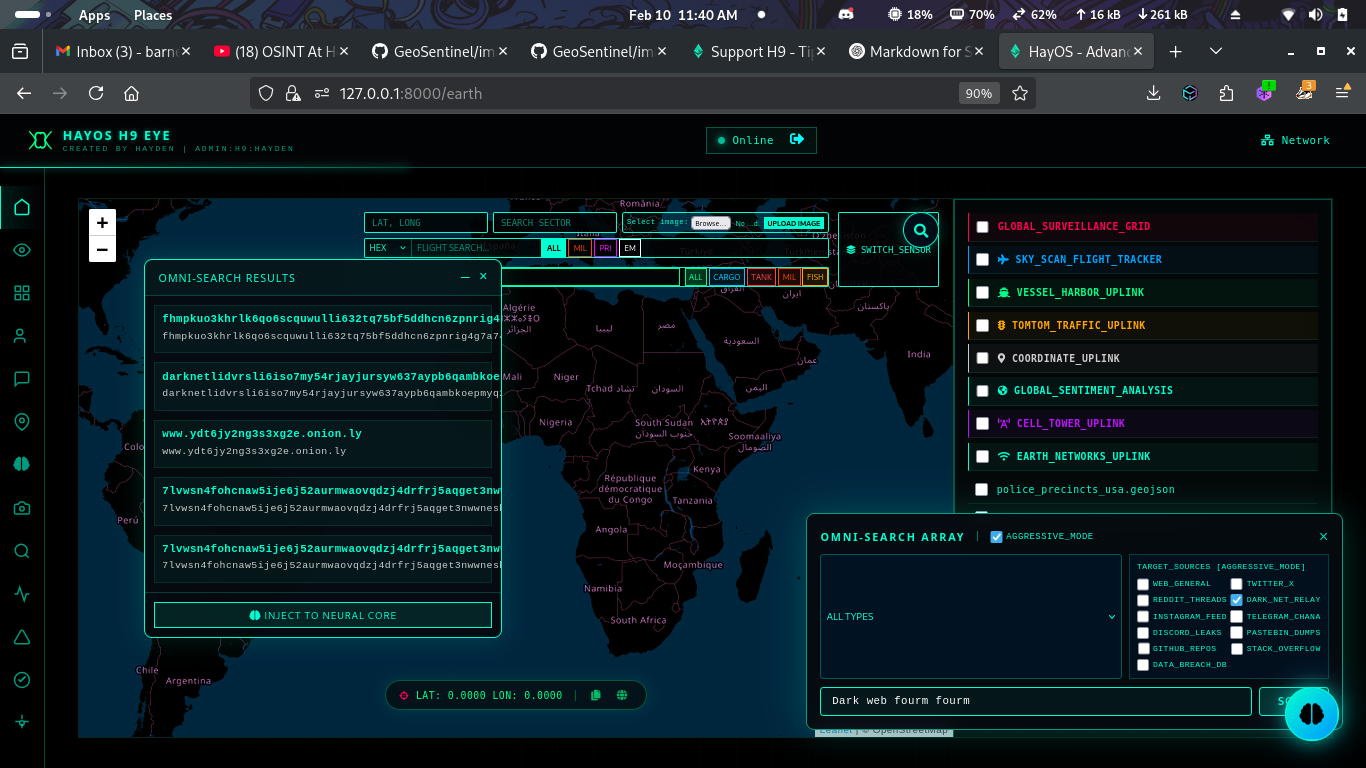
- 🕵️♂️ Darkweb Search: Anonymous searching across multiple .onion engines via TOR integration.
- 🔍 Advanced Web Scraper: Multi-engine OSINT search with Google Dorking for social media platforms (Twitter, Reddit, Instagram, etc.).
- 🤖 GeoSential AI: Intelligent assistant for automated real-time tracking of flights and vessels with integrated OSINT.
- Interactive global map with real-time tracking
- Advanced search capabilities (HEX, flight, vessel, coordinates)
- TomTom Maps API integration for detailed mapping
- Activity logging and user tracking
- Responsive design for all devices
- GPS metadata extraction from images
- Real-time data visualization
- Integrated GeoSential AI for automated tracking and analysis
- Advanced web scanning with social media dorking capabilities
-
TomTom Maps API: Add your key in
templates/earth.html(line ~1850)const tomtomApiKey = 'YOUR_TOMTOM_API_KEY';
-
Other APIs: Add relevant API keys in
app.py
git clone https://github.com/h9zdev/GeoSentinel.githttps://github.com/h9zdev/GeoSentinel/fork
Then clone your fork:
git clone https://github.com/<your-username>/GeoSentinel.gitcd GeoSentinelpip install -r requirements.txt(Optional but recommended)
python -m venv venv
source venv/bin/activate   # Linux / macOS
venv\Scripts\activate # Windowspython app.py-
Earth View
https://127.0.0.1:8000/earth -
News Dashboard https://127.0.0.1:8000/news
# Ubuntu/Debian
sudo apt-get update
sudo apt-get install tor torbrowser-launcher -y

# Fedora/RHEL
sudo dnf install tor torbrowser-launcher -y# Download TOR
cd /tmp
wget https://archive.torproject.org/tor-package-archive/tor-latest.tar.gz
tar -xzf tor-latest.tar.gz
cd tor-*
# Compile and install
./configure
make
sudo make install# Start TOR daemon
sudo systemctl start tor
sudo systemctl enable tor # Enable on boot
# Or run manually
tor
# Verify TOR is running
curl --socks5 127.0.0.1:9050 https://check.torproject.org/api/ip# macOS
curl -fsSL https://ollama.ai/install.sh | sh
# Linux
curl -fsSL https://ollama.ai/install.sh | sh
# Or download from
https://ollama.ai/downloadollama --version# Pull Llama 2 model (7B parameters)
ollama pull llama2
# Or pull other models
ollama pull mistral # Mistral model
ollama pull neural-chat # Neural Chat model
ollama pull orca-mini # Orca Mini model# Start OLLAMA server (runs on localhost:11434)
ollama serve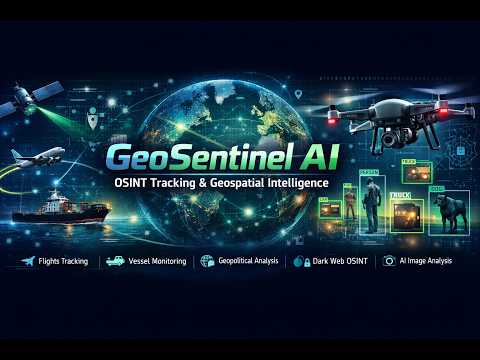
🔗 Direct link: https://youtu.be/v4IKzEb03u0
Below is a list of APIs used in GeoSentinel and where to obtain your API keys:
- 🌍 OpenStreetMap - Geocoding and map data.
✈️ ADSB.one - Real-time flight tracking data.- 🚢 AISstream.io - Real-time vessel tracking (AIS).
- 📊 CoinGecko - Cryptocurrency market data.
- 📰 NewsAPI - Global news feeds.
- 🗺️ TomTom Maps - Mapping and routing services.
- 📶 OpenCellID - Cell tower location data.
- 🤗 Hugging Face - AI models and inference.
- 🤖 OpenRouter - Unified AI model gateway.
- 📡 OpenSky Network - Flight metadata and routing.
- 🌐 MyMemory Translation - Free translation services.
- 🐦 Twitter/X API - Social media OSINT.
- 🔍 DuckDuckGo - Web search integration.
- 🌐 Google Search - Web search integration.
🅱️ Bing Search - Web search integration.- 🔒 Ahmia - Dark web search services.
- 🦙 Ollama - Local LLM processing.


This project is licensed under the Creative Commons Attribution-NonCommercial 4.0 International (CC BY-NC 4.0) License. See the LICENSE file for more details.
Unauthorized use is strictly prohibited.
📧 Contact: singularat@protn.me
Donate via Monero: 45PU6txuLxtFFcVP95qT2xXdg7eZzPsqFfbtZp5HTjLbPquDAugBKNSh1bJ76qmAWNGMBCKk4R1UCYqXxYwYfP2wTggZNhq


X9 CYBERNETICS
If you use NeuroTumorNet in your research, please cite: Made with ❤️ and lots of ☕️.