This branch is to update the app to the Chrome packaged apps. It's in active development and it's not working yet.
I assume you have Node.js already installed on your machine.
Start with getting the code
git clone https://github.com/jarrodek/ChromeRestClient.gitWhen ready go to the directory and switch to a chrome-app branch
cd ChromeRestClient
git checkout chrome-app
Next install dependencies:
npm install && bower installTake a coffee break. It will take a while... You can also install gifi, a wrapper for npm install that will display a random gif while waiting for npm:
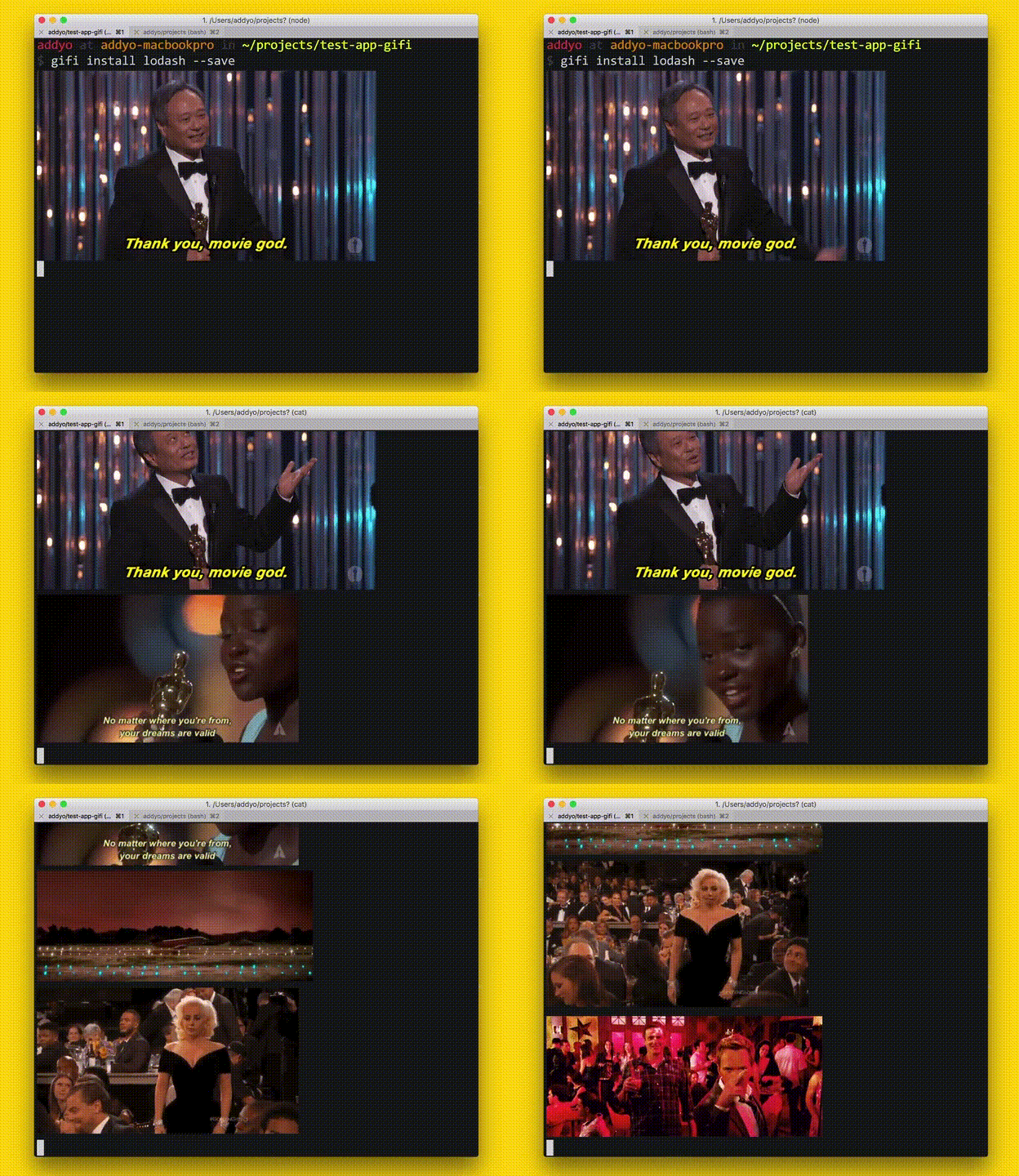
Well, the app is ready to develop / preview. You can either load the app from chrome://extensions/ page (check "Developer mode" check box) or run command:
npm run arcThanks for testing and don't forget to file an issue report if you find a bug.
If you run into trouble caused by CSP environment you can run following command:
gulp crisper-bowerThis will crisper the bower_components directory and make the app works again.