Add better support for the block editor's fullscreen mode #750
Conversation


…anel. Add option to show/hide the admin bar, to more easily toggle that when in fullscreen mode. Also add helper text when not in fullscreen mode to let people know to look at the admin bar


…s, so they can be imported as react components. Add some styling to ensure icon isn't too large
…) but showing the Distributor menu. This works in both fullscreen and normal mode. For newly published items, since the admin bar won't exist until a refresh, add a message about this instead of showing toggle button


|
@helen any further UX tweaks you'd like to see here before this gets merged in? |
|
Noting this might also handle #141, so will want to test for that in reviewing this PR. |

|
This is working for me and I think does at least address the immediate problem - the one thing I think it needs before merge is to close the popup as soon as you click outside of the area, otherwise it's not super intuitive how you can close it (either click the button again or else mouse into the area and back out) and you can end up clicking around fruitlessly wondering if it'll ever close, and it does let you click into blocks, etc. |
… Listen for clicks outside the Distributor dropdown menu and close the menu when that happens

Just pushed a fix for this |

|
@darin, @helen Clicking outside the area not only closes the popup but also selects the element under the mouse. For example when the popup is open after clicking on |
…ead of just adding styles to the open menu item, add an actual overlay div. We can then use this to capture clicks, which makes it easier to know when to close the menu when a click happens outside of it and ensures clicks don't impact any elements beneath
|
@dinhtungdu I've made some more changes here on how we handle the overlay. Previously this was just added as styles to the menu item. I've now added an actual overlay div that we show/hide when needed. This is then used to capture clicks so you don't end up clicking on any elements that show beneath that overlay. This is a bigger change here though so would appreciate some testing. It seemed to work fine in my tests, both in the admin and in the front-end, and both with hovering over the menu, entering the menu via the keyboard and using the new sidebar button. |
There was a problem hiding this comment.
This is working great in my test. But there are some minor issues with this PR:
- We don't show the push menu on mobile/small screens, so please considering hiding the sidebar button on small screens.
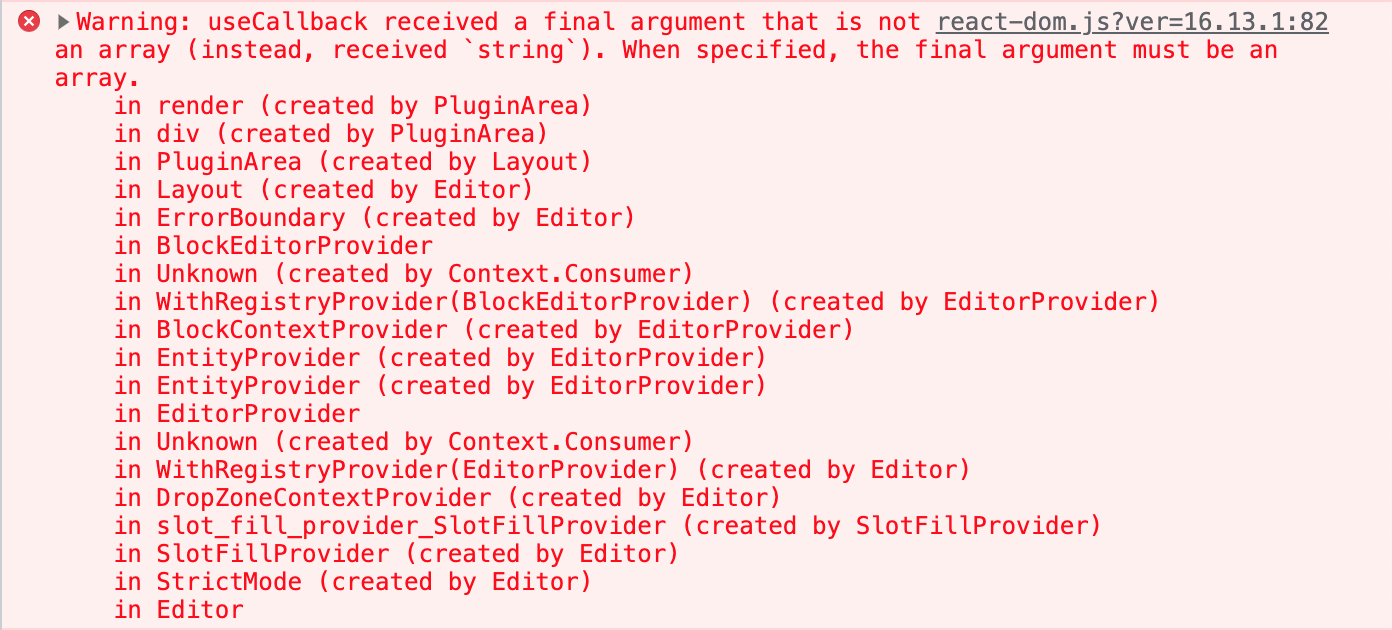
- It throws three errors in the console. It only happens with
feature/gutenberg-fullscreen-support. I don't get any error withdevelop.
| import { wp, dtGutenberg } from 'window'; | ||
| import PluginIcon from '../img/icon.svg'; // eslint-disable-line no-unused-vars | ||
|
|
||
| const { Icon } = wp.components; // eslint-disable-line no-unused-vars |
There was a problem hiding this comment.
Look like we haven't added Eslint rules for react yet. I think it's better to do it in this PR so we don't have to add these comments to disable Eslint.
There was a problem hiding this comment.
@dinhtungdu Any recommendations on the best way to add these rules without impacting other things? We currently use an older version of the @10up/eslint-config and I updated that to the latest version (following instructions here), but I find that brings over a lot of pretty strict rules, some of which I don't agree with (which is fine, that's just my opinion).
But what this does mean is all the JS files will need a bunch of minor formatting changes applied in order to pass these new rules. Not sure we want all of that cleanup work on this PR, so wondering if there's either a simpler solution for now to add better React eslint rules or if we tackle this in a separate PR, one built around updating our entire build/lint process?

There was a problem hiding this comment.
I'm fine with (1) resolving those eslint failures in a separate PR and (2) not worrying about those until the next release (aka let's not block this issue/release by those eslint issues).
There was a problem hiding this comment.
But what this does mean is all the JS files will need a bunch of minor formatting changes applied in order to pass these new rules.
I didn't think about this. Let's fix the eslint in other PR.

I've added some CSS to hide the Distributor panel on smaller screens
I actually don't see any errors. Any other information you can provide around where the errors are happening? |
|
There are two things going on here that I would like to see ironed out:
|
I tested on a multisite installation. Only Distributor is activated (network-wide). The WP version is 5.8. I'm using |
…over to try and deal with the hoverintent delay. Add better support for when distribution is in progress and you move out of the dropdown. Hide the admin bar when everything else closes in full screen mode
This should be fixed now
I took another stab at this and I think it's better now, though still not perfect. As you mention, core uses I've added a delay on our code (if things aren't already showing) to try and deal with this. I feel it's definitely better but open to other ideas on how to solve this. |
…ring for the optional param
|
@dinhtungdu Thanks for the additional details. I have a very similar set up but still don't get those warnings. But looking at the stack trace it gives, I think I found the issue and I've pushed a fix for that. Let me know if that clears those up for you or not. |

 helen
left a comment
helen
left a comment
helen
left a comment
There was a problem hiding this comment.
I hope we'll be able to come up with a better long-term solution someday where we can remove a lot of this because it's pretty funky, but it's working for what we need for the moment.


4 participants


Description of the Change
The default block editor mode is fullscreen, which hides the top admin bar. This admin bar is where Distributor puts the distribution tools. So when in fullscreen mode, it can be hard to figure out how to actually distribute something.
This PR attempts to solve that by adding a new Distributor panel to the editor with a toggle option. This panel will hold the current
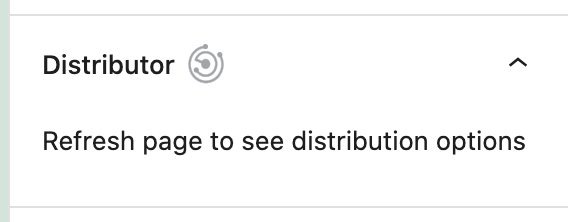
Distributed toandDistributed onmessages that previously showed in the Post Status panel and will now show a new button to toggle the showing of the admin bar (if needed) and the showing of the Distributor menu content.This option will show both in normal mode and in fullscreen mode on a published item that isn't a previously Distributed item (an item received from another site). On a non-published item, we output a simple message letting users know they need to publish first. On a newly published item, since the admin bar only updates on page refreshes, instead of showing the toggle we show a message letting users know they need to refresh.
Note: no copy or designs are final. Open to suggestions on all of that.
Screenshots of all scenarios will follow.
Screenshots
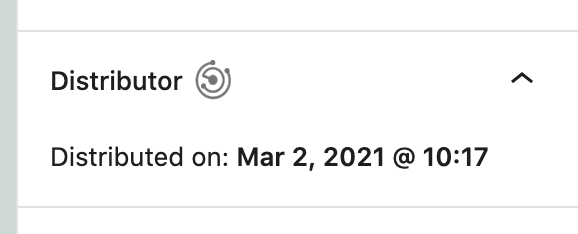
Post received through Distribution, shows the same in both normal and fullscreen mode:
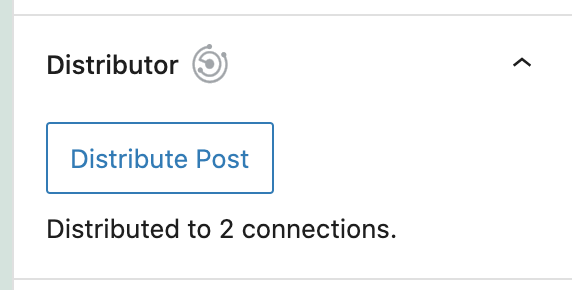
Post that has been Distributed, in normal and fullscreen mode
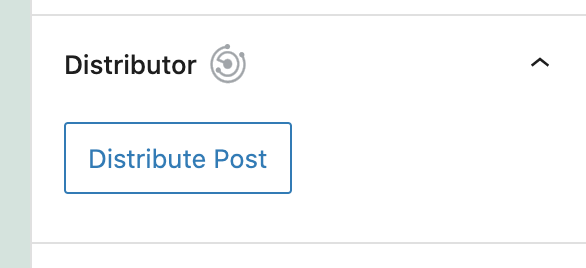
Post with no Distributions, in normal and fullscreen mode
Non-published post

Newly published post, prior to a page refresh
Alternate Designs
Could attempt to move the full Distribution capabilities from the admin bar to this new panel.
Benefits
When using the block editor in fullscreen mode, it should now be easier to figure out how to distribute something
Possible Drawbacks
None
Verification Process
Checklist:
Applicable Issues
#597