Fix/allow jetpack to register fonts (take 2) #6831
Conversation


|
Thanks for following up on this @pbking . Would it be okay if we waited until that required Gutenberg change lands on wpcom (15.1 I think is next week?) to test this change? |

Yea, that would definitely be the easiest way to verify and this feature couldn't ship until then anyway. I've tested pretty well locally so I'm pretty confident in the change and am fine waiting until then. |

 jffng
left a comment
jffng
left a comment
jffng
left a comment
There was a problem hiding this comment.
Unfortunately this is still not working in my testing on wpcom:
| Blockbase | Pendant |
|---|---|
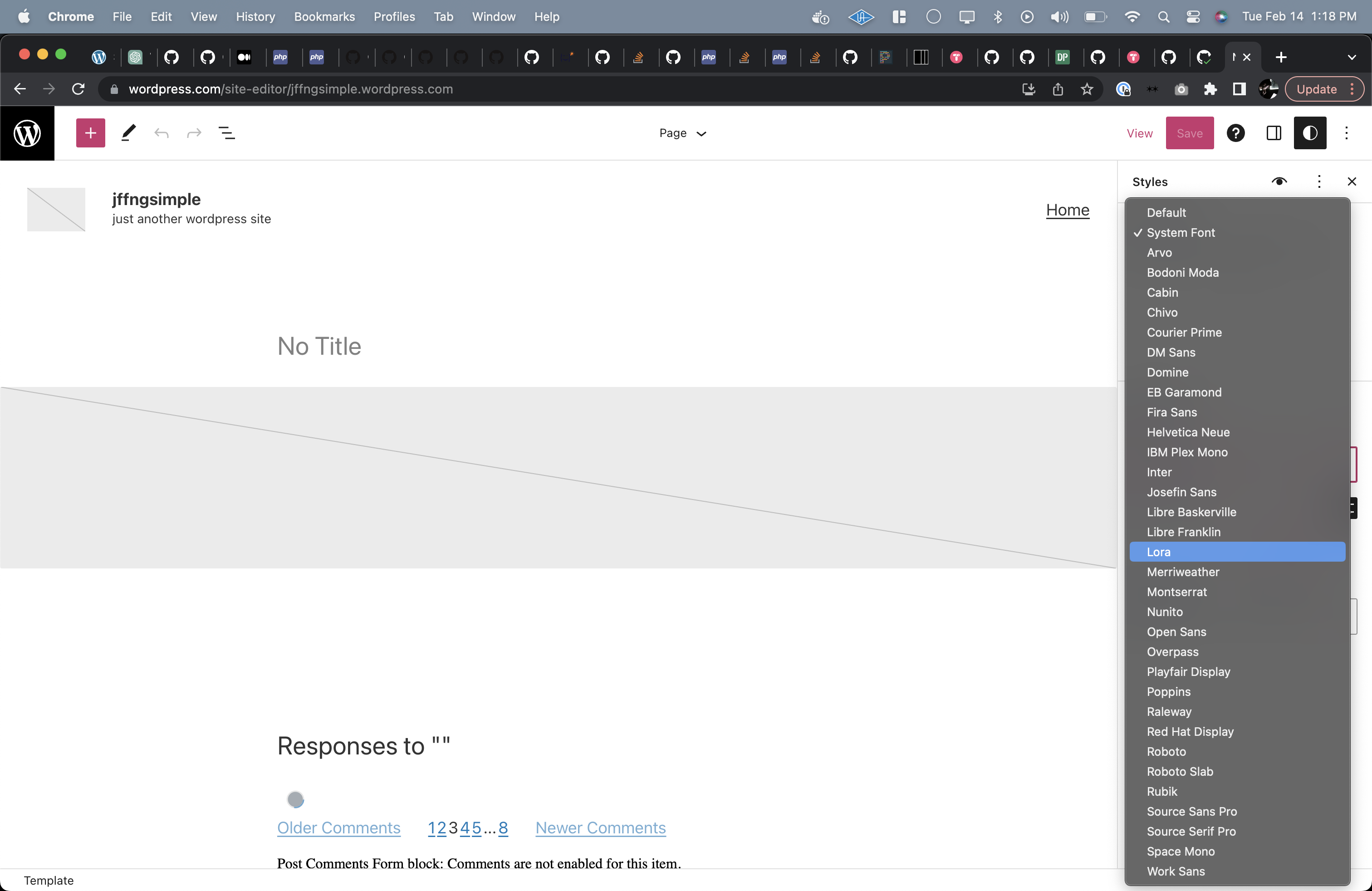 |
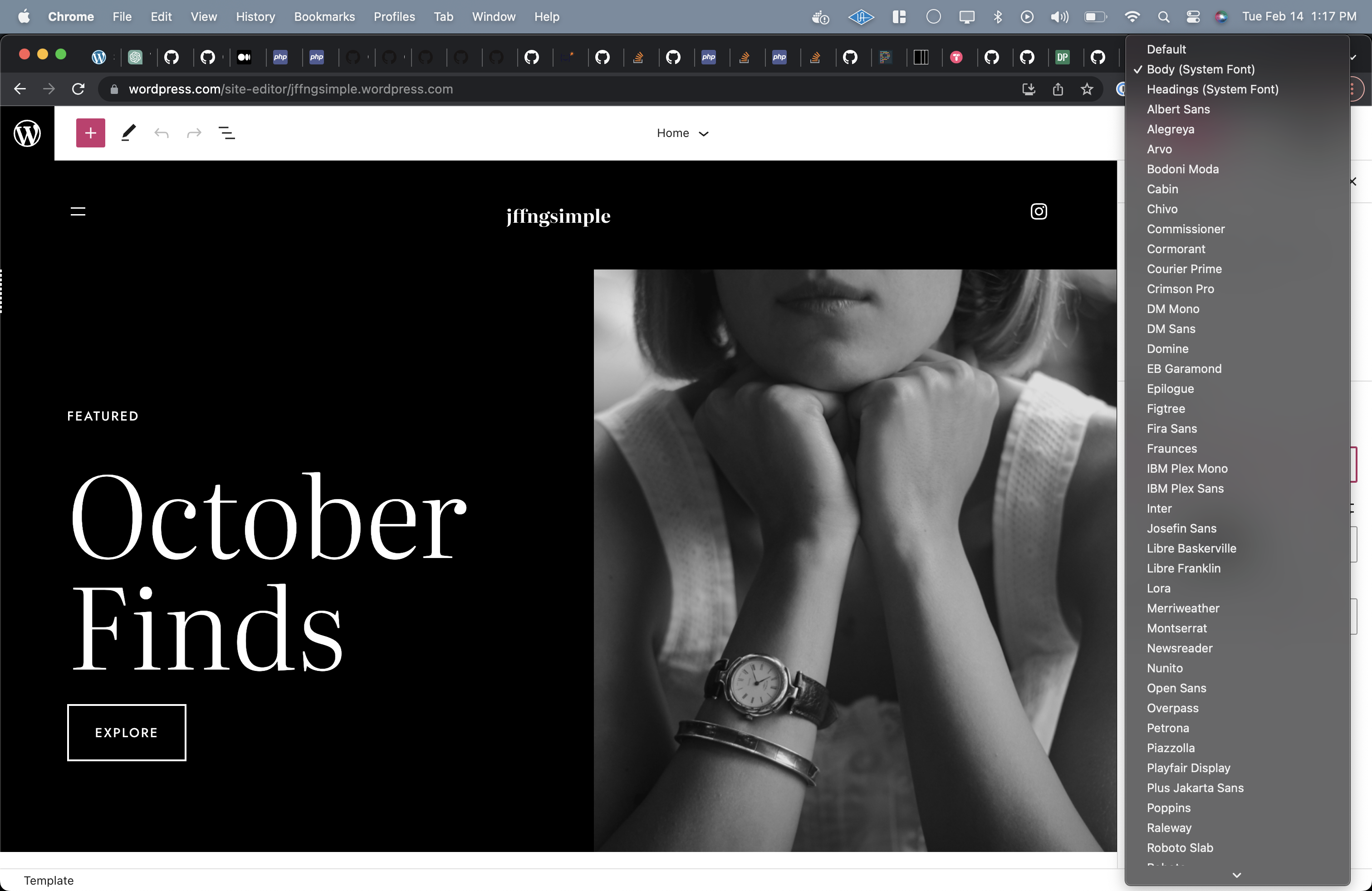 |

There was a problem hiding this comment.
I've tested this out on a wpcom simple site with GB 15.1.1. I used this file to determine which additional fonts I should see. I used Arbutus, Quadrat, and Zoologist.
This looks like it's working great in the Post Editor, as I can see 52 fonts here, and this list seems to correctly include the filtered Jetpack fonts.
However, in the Site Editor, I'm only seeing 34 fonts, and I think the Jetpack fonts are missing. This is the same as what I see in the Post Editor without this PR.
| Site Editor (34 fonts) | Post Editor (52 fonts) |
|---|---|
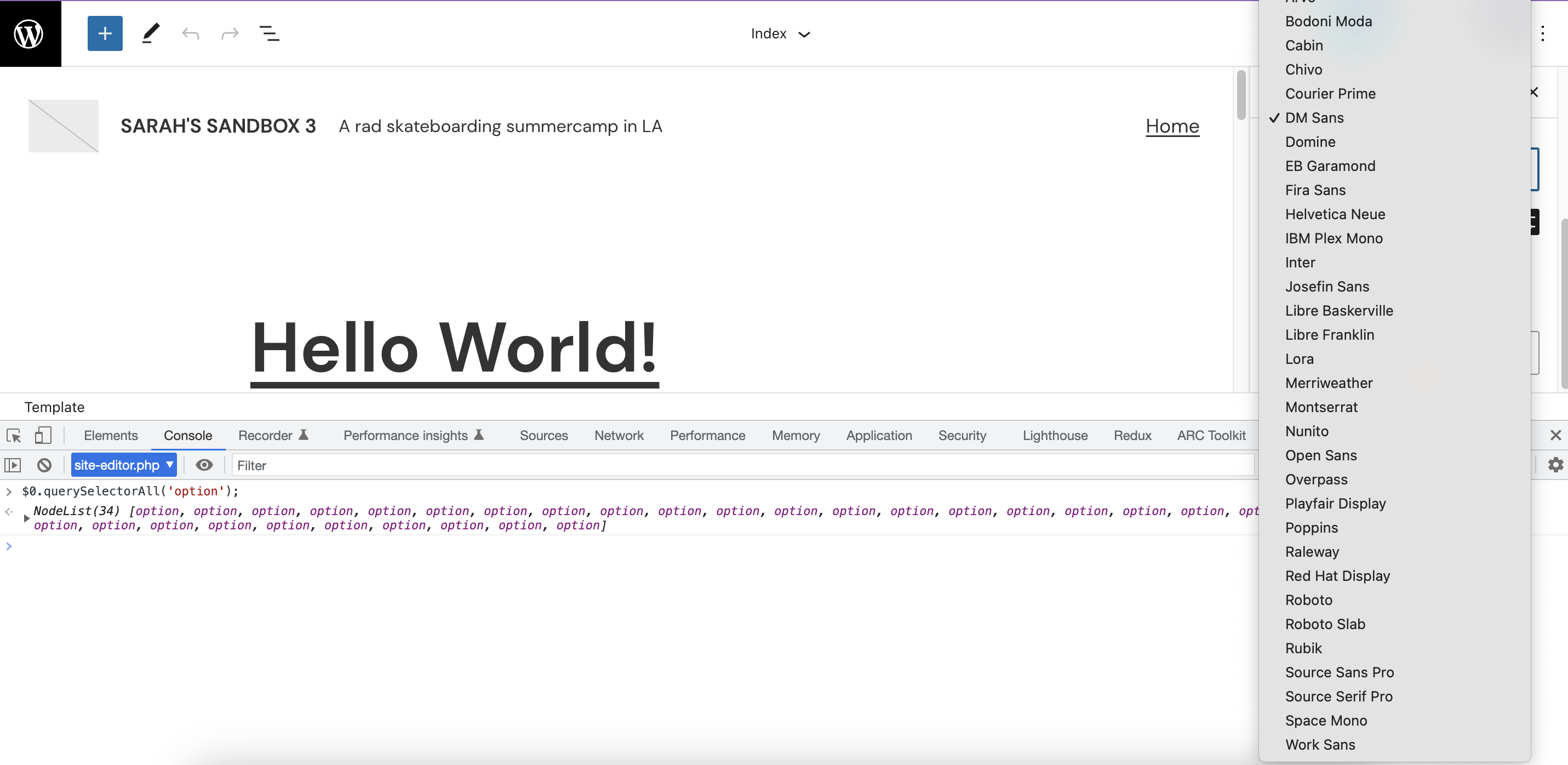 |
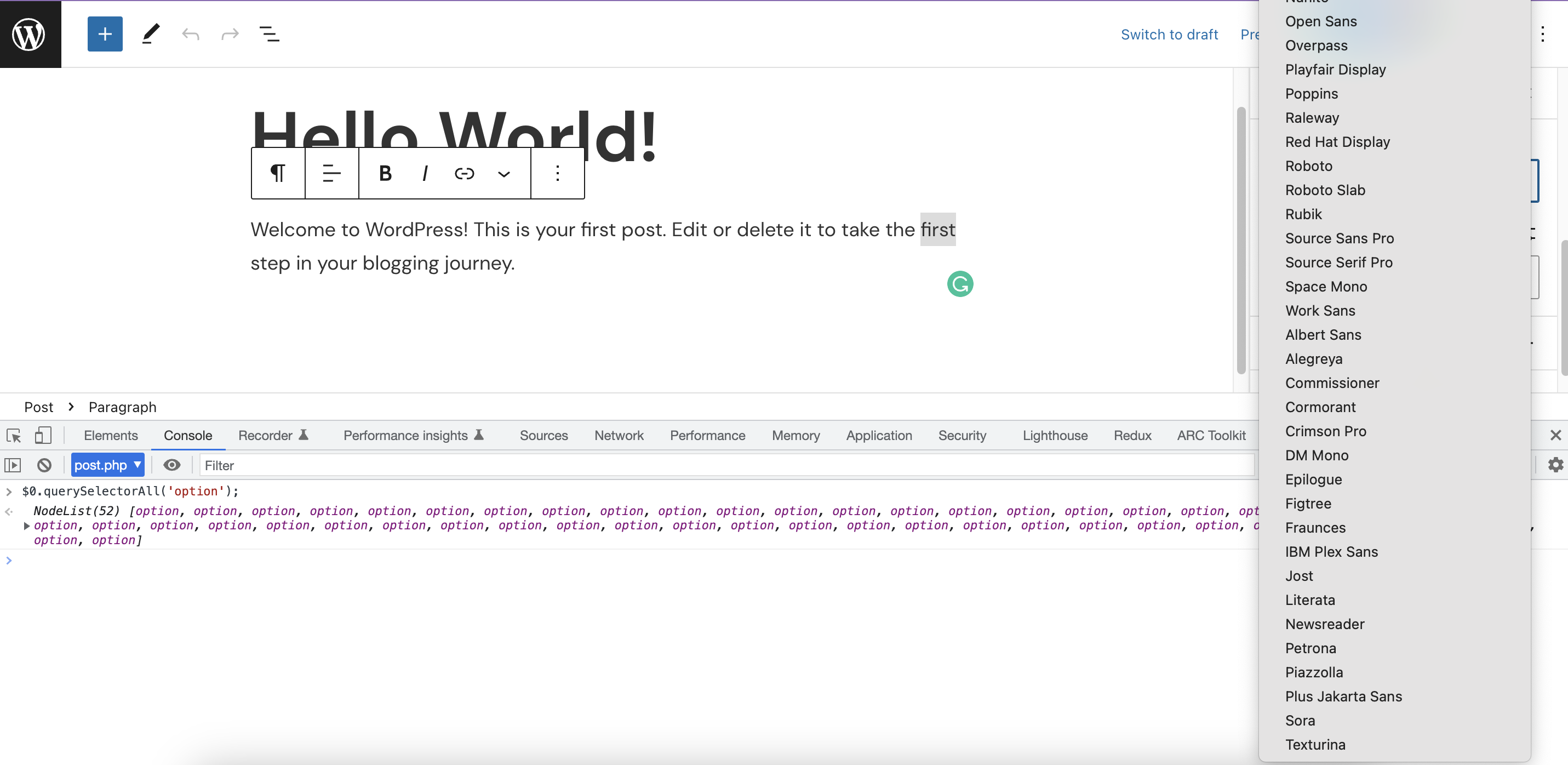 |
In TT3 on wpcom, I see 50 fonts in both the Site and Post Editors.
I'm not sure if I've tested this correctly, but I'm guessing the font list should be the same in both editors. Maybe the Site Editor on wpcom is using the older version of GB still?
|
That's interesting! I've never seen a discrepancy before. I believe I tested exclusively in the site editor so I'm surprised to see that this is ONLY working as expected in the post editor. Indeed, all environments should include all 50-ish fonts. I'll give this another test today as well and see if I can shake out what's going on. |
|
I tested in wpcom simple and found the same results as @mikachan. I used the same version of plugins (Gutenberg and Jetpack) locally and found all fonts to be loading as expected. I'm not sure what the difference in environment would be causing the fonts to fail to load. |
|
Strangely: I took out ALL of the font customization bits from Blockbase (on my sandbox): I didn't call the font customization scripts and I even deleted the custom fonts defined in the theme.json file. And I STILL saw all of the Fonts from Blockbase and none from Jetpack. At that point I don't understand what would have been different about Blockbase and Twenty Twenty Three (where all of the Jetpack Fonts ARE available). I'm very very confused right now... It's almost as though the fonts being supplied are cached in some way some where some how. I will continue to dig. ... [edit] Bah. I wasn't sandboxing the API. It seems to work as expected when I do. |
 mikachan
left a comment
mikachan
left a comment
mikachan
left a comment
There was a problem hiding this comment.
Bah. I wasn't sandboxing the API.
It seems to work as expected when I do.
Sames! I can confirm I can see all the fonts, and the same number of fonts, in both editors when the API is sandboxed 🎉
I think this should be good to bring in now!


This is the same change originally made (and reverted) in #6777. It was refactored per suggestion.
This change requires this gutenberg fix to be included before it works as expected with child themes.
To test ensure that you are in an environment where Jetpack is supplying additional Fonts (such as wpcom) and the Gutenberg change noted has been applied. Activate a Blockbase Child theme and note the available Fonts. All of the fonts offered by BOTH Blockbase and Jetpack should be available in the Site Editor and rendered as expected in the view.