- Uses DS18B20 digital temperature sensor
- Automatically detects the presence of PWM control pin (4th fan wire)
- Operates in PWM or On/Off mode (in case if DC-DC converter or power MOSFET used)
- 25 kHz PWM
- Rotation control with an attempt to restart in case of rotor stop
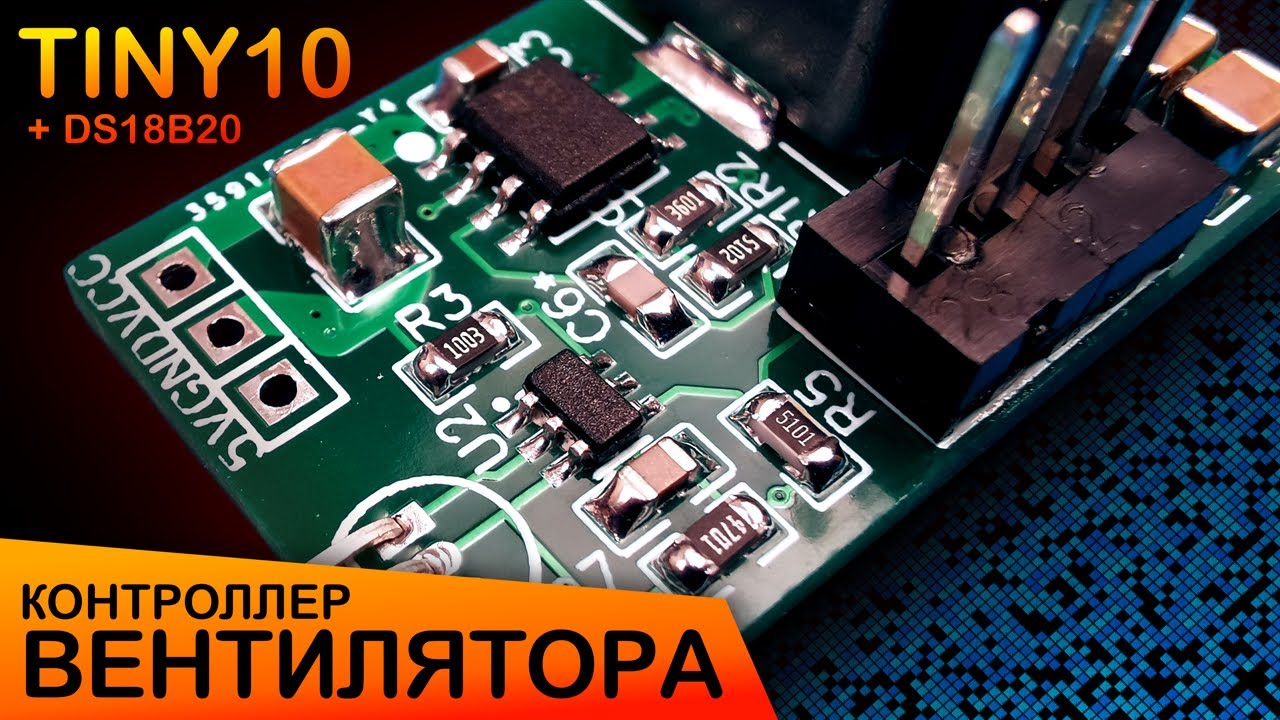
The controller regulates the fan speed using PWM, and the full PWM range (0 - 100%) fits into the temperature range of 25°C - 40°C. In the case of connecting a fan without PWM control or without a speed sensor (2- 3-wire fans), the control is carried out for a temperature threshold of 30°C: if sensor's temperature below this limit, then a logical 0 is set at the 6th pin of the chip, and if higher, then 1. This pin can be used for connecting to a DC-DC converter EN pin or to build another fan powering circuit (for example, using a MOSFET).
See the detailed review of the project on my YT-channel (English subtitles): https://youtu.be/6zM7jxHXjjU


Description of the microcontroller pins:
| Pin | Function |
|---|---|
| 1 | Fan PWM Control signal / TPIDATA |
| 2 | GND |
| 3 | DS18B20 Sensor data line (DQ, 1-Wire) / TPICLK |
| 4 | Fan Rotation Detector signal |
| 5 | VCC |
| 6 | On/Off Control signal / #RESET |
For MCU Flash ROM programming you will need a USBasp programmer (or any other that supports the TPI - Tiny Programming Interface), which is connected according to this schematic:

The programming itself is performed from the Arduino IDE, with the ATtiny10 core installed in it (see the links below).
Fuse programming (0xFE - set RSTDISBL bit):
avrdude -C ..\etc\avrdude.conf -c usbasp -P usb -b 115200 -p attiny10 -v -U fuse:w:0xFE:m
Fuse reset:
avrdude -C ..\etc\avrdude.conf -c usbasp -P usb -b 115200 -p attiny10 -v -x section_config -e
Project - https://easyeda.com/sneer2sneer/ATtiny10-Fan-Controller
Datasheet ATtiny4-5-9-10 - http://ww1.microchip.com/downloads/en/DeviceDoc/atmel-8127-avr-8-bit-microcontroller-attiny4-attiny5-attiny9-attiny10_datasheet.pdf
Tips and Tricks to Optimize Code for 8-bit AVR - https://ww1.microchip.com/downloads/en/AppNotes/doc8453.pdf
Datasheet DS18B20 - https://datasheets.maximintegrated.com/en/ds/DS18B20.pdf
1-Wire protocol (Book of iButton standards) - https://pdfserv.maximintegrated.com/en/an/AN937.pdf
USBasp firmware - https://www.fischl.de/usbasp/
USBasp firmware update guide - https://www.electronics-lab.com/project/usbasp-firmware-update-guide/
ATtiny10Core for Arduino IDE - https://github.com/technoblogy/attiny10core
Programming the ATtiny10 - http://www.technoblogy.com/show?1YQY
ATtiny10 Thermometer - http://www.technoblogy.com/show?2G8A