
A helper that simplifies handling dynamic content size category with only one line of code.
Drag and drop the DynamicFontSizeHelper.swift file to your project.
- Select the
UILabelthat you want to support dynamic content size. - Under Attribute Inspector, set the Register For Size Change With Default Font Size to any
CGFloatnumber you want. - No more!
// Initialize my label somewhere
let myLabel: UILabel

// And then
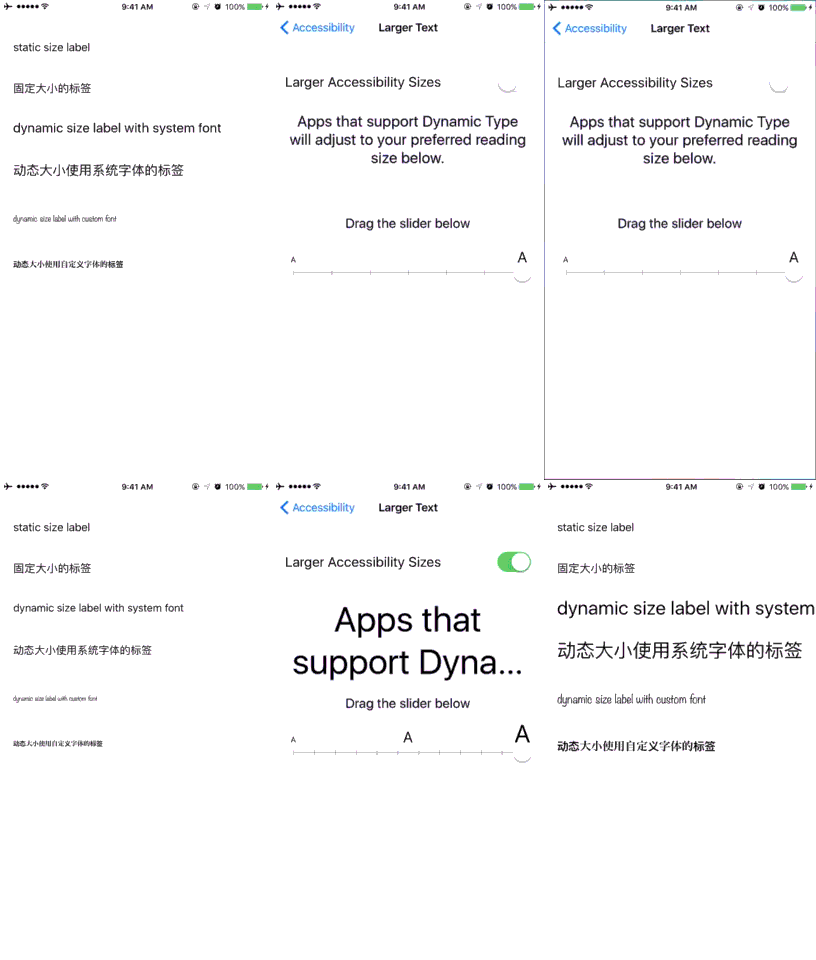
myLabel.registerForSizeChangeWithDefaultFontSize = 14.0This is what you get:
MIT