Reusable block: Add "Convert to regular blocks" in the ellipsis drop down. #32217

Description

What problem does this address?
In WordPress 5.6.2. We see text clearly in the toolbar how to convert a Reusable block back to a regular block.
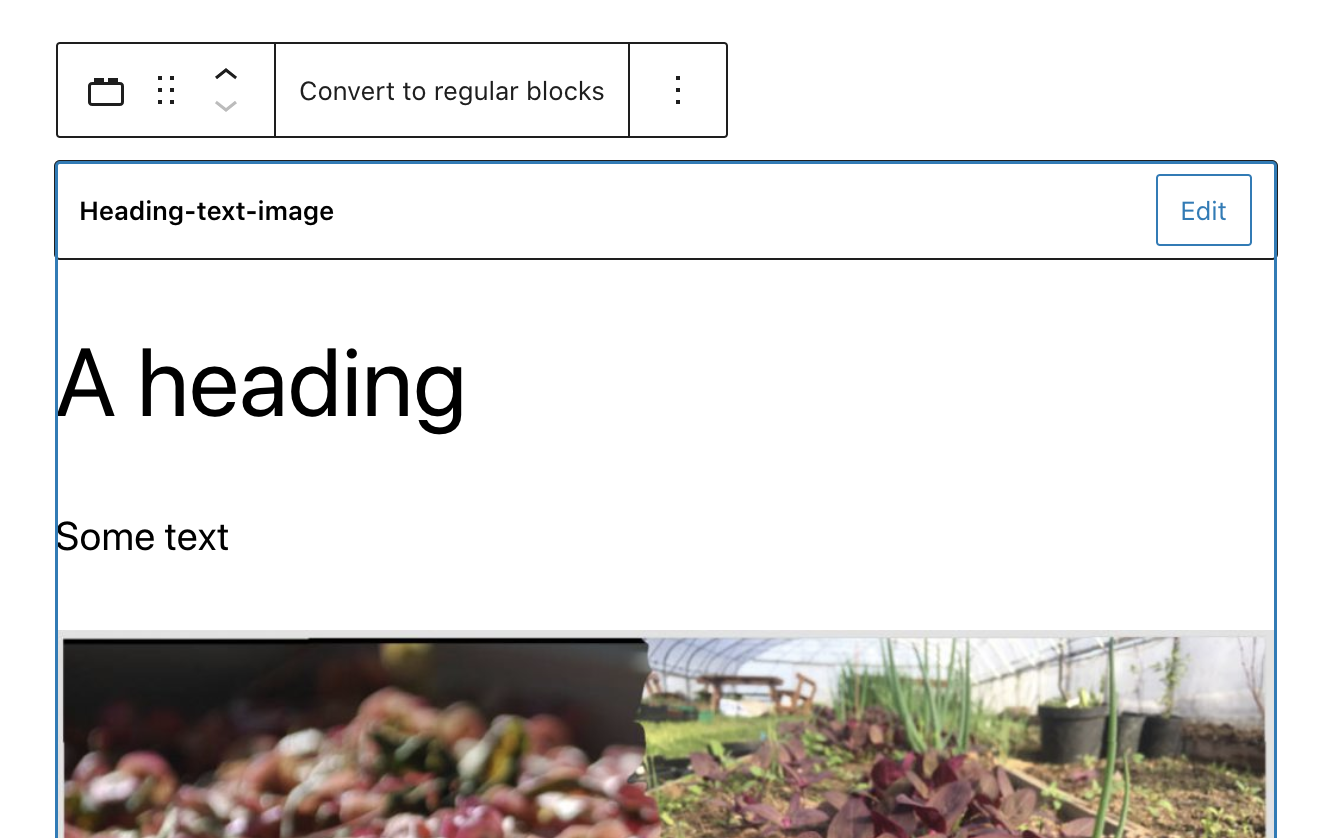
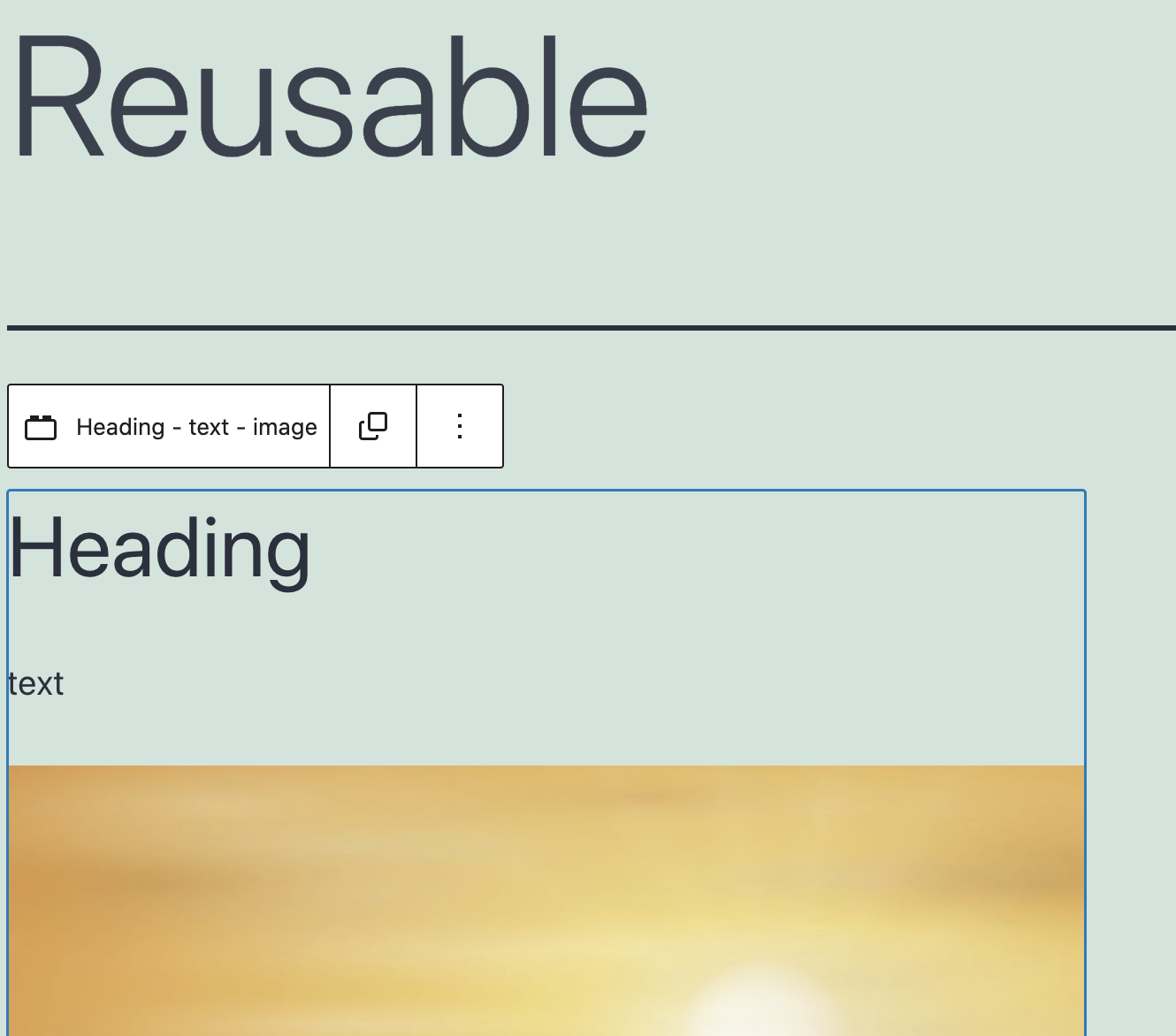
In WordPress 5.7.2 we see the following toolbar for Reusable blocks. The icon does not bring the same clarity as text from the earlier version. It is easy to overlook the icon.
What is your proposed solution?
Comparing with converting to a Group block.
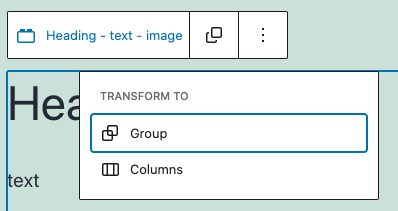
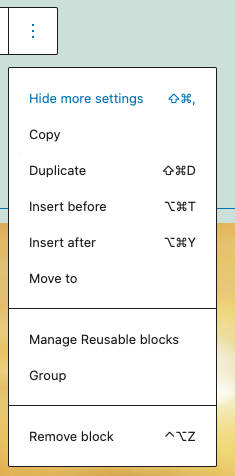
Converting a block to a Group can be done two ways through the current block toolbar.
Through the "Transform to" panel block (icon)
and in the ellipsis drop down (text).
The icon in WP 5.7 is not so obvious and does not express clearly what it does.
It would be helpful to add "Convert to regular blocks" also to the ellipsis drop down.
So the users have the option to click the icon or click the text inside the ellipsis drop down.
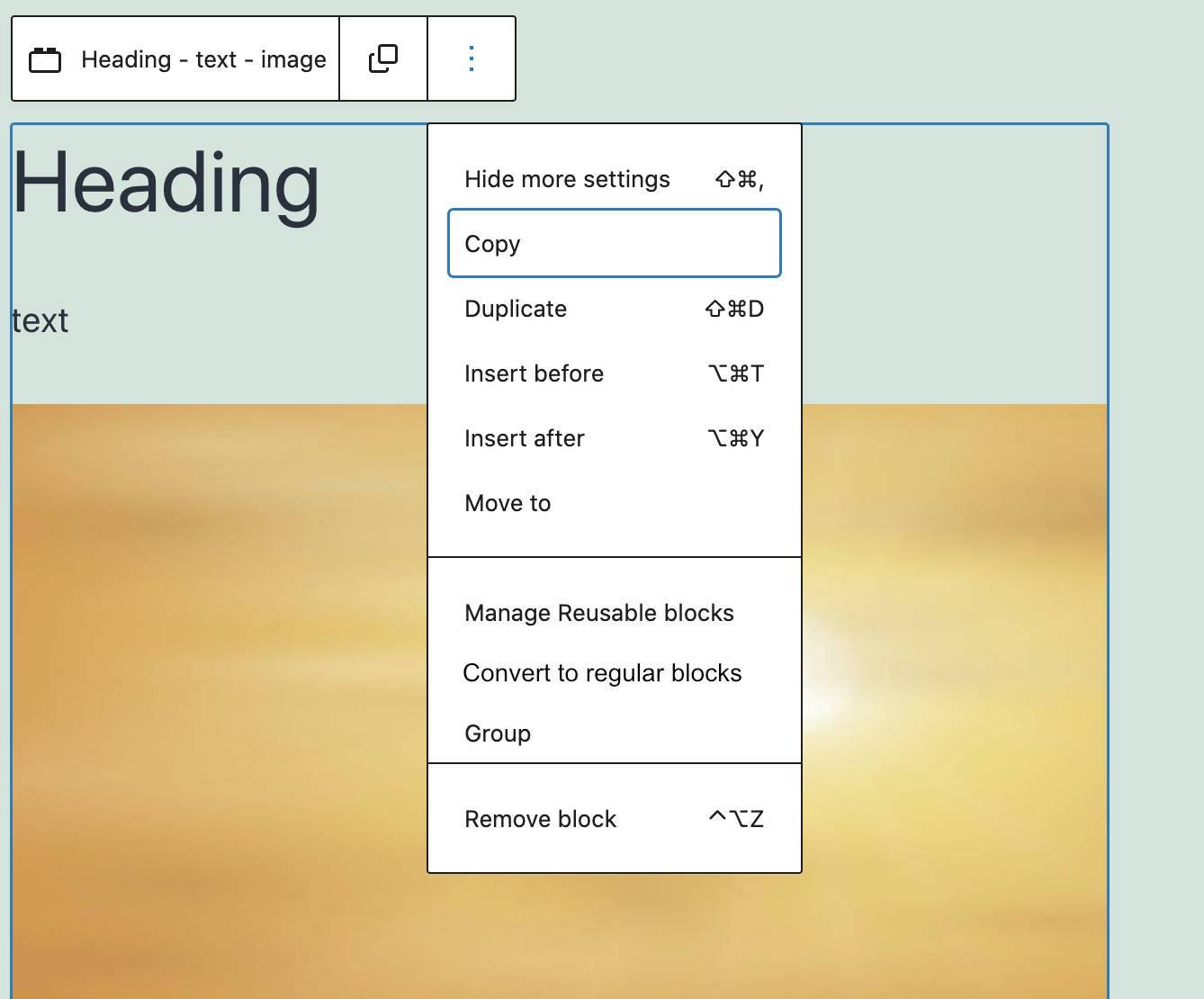
The reason why I am following up on this issue is that I have seen a few reports that users are not able to locate the "Convert to regular blocks" button.