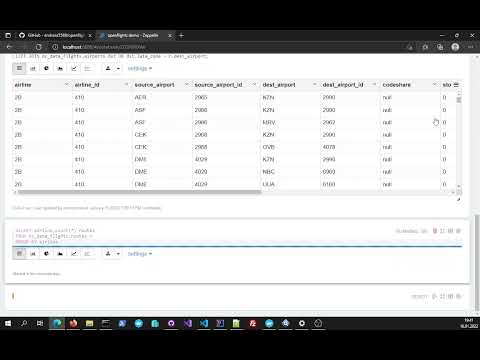
This a example project that demonstrate how to use the openflights_dataset with Apache Zeppelin.
For easy testing there are two ready to run docker container on hub.docker:
This container is a ready build container image from Github Openflights dataset
This container is a ready build container image with Apache Zeppelin that contains all prerequisites to connect to InterSystems IRIS
Make sure you have git and Docker desktop installed.
To start working with this example project do the following:
- Clone/git pull this repo into any local directory
git clone https://github.com/andreas5588/openflights_demo.git- Open the console in the repo directory and run:
By default the Container ports 
docker-compose up -dThats it! Now you should see a running a group of two containers like this:

- Open your browser to start the Apache Zeppelin Notebook:
http://localhost:8080This little video shows how simple you can work now with InterSystems IRIS and Apache Zeppelin