



Ai-powered podcast, video-to-text, and subtitling tools for immediate experience.
Welcome to MemoAI. This article will show you all the capabilities of Memo and how to use it.
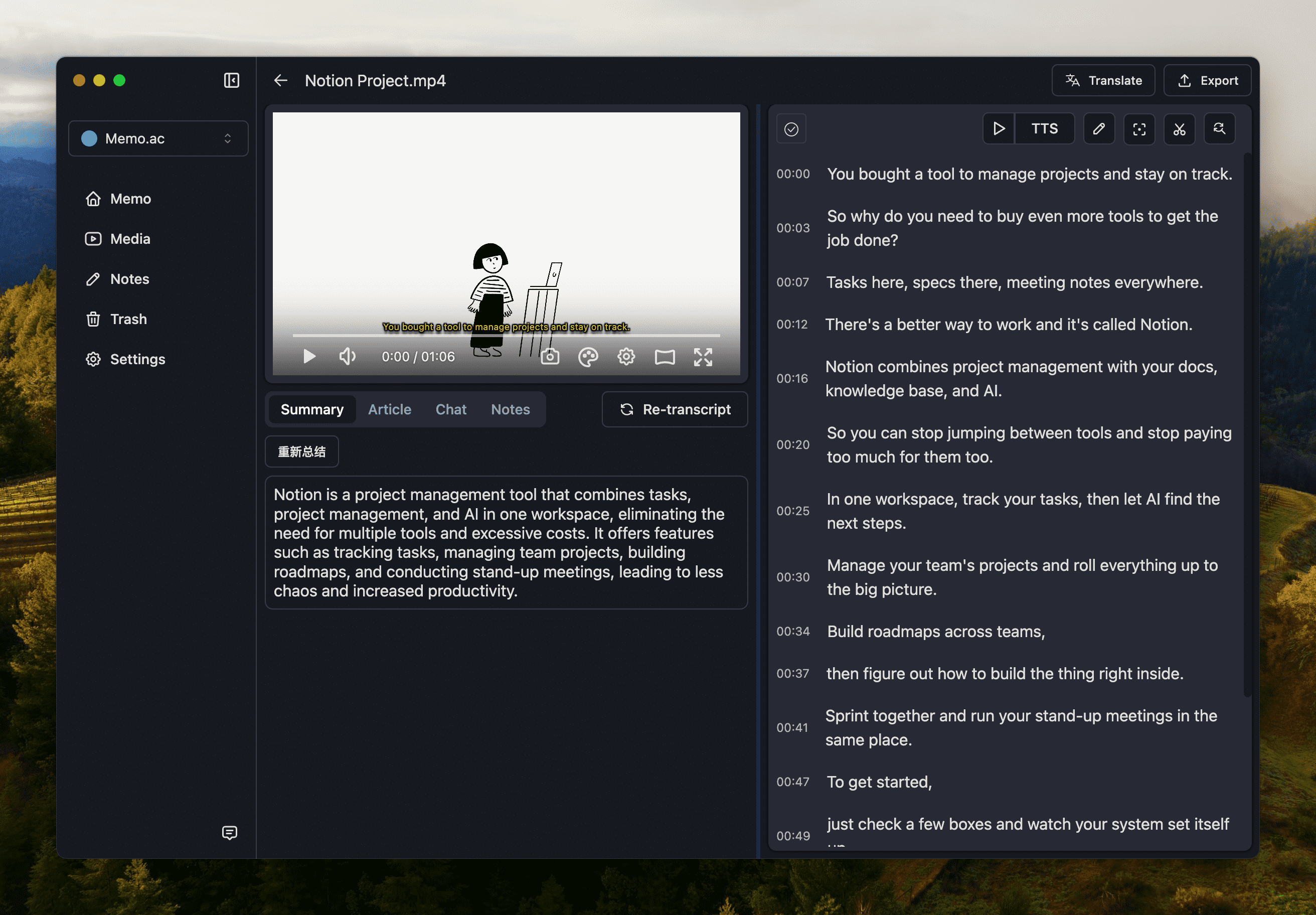
Memo support macOS Silicon、macOS Intel、Windows.
https://github.com/Makememo/MemoAI/releases
Memo supports online and local audio and video file conversion.
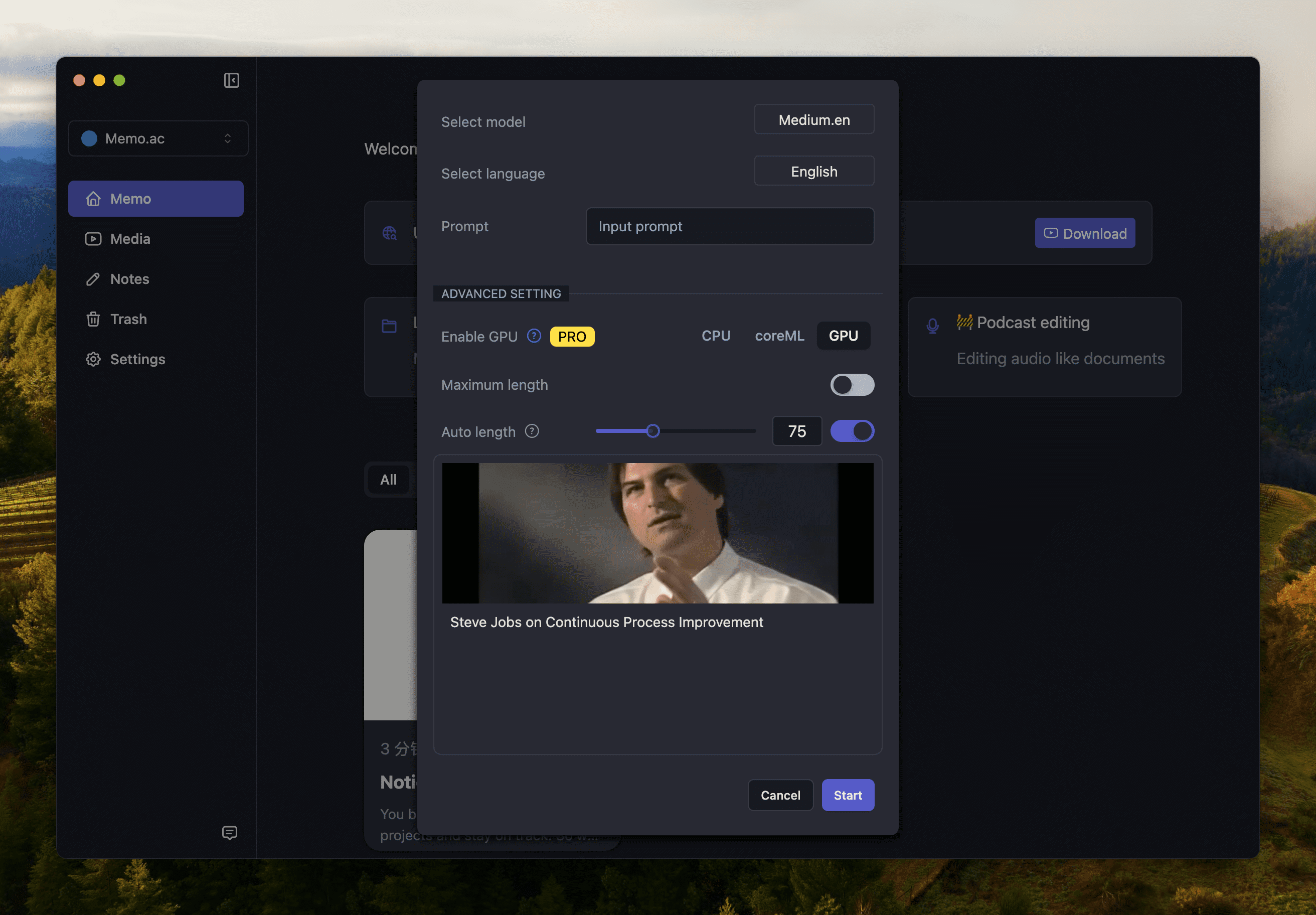
- Copy YouTube link or podcast link (only the small universe is currently supported)
- Paste into the Memo input box
- Click transcribe to start the conversion. In the process
Memo local conversion supports MP4, MP3, AAC, M4A and other common audio and video formats, and there is no need to convert the format before uploading to text. Note that there are no special characters in the local conversion name, otherwise Memo cannot be read.
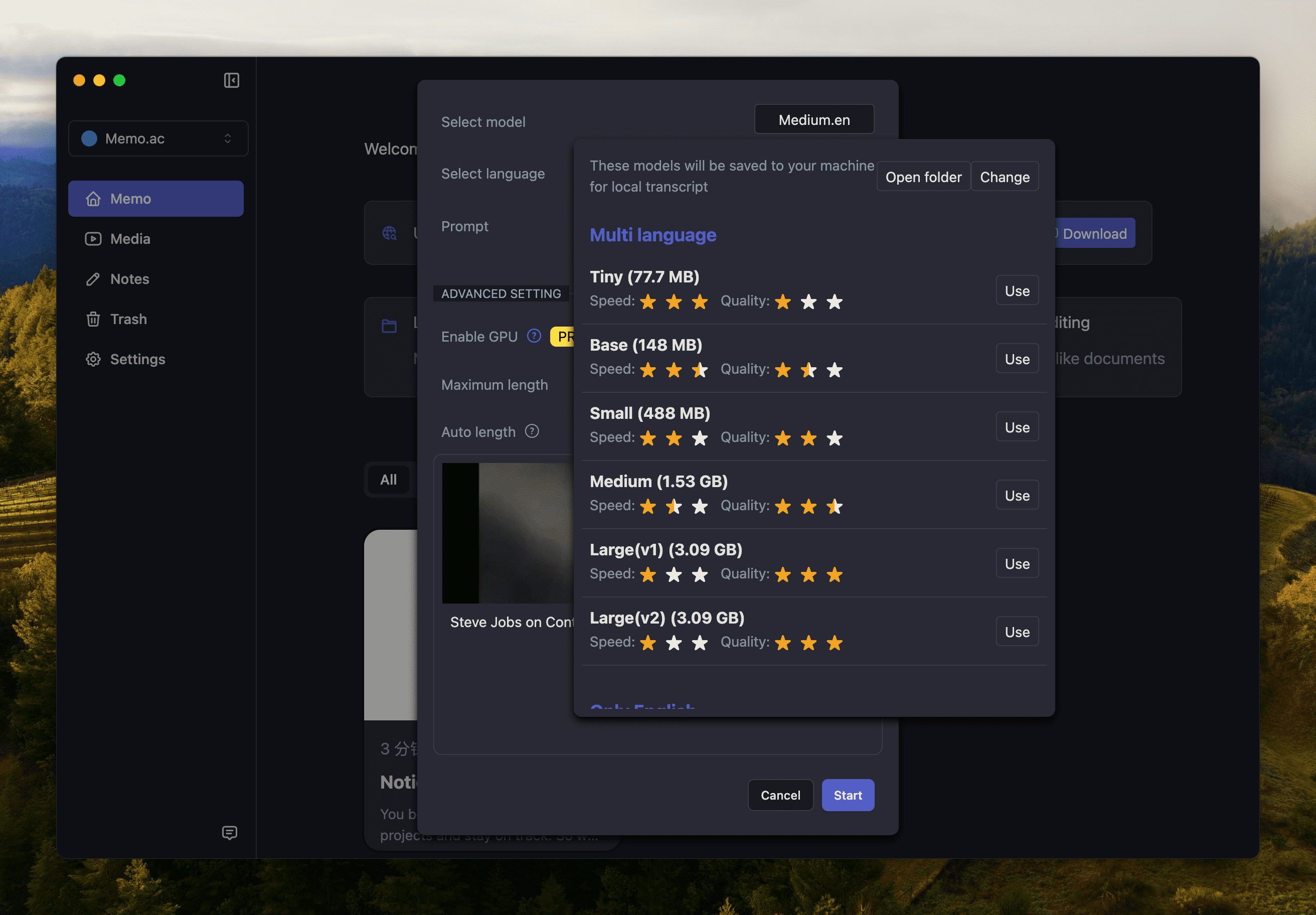
Need AI output paragraph effect? You can directly adjust the maximum number of words in the paragraph, usually 300.
If you already have local subtitles and just need translation ability, please click to upload subtitles. SRT and VTT formats are currently supported.
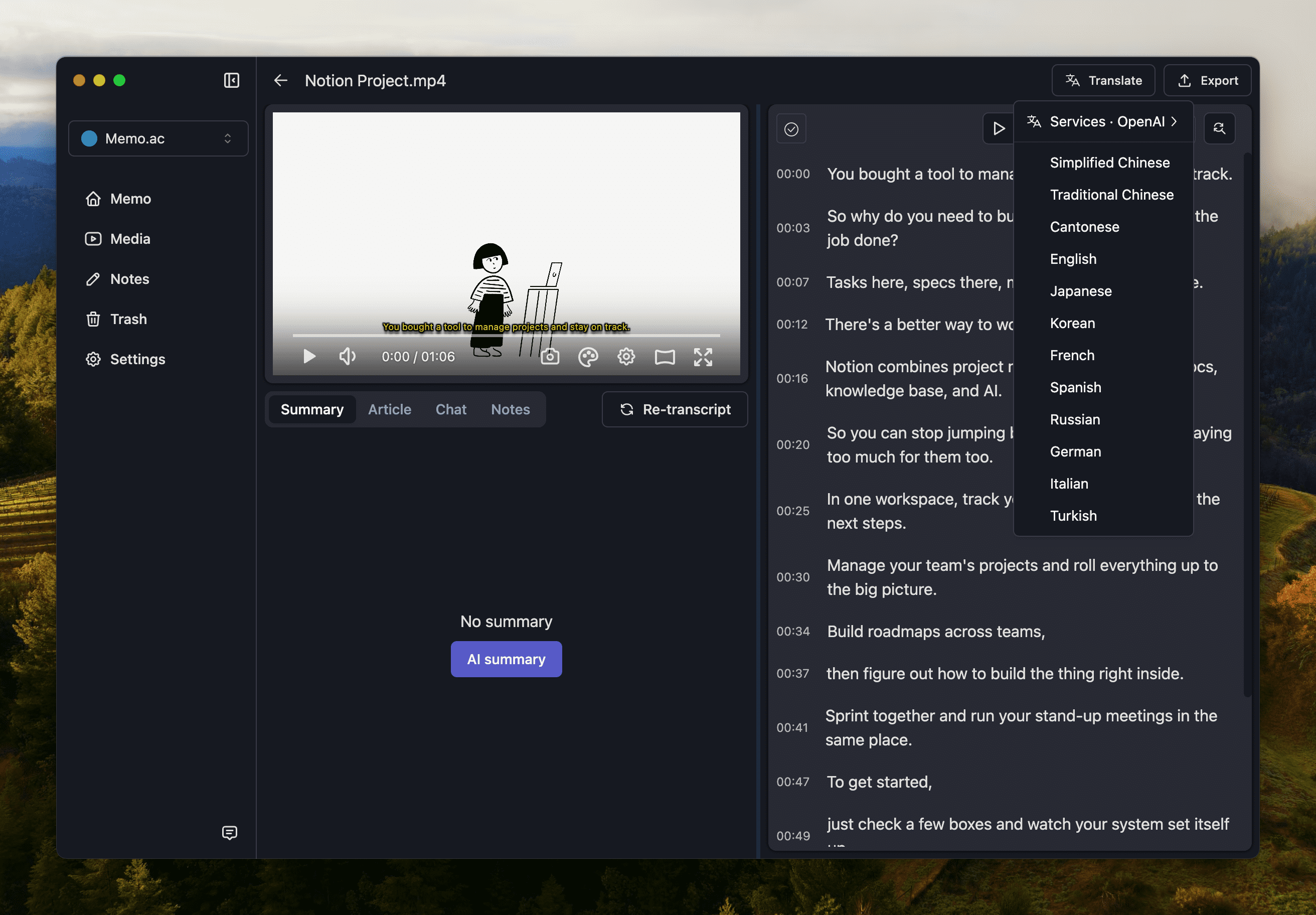
Memo has two built-in free translations, Google and Microsoft, which can meet the needs of daily use. If you prefer other translation services, you can use Volcano Translation, DeepL and AI Translation.
If the translation is not satisfactory, you can click the line translation option to translate again.
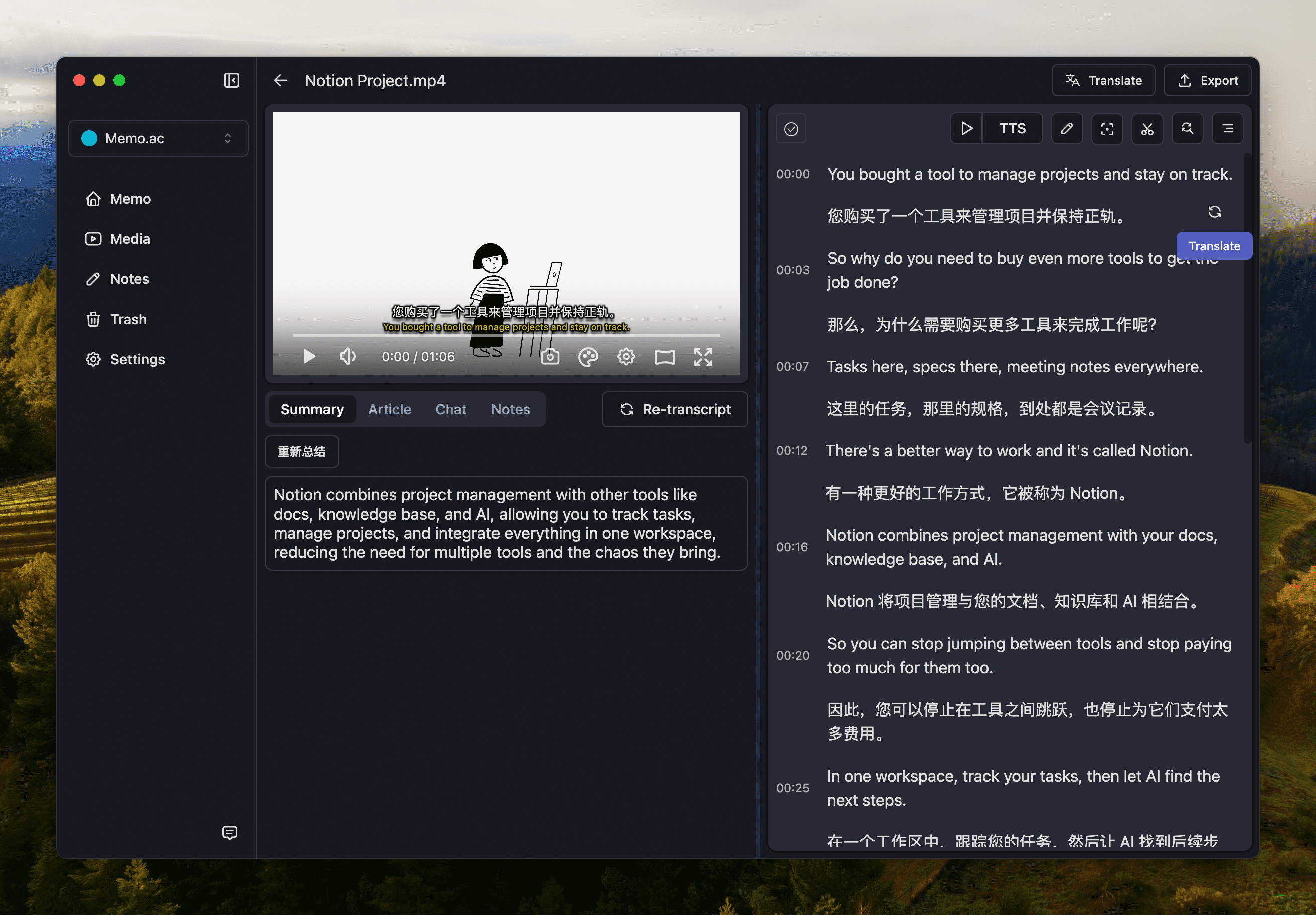
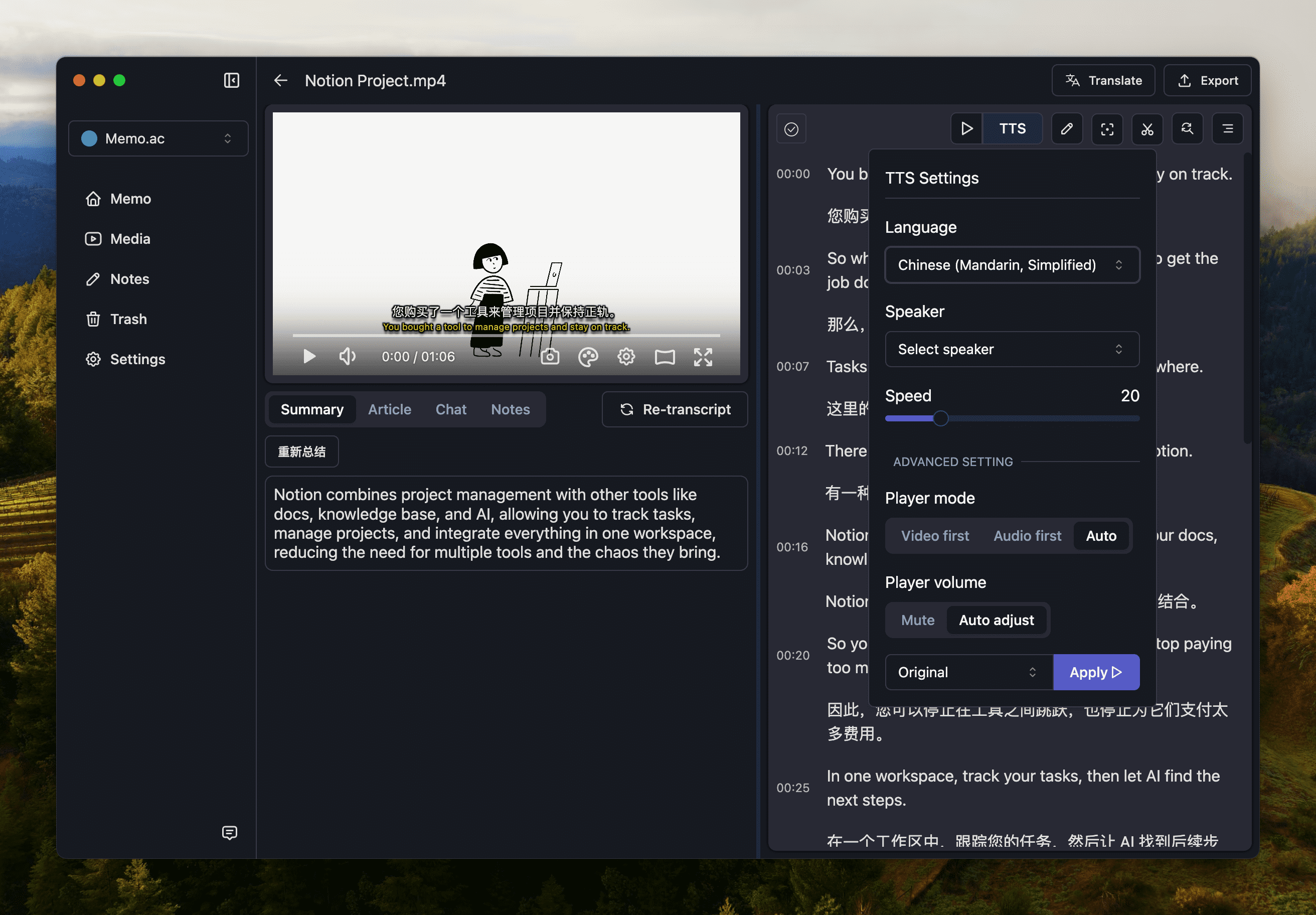
Support a variety of speech synthesis, other languages can also listen fluently.
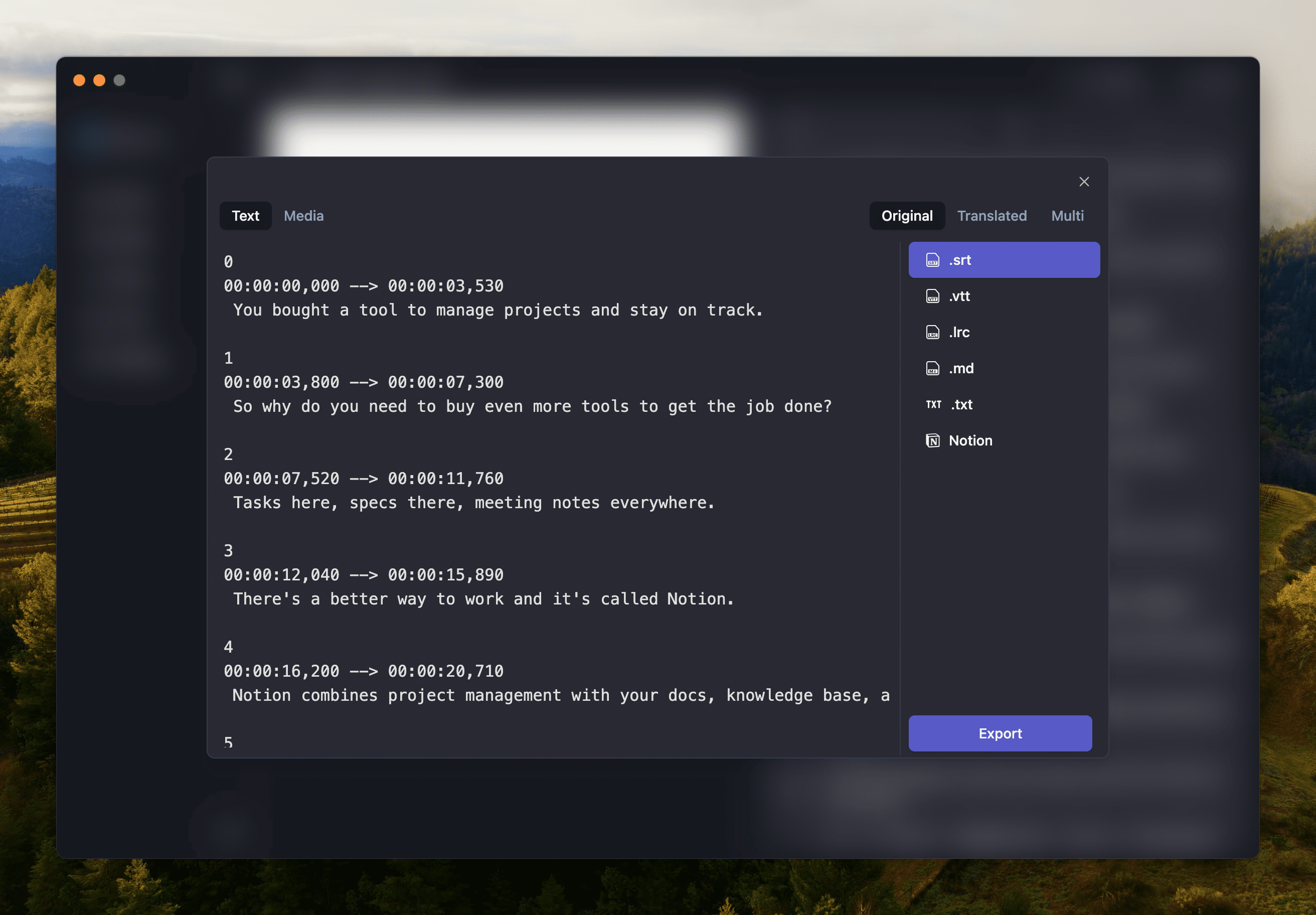
Memo Support the export of SRT, VTT and other subtitle formats to help you save the tediousness of manual scrolling. Tools such as Markdown also support export synchronously.
- Twitter: https://twitter.com/FemoHQ
- What's New: https://memo.ac/releases