

This repository demonstrates developing a Docsify-enabled static site using Markdown and Development Containers.
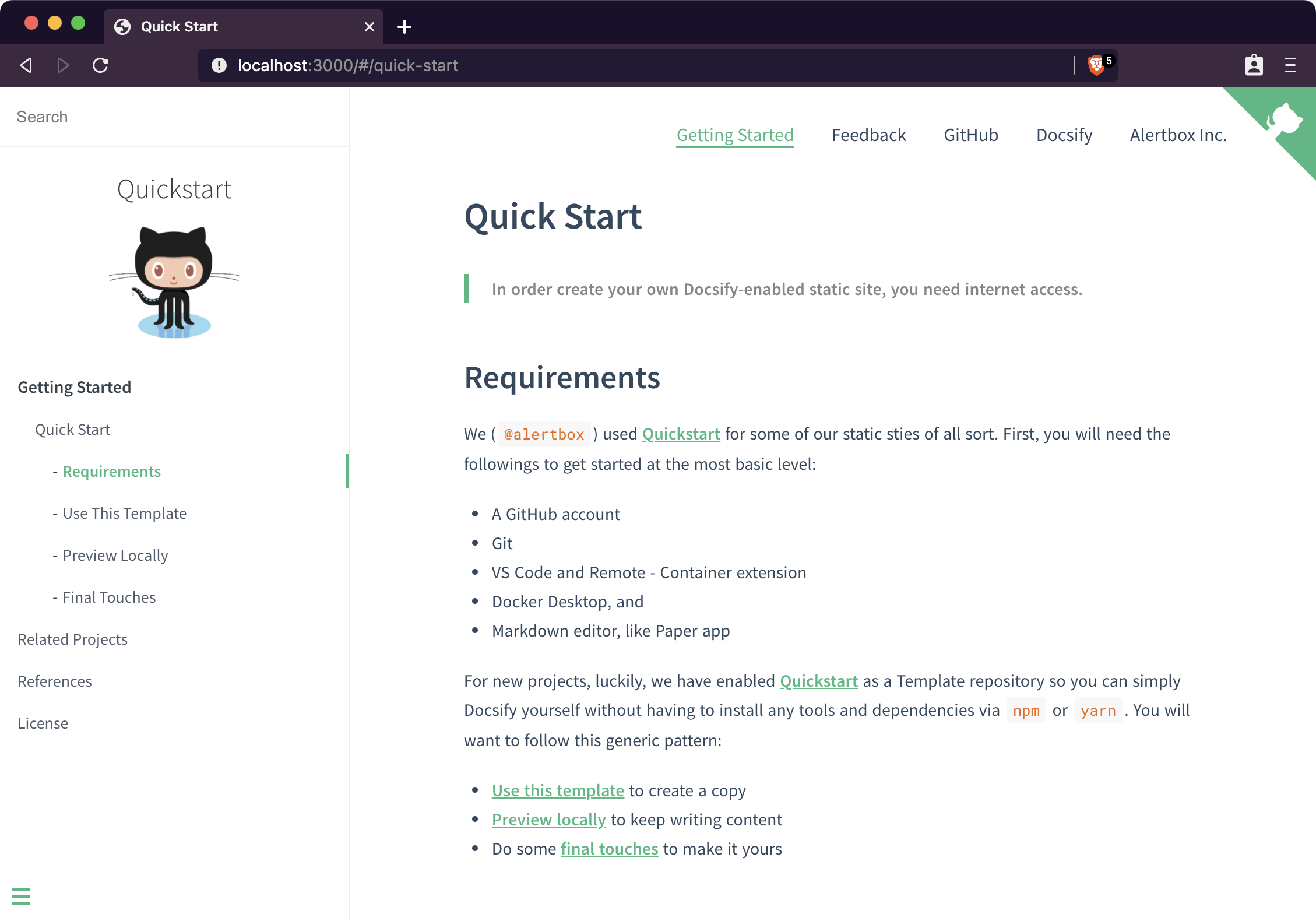
The docsify-enabled site in action.
- Uses node development container found in @kosalanuwan/devcontainers
- Uses @docsifyjs/docsify-cli latest version for serving static site
- Configured to build and run from VS Code
- Contains boilerplate docs for a quick preview
See @kosalanuwan/devcontainers repository to get started at the most basic level, and:
- A Markdown editor, the lightweight and easy-to-use syntax for all forms of writing on the GitHub platform.
If you are completely new to docsify, the Quick Start guide is a good source of information.
First, you want a copy of this repo. It is marked as a Template so you will only have to Use This Template and follow the instructions. Read more about this in the GitHub's Template Repositories document.
Next is clone the repo, then open in VS Code. You can use @github/cli for this.
#!/bin/zsh
gh repo clone kosalanuwan/vscode-remote-try-docsify
code vscode-remote-try-docsify/
Then, re-open the source code in the development container to install the minimal required setup for you.
With VS Code:
- Run task:
Reopen in Container - Press
F5to preview locally
If you have any technical problems with Docsify, you are better off asking Docsify Support directly, since you'll end up getting a much faster response back that way.
The official repo to contribute would be @docsifyjs/docsify.
Copyright © Alertbox Inc. All rights reserved.
The source code is license under the MIT License.