A smooth, lightweight, and flexible interactive Dynamic Island for Hyprland and niri.


Preview · Features · Installation · Configuration · Common Commands
Tide Island is a small desktop widget for Hyprland and niri, styled like the Dynamic Island.
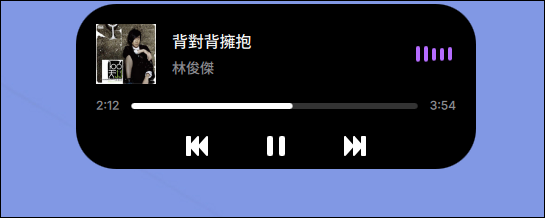
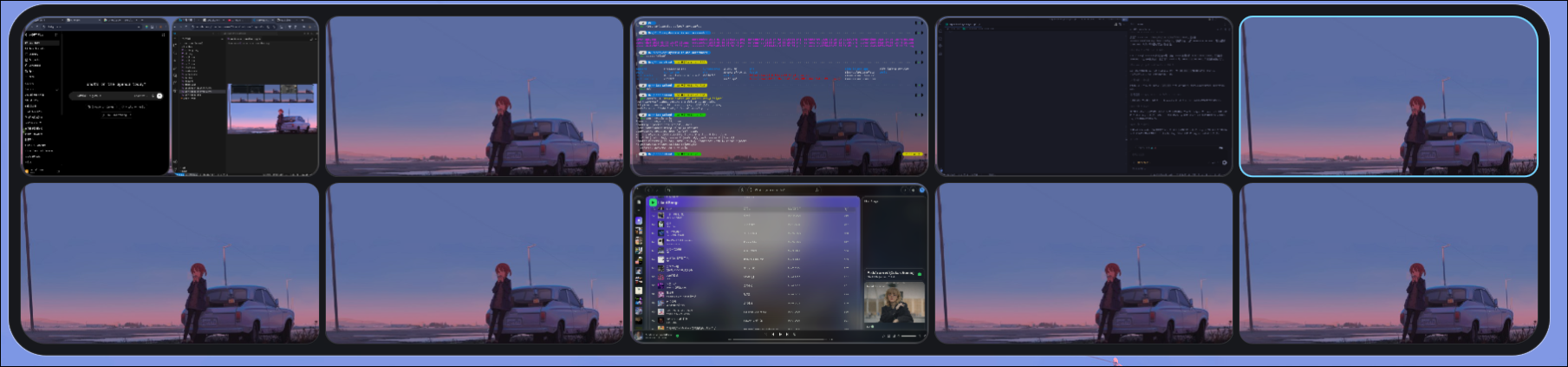
When nothing much is going on, it just sits in the corner, staying out of the way. When you need to check some information, it expands into a panel where you can view lyrics, switch workspaces, adjust system settings, check notifications, or put in some custom content.
It's built with Quickshell, QML, and C++/Qt 6. Most of the effort went into making the animations as smooth as possible, interactions responsive, and resource usage kept in check. I can't claim it's anything special, but I hope it's comfortable to use.
|

|
|
|
|
|
- Clock
- Music player
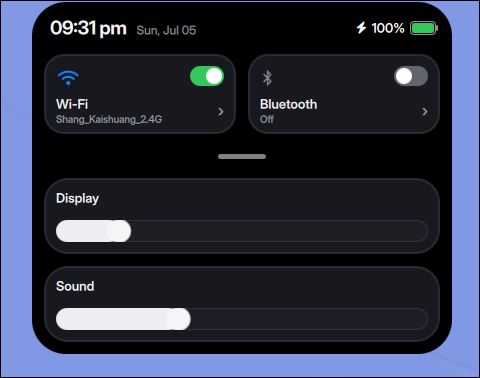
- Control Center
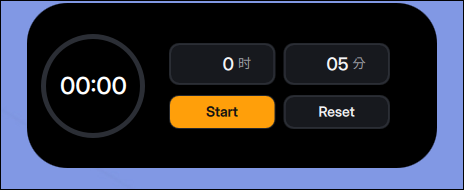
- Timer
- Lyrics displayer
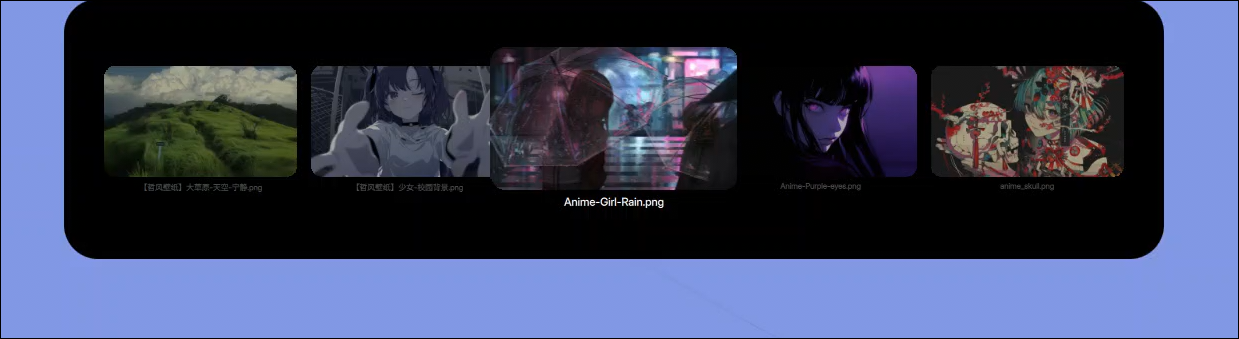
- Wallpaper switcher
- Workspace overview
- Custom page
- Volume changes
- Brightness changes
- Battery charging / discharging
- Workspace changes
- Media playback (optional)
- System notifications
- Time
- Date
- Battery
- Volume
- CPU usage
- Current workspace
- Memory usage
- Brightness
- Cava
- Hyprland: full current experience, including Tide's workspace overview, workspace animations, shortcuts, and Night Light through
hyprsunset. - niri: island views, focused-output IPC commands, workspace change hints, native niri overview, shortcuts through
~/.config/tide-island/niri-shortcuts.kdl, and Night Light throughgammastep. - Tide checks
TIDE_ISLAND_COMPOSITORfirst, then$XDG_CURRENT_DESKTOP. It uses$NIRI_SOCKETonly when the desktop environment is inconclusive, then falls back to Hyprland. This prevents inherited compositor sockets from causing a false detection.
Install from the AUR:
yay -S tide-islandOr build manually:
git clone https://github.com/enhaoswen/Tide-island.git
cd Tide-island
makepkg -siClone the repository and run the installer:
git clone https://github.com/enhaoswen/Tide-island.git
cd Tide-island
./scripts/install-debian-ubuntu.shTide Island provides a systemd user service.
Enable and start it immediately (Recommended):
systemctl --user enable --now tide-islandIf you want to manage startup manually, add this to your hyprland.conf:
exec-once = tide-islandOr add this to hyprland.lua:
hl.exec_once("tide-island")If the systemd service is already enabled, you do not need to add exec-once.
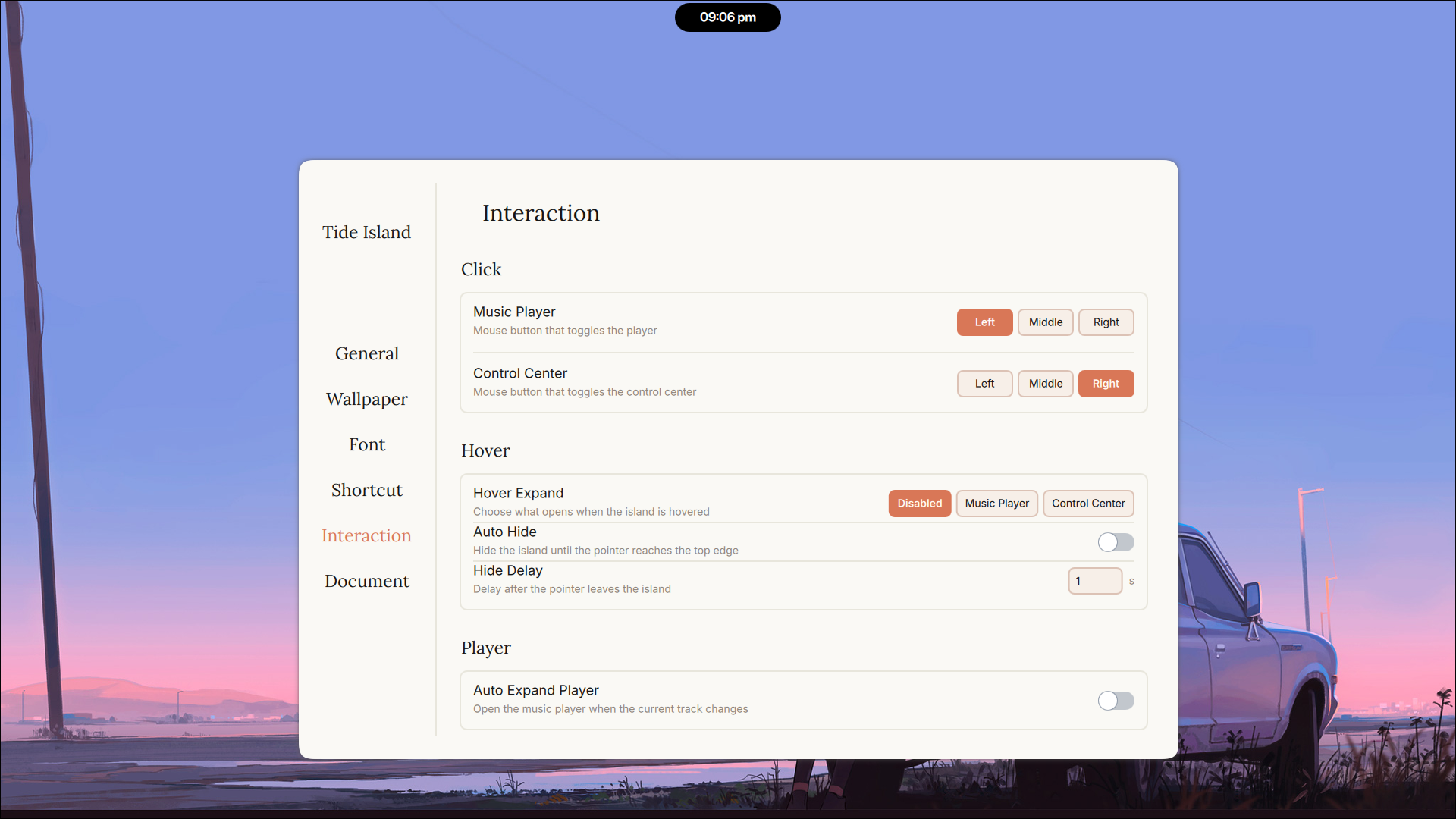
Search Tide Island Settings in any application launcher
The Shortcut page can apply bindings automatically. On niri it writes ~/.config/tide-island/niri-shortcuts.kdl, includes it from ~/.config/niri/config.kdl, validates with niri validate, then reloads niri with niri msg action load-config-file.
systemctl --user restart tide-islandsystemctl --user stop tide-islandjournalctl --user -u tide-island -fIssues, bug reports, design suggestions, and pull requests are all welcome.
Thanks to:
- @end-4 for the workspace overview design inspiration
- @gozhuimeng for improving the lyrics backend
- @LatifKovani for a significant improvement
- Discord: https://discord.gg/gEmqgz76
- Email: enhaoswen@gmail.com
Made for Hyprland and niri users who like quiet and practical desktops.