A set of training scripts written in python for use in Kohya's SD-Scripts. It has a UI written in pyside6 to help streamline the process of training models.
Old scripts can be found here
If you are on windows all you need to do to install the scripts is follow these commands. Open up a command line within the folder that you want to install to then type these one line at a time
git clone https://github.com/derrian-distro/LoRA_Easy_Training_Scripts
cd LoRA_Easy_Training_Scripts
install.bat
after that, it will begin installing, asking a few questions along the way. Just make sure to answer them.
If you are on linux then I can't create a specific installer for you unfortunately, but I can give you a general outline of what to do to install my scripts. starting at the folder you want to install to,
git clone https://github.com/derrian-distro/LoRA_Easy_Training_Scripts
cd LoRA_Easy_Training_Scripts
git submodule init
git submodule update
cd sd_scripts
python -m venv venv
source venv/bin/activate
pip install torch==2.0.0+cu118 torchvision==0.15.1+cu118 --index-url https://download.pytorch.org/whl/cu118
pip install -r requirements.txt
pip install xformers==0.0.17
pip install -r ../requirements_ui.txt
pip install ../LyCORIS/.
accelerate config
accelerate config will ask you a bunch of questions, answer them like so,
- This machine
- No distributed training
- NO
- NO
- NO
- all
- fp16
You can launch the UI using the run.bat file if you are on windows, or run.sh file if you are on linux.
The UI looks like this:
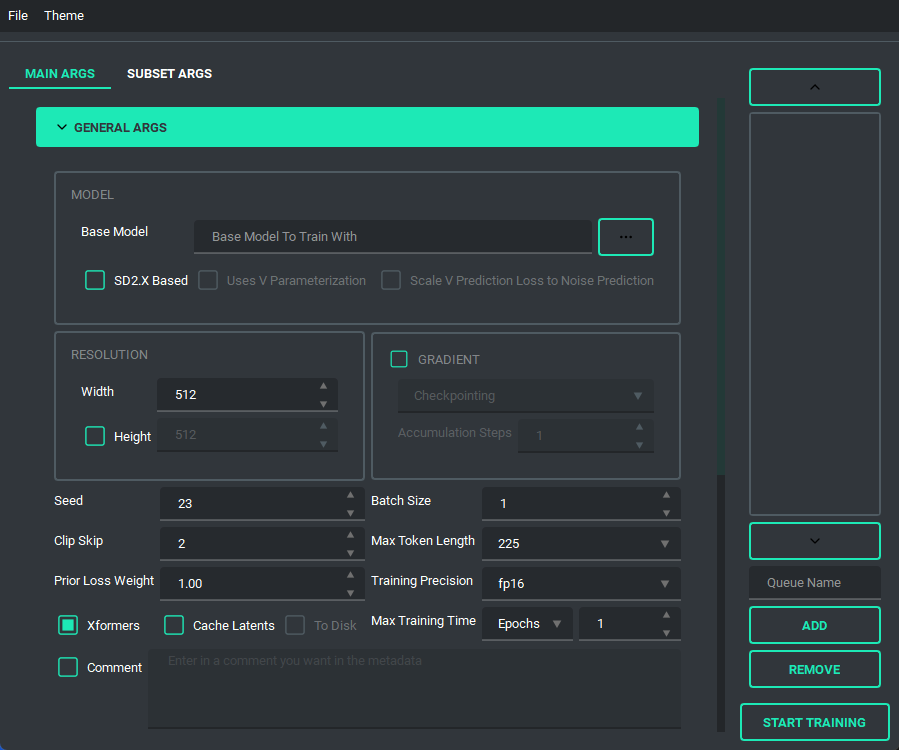
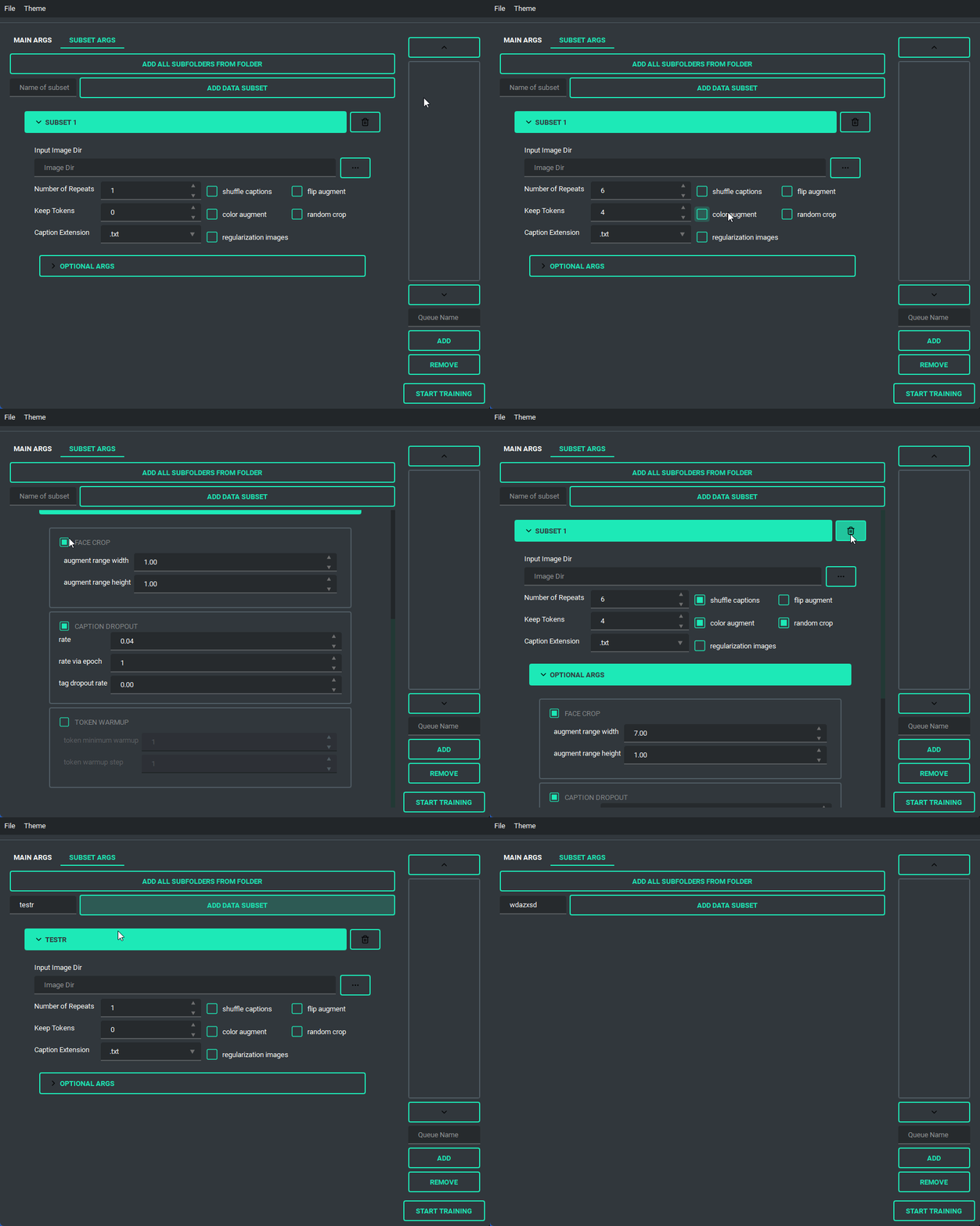
and has a bunch of features to it to make using it as easy as I could. So lets start with the basics. The UI is divided into two parts, the "args list" and the "subset list", this replaces the old naming scheme of <number>_<name> to try and reduce confusion. The subset list allows you to add and remove subsets to have however many you want!
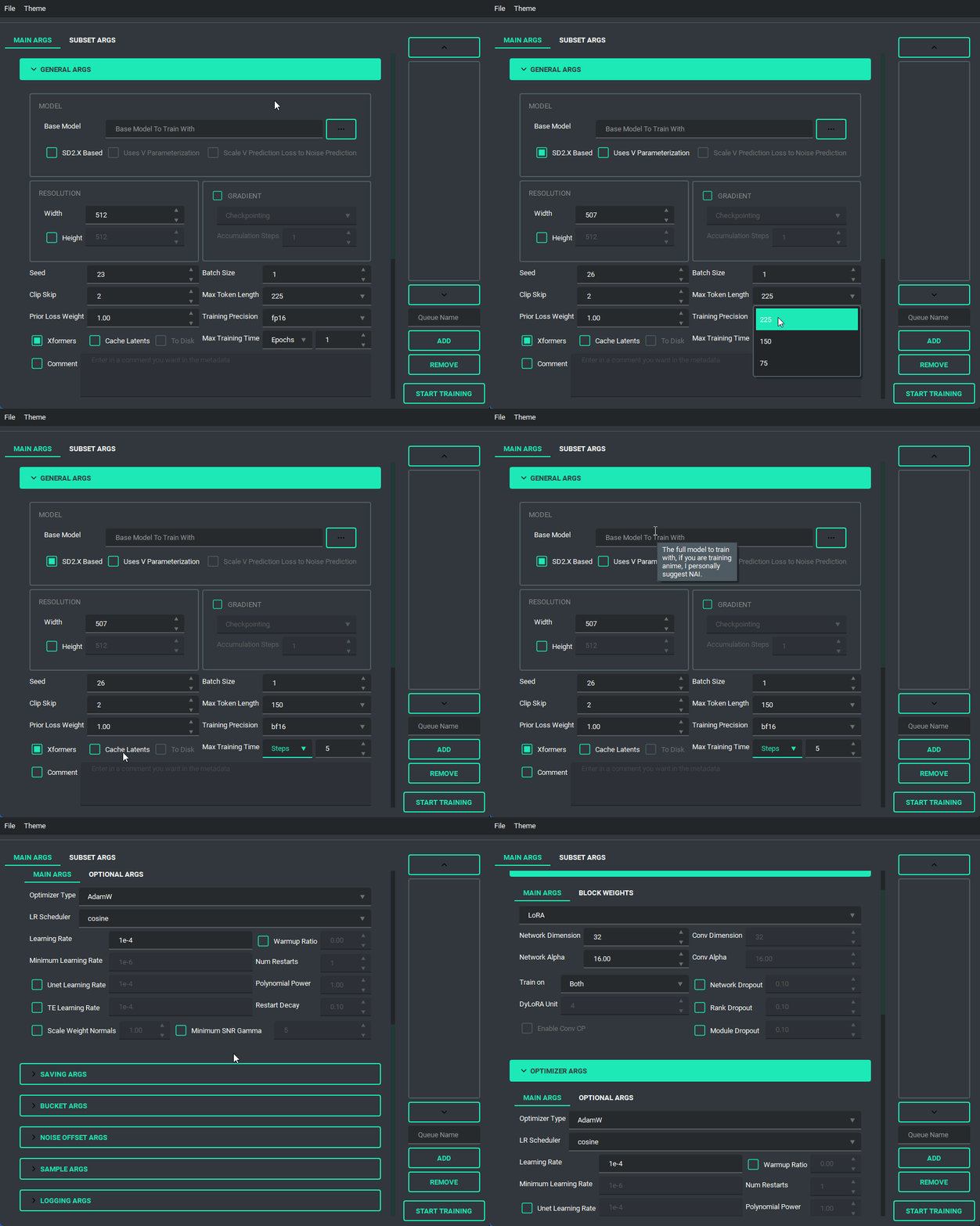
You are also able to collapse and expand the sections of the "args list", so that way you can have open only the section you are working on at the moment.
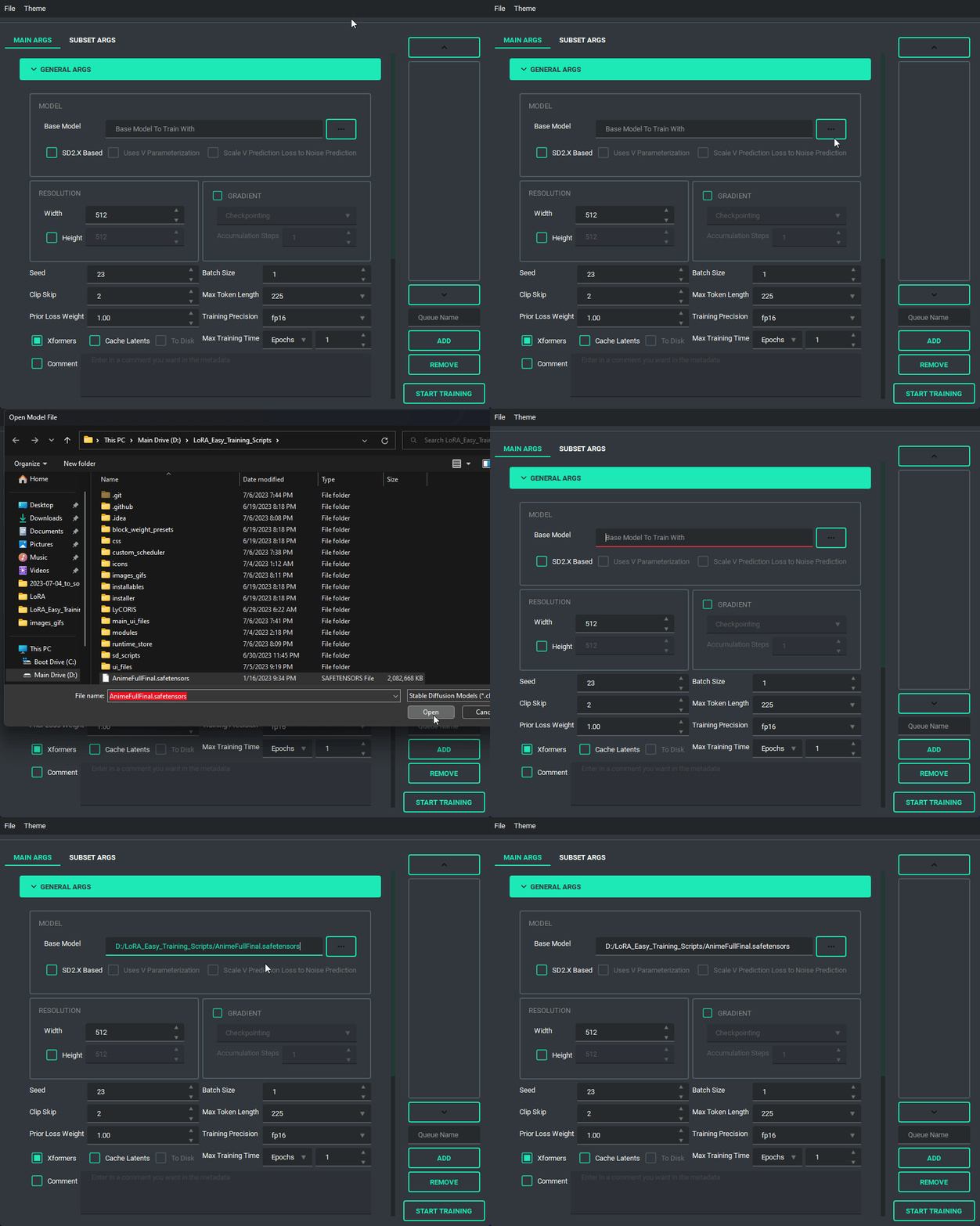
Pretty much every file selector has two ways to add a file without having to type it all in, a proper file dialog, and a way to drag and drop the value in!
TOML saving and loading are available so that you don't have to put in every variable every time you launch the program. All you need to do is either use the menu on the top right, or the keybind listed.
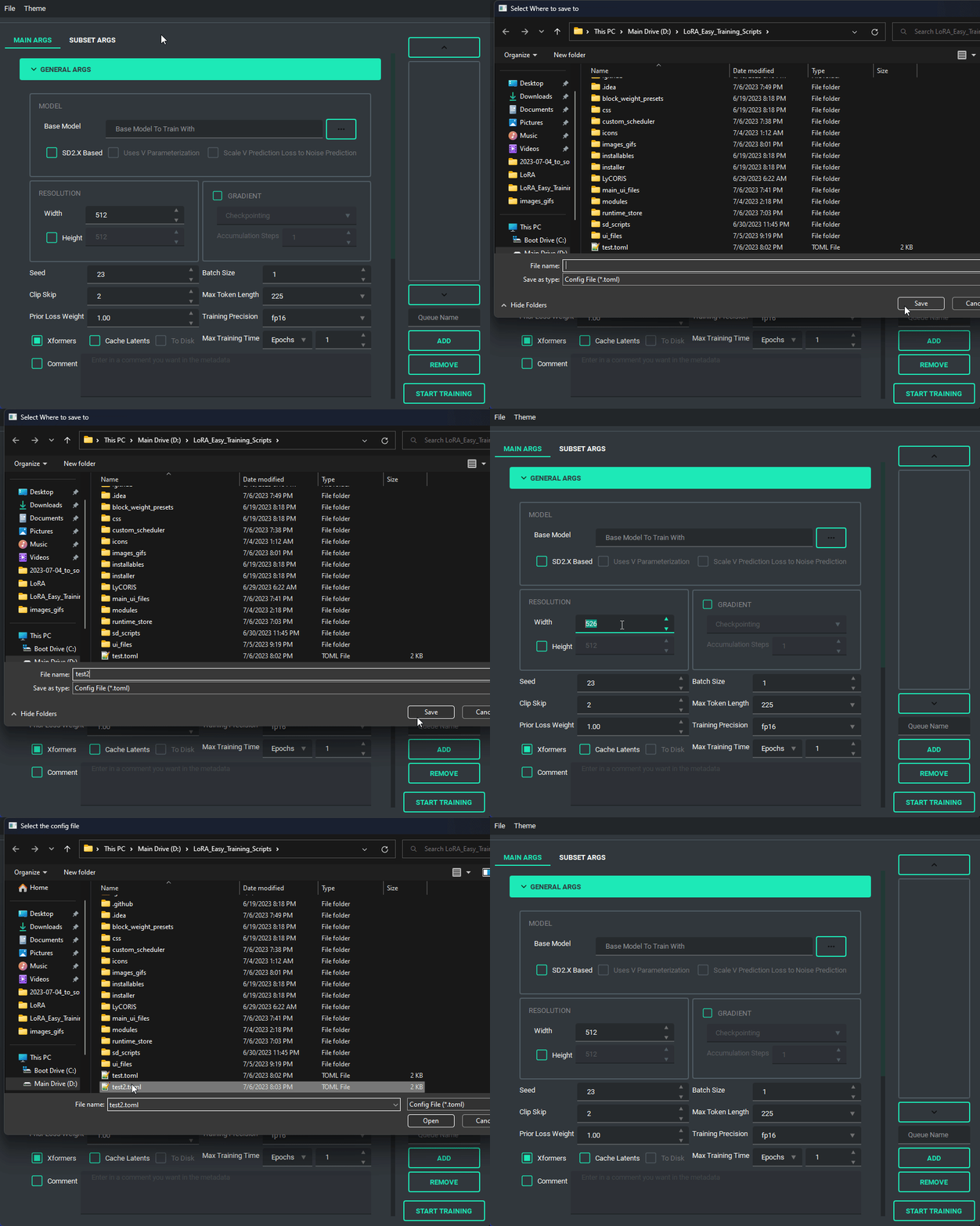 NOTE: This change is entirely different from the old system, so unfortunately the JSON files of the old scripts are no longer valid.
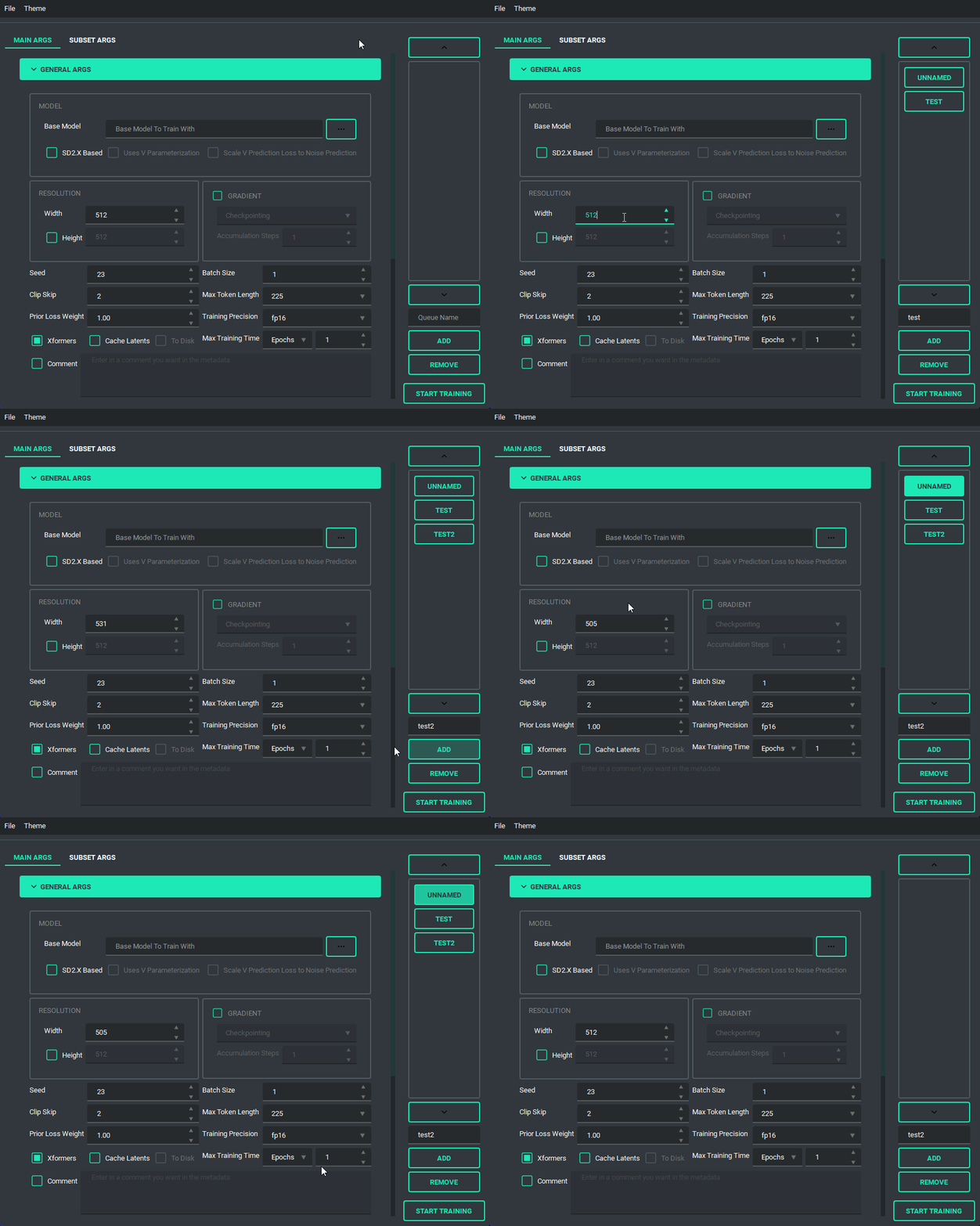
The Queue System is intuitive and easy to use, allowing you to save a config into a little button on the bottom left then allowing you to pull it back up for editing if you need to. Additionally you can use the arrow keys to change the positions of the queue items. A cool thing about this is that you can still edit args and even add or remove queue items while something else is training.
And finally, we have the ability to switch themes. These themes are only possible because of the great repo that adds in some material design and the ability to apply them on the fly called qt-material, give them a look as the work they've done is amazing.
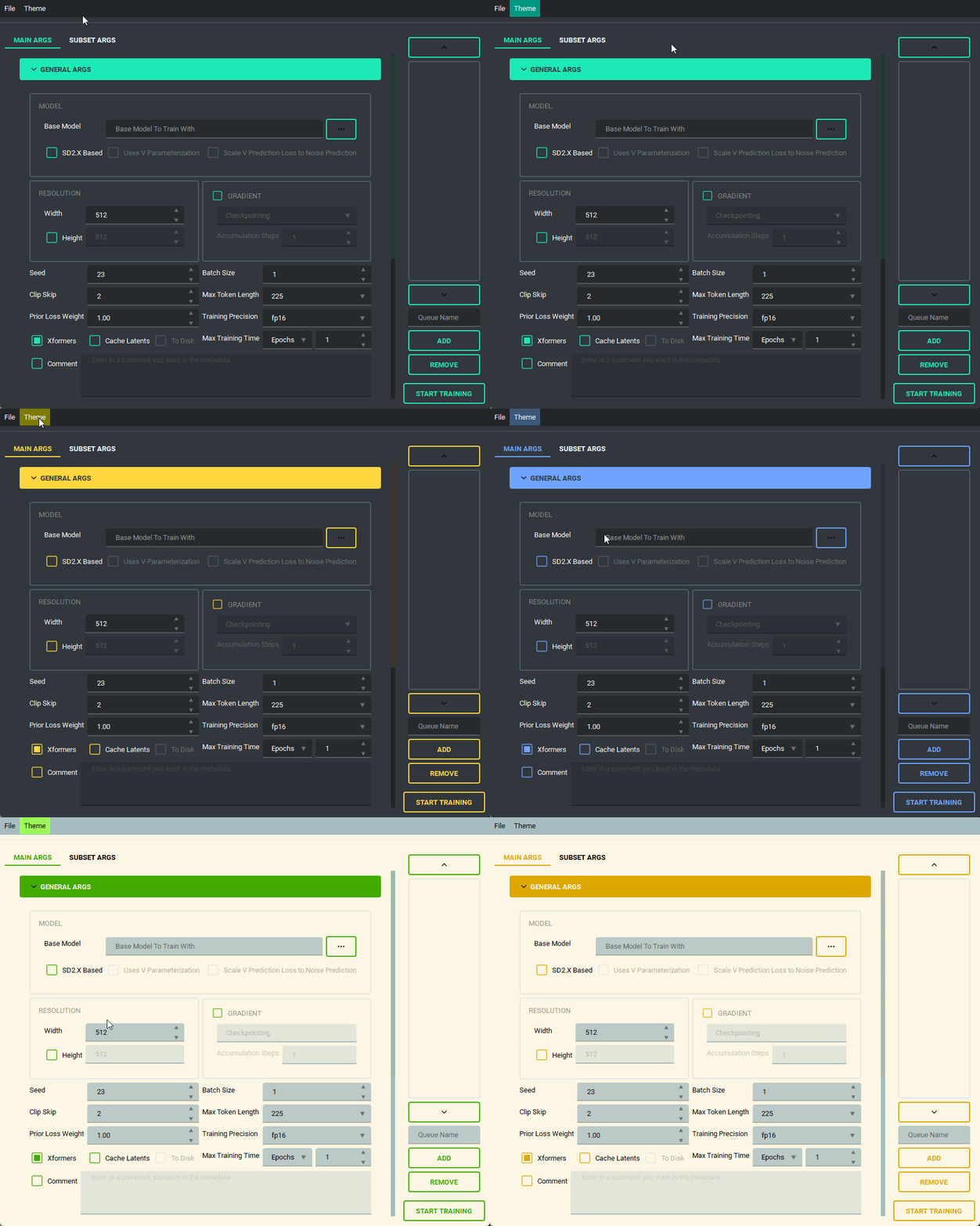 The themes also save between boots
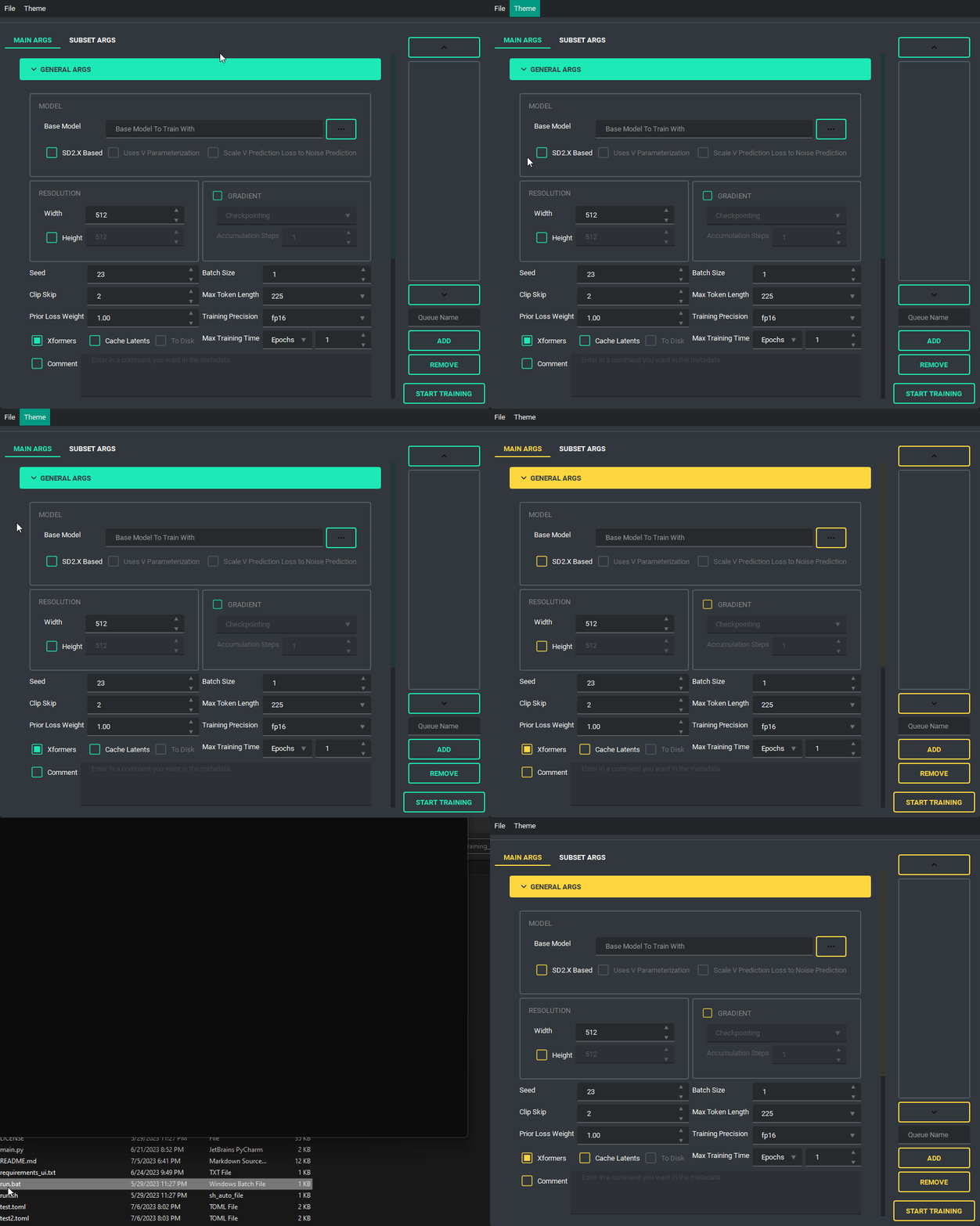
I'd like to take a moment and look at what the output of the TOML saving and loading system looks like so that people can change it if they want outside of the UI.
here is an example of what a config file looks like:
[[subsets]]
num_repeats = 10
keep_tokens = 1
caption_extension = ".txt"
shuffle_caption = true
flip_aug = false
color_aug = false
random_crop = true
is_reg = false
image_dir = "F:/Desktop/stable diffusion/LoRA/lora_datasets/atla_data/10_atla"

[noise_args]

[sample_args]

[logging_args]

[general_args.args]
pretrained_model_name_or_path = "F:/Desktop/stable diffusion/LoRA/nai-fp16.safetensors"
mixed_precision = "bf16"
seed = 23
clip_skip = 2
xformers = true
max_data_loader_n_workers = 1
persistent_data_loader_workers = true
max_token_length = 225
prior_loss_weight = 1.0
max_train_epochs = 2

[general_args.dataset_args]
resolution = 768
batch_size = 2

[network_args.args]
network_dim = 8
network_alpha = 1.0

[optimizer_args.args]
optimizer_type = "AdamW8bit"
lr_scheduler = "cosine"
learning_rate = 0.0001
lr_scheduler_num_cycles = 2
warmup_ratio = 0.05

[saving_args.args]
output_dir = "F:/Desktop"
save_precision = "fp16"
save_model_as = "safetensors"
output_name = "test"
save_every_n_epochs = 1

[bucket_args.dataset_args]
enable_bucket = true
min_bucket_reso = 256
max_bucket_reso = 1024
bucket_reso_steps = 64

[optimizer_args.args.optimizer_args]
weight_decay = 0.1
betas = "0.9,0.99"
As you can see everything is sectioned off into their own sections. Generally they are seperated into two groups, args, and dataset_args, this is because of the nature of the config and dataset_confg files within sd-scripts. Generally speaking, the only section that you might want to edit that doesn't correspond to a UI element (for now) is the [optimizer_args.args.optimizer_args] section, which you can add, delete, or change options for the optimizer, A proper UI for it will come later, once I figure out how I want to set it up.
changelog of the old scripts are all in that branch here
- May 29, 2023
- Changed the behavior of the Queue so that it doesn't overwrite the previously saved values in the selected queue item when a new one is added
- Change the behaviour of file selects so that they go to the folder last selected if valid
- Changed up the type hints to (hopefully) fix compatability for arch users
- Refactored a lot of the connecting parts of the code to ensure more things have their own accountability, this also makes the code more maintainable and readable
- This ended up being bigger than expected, so I may have accidentally introduced a bug
- Changed the max for the repeats spinbox so that you can go higher than 99, if for some reason you want to do that.
- May 27, 2023
- Fixed noise offset default being 0.1
- Fixed the bug in which scrolling into elements would accidently change their values
- Fixed an installation issue because of the new Pyside6 update
- Added queues to the UI. Now the UI can queue up trainings
- this was a sort of big addition, so tell me if anything breaks
- May 22, 2023 (cont.)
- Made the training threaded, so that it can be done while still allowing you to use the UI
- Fixed the way betas was being saved in the toml files so that it doesn't break on load
- Fixed the installer by removing torch 2.1.0 and adding 2.0.1 in it's place as well as add a fallback execution policy bat that just assumes your powershell is at the normal location in system32
- Fixed the limit on the samples box to allow higher than 99
- Fixed Dadapt and Lion not working properly, forgot that they must be installed individually.
- Added an update.bat that will update everything then reinstall everything so that it is ensured to be updated
- Fixed a small issue in which loading one of the lr_schedulers with spaces wouldn't load properly
- Added the forgotten min_snr_gamma
- May 22, 2023
- First release of the new UI system. This has been a long time coming and I put in a ton of work to make it as user friendly as possible. Some Things to note, This doesn't have support for queues or block weight training for the moment, they are planned though and will be added down the line.
- If you find any bugs, please tell me, I want to fix them if something is wrong. After all, I am only one person
- I'm adding a link to my ko-fi page as of this update so people that want to support me can! Thanks for all of the feedback of the scripts through the development time I spent on it, and I hope to continue to improve it as I go.