
Full-featured AI Chatbot Nuxt application with authentication, chat history, multiple pages, collapsible sidebar, keyboard shortcuts, light & dark mode, command palette and more. Built using Nuxt UI components and integrated with AI SDK for a complete chat experience.
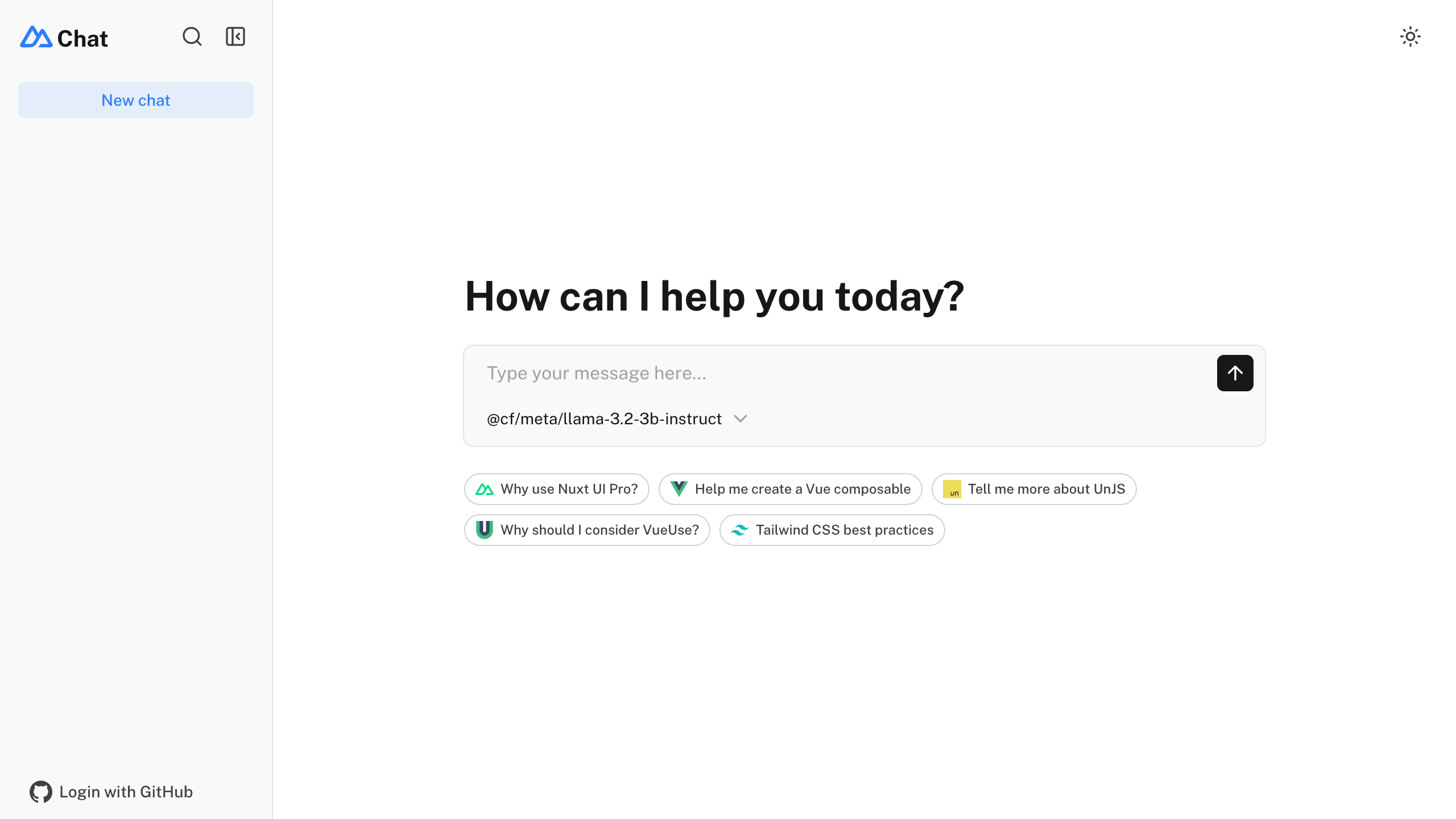
- ⚡️ Streaming AI messages powered by the AI SDK
- 🤖 Multiple model support via various AI providers with built-in AI Gateway support
- 🔐 Authentication via nuxt-auth-utils
- 💾 Chat history persistence using SQLite database (Turso in production) and Drizzle ORM
- 🚀 Easy deploy to Vercel with zero configuration
npm create nuxt@latest -- -t ui/chat
Make sure to install the dependencies:
pnpm installRun database migrations:
pnpm db:migrateThis template uses the Vercel AI SDK for streaming AI responses with support for multiple providers through Vercel AI Gateway.
Set your AI provider configuration in .env:
# AI Configuration via Vercel AI Gateway (unified API for all providers)
AI_GATEWAY_API_KEY=<your-vercel-ai-gateway-api-key>
Tip
With Vercel AI Gateway, you don't need individual API keys for OpenAI, Anthropic, etc. The AI Gateway provides a unified API to access hundreds of models through a single endpoint with automatic load balancing, fallbacks, and spend monitoring.
This template uses nuxt-auth-utils for authentication with GitHub OAuth.
To enable authentication, create a GitHub OAuth application and set:
NUXT_OAUTH_GITHUB_CLIENT_ID=<your-github-oauth-app-client-id>
NUXT_OAUTH_GITHUB_CLIENT_SECRET=<your-github-oauth-app-client-secret>
NUXT_SESSION_PASSWORD=<your-password-minimum-32-characters>This template uses NuxtHub Blob for file uploads, which supports multiple storage providers:
- Local filesystem (default for development)
- Vercel Blob (auto-configured when deployed to Vercel)
- Cloudflare R2 (auto-configured when deployed to Cloudflare)
- Amazon S3 (with manual configuration)
For Vercel Blob, assign a Blob Store to your project from the Vercel dashboard (Project → Storage), then set the token for local development:
BLOB_READ_WRITE_TOKEN=<your-vercel-blob-token>For S3-compatible storage, set:
S3_ACCESS_KEY_ID=<your-access-key-id>
S3_SECRET_ACCESS_KEY=<your-secret-access-key>
S3_BUCKET=<your-bucket-name>
S3_REGION=<your-region>
Note
Without configuration, files are stored locally in .data/hub/blob during development.
Start the development server on http://localhost:3000:
pnpm devBuild the application for production:
pnpm buildLocally preview production build:
pnpm previewCheck out the deployment documentation for more information.
Install Renovate GitHub app on your repository and you are good to go.