

Firefox extension to automatically open websites in a container
 |
 |
 |
 |
|---|---|---|---|
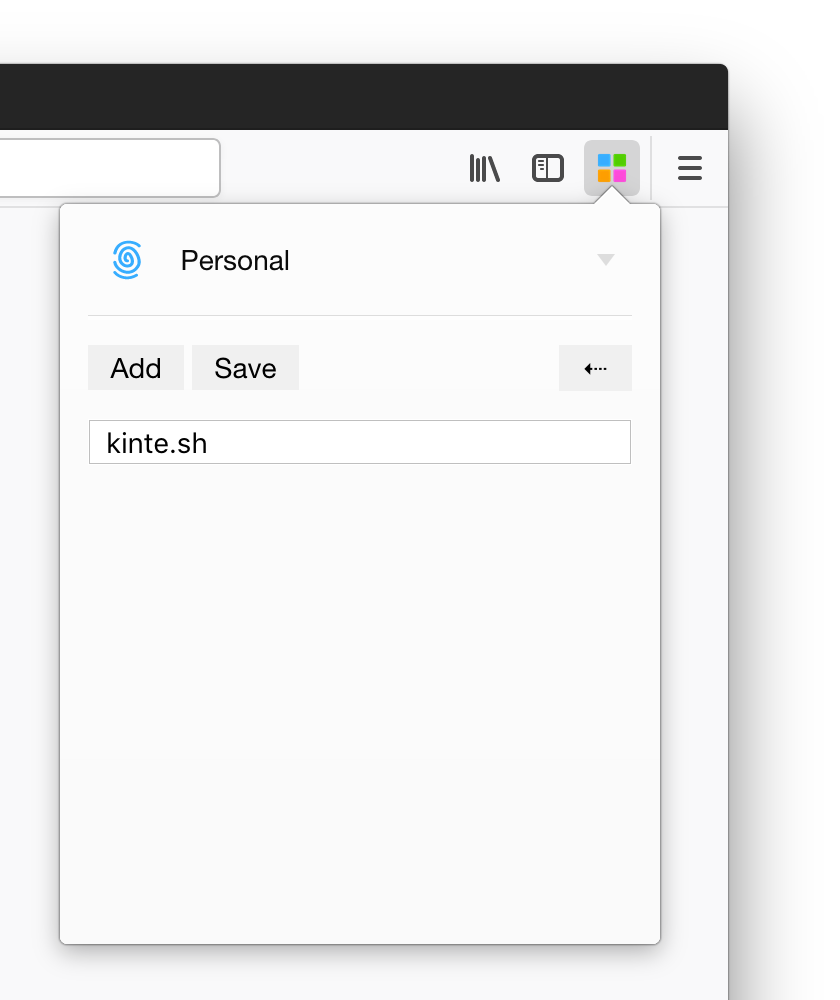
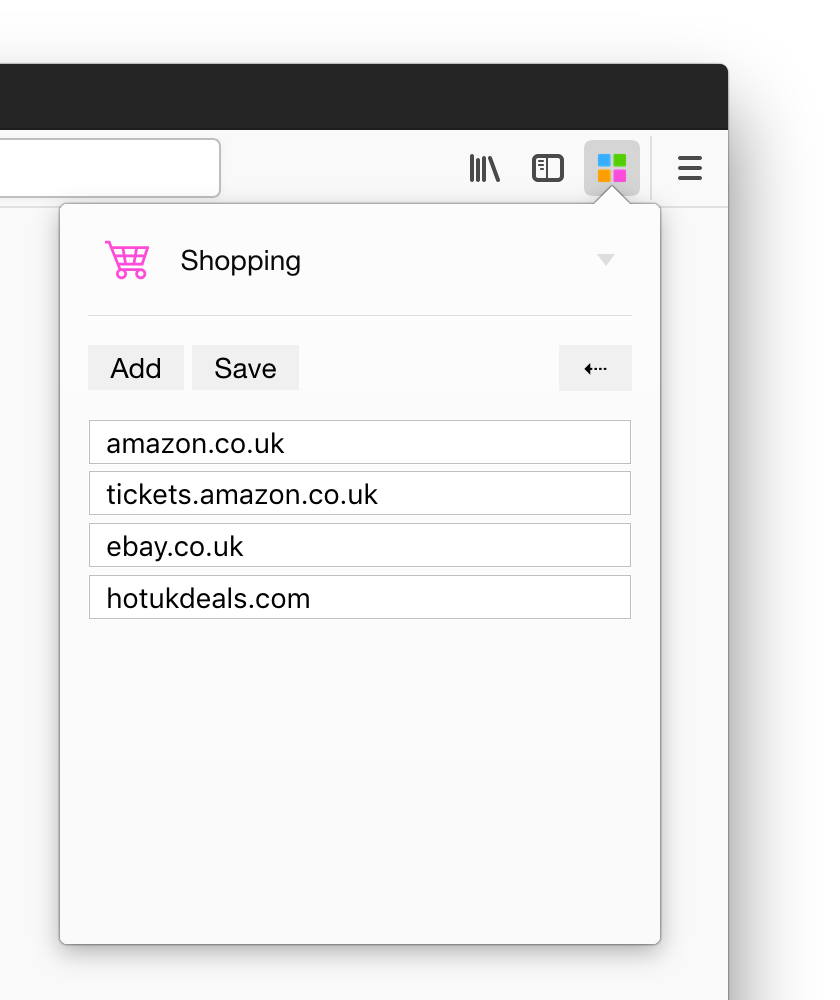
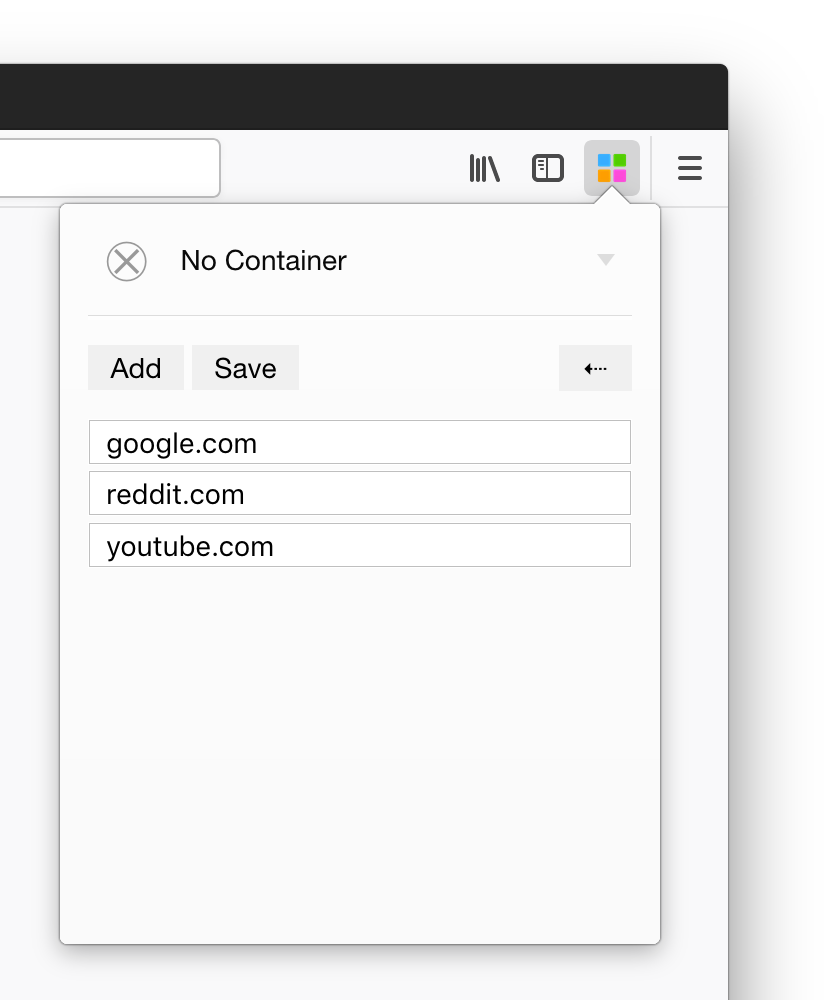
| Select your container and add a domain to always open all visits in the chosen container. | Add many domains as you wish. | Special No Container option to break out of a container. |
Simple CSV based mapping of a domain to a container by name for easy backup and bulk editing. |
amazon.co.uk, Shopping will open all amazon.co.uk (not subdomains) links in Shopping container.
!*.amazon.co.uk, Shopping will be treated as *.amazon.co.uk glob pattern. (suitable to subdomains)
@.+\.amazon\.co\.uk$, Shopping will be treat as .+\.amazon\.co\.uk$ regex. (suitable to subdomains and complex paths)
IMPORTANT: USE PYTHON 2.7 AND NODE 14
In the project directory, you can run:
Installs required dependencies.
Starts webpack with --watch option and outputs to ./build directory.
Builds the extension for production use.
Runs test specs using jest.
Use test:watch to watch for edits and re-run the tests.
Lint using eslint.
Runs web-ext process to debug the extension on Firefox. See web-ext docs
To live reload the extension, start this process in a new tab after starting npm run webpack process.