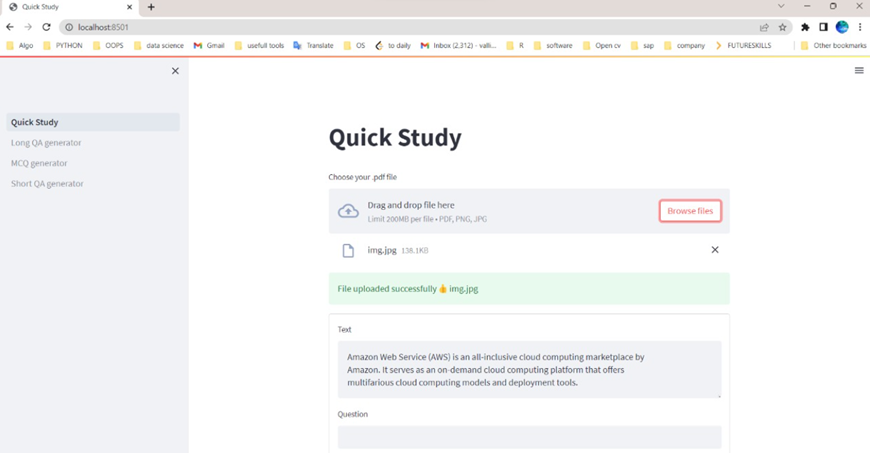
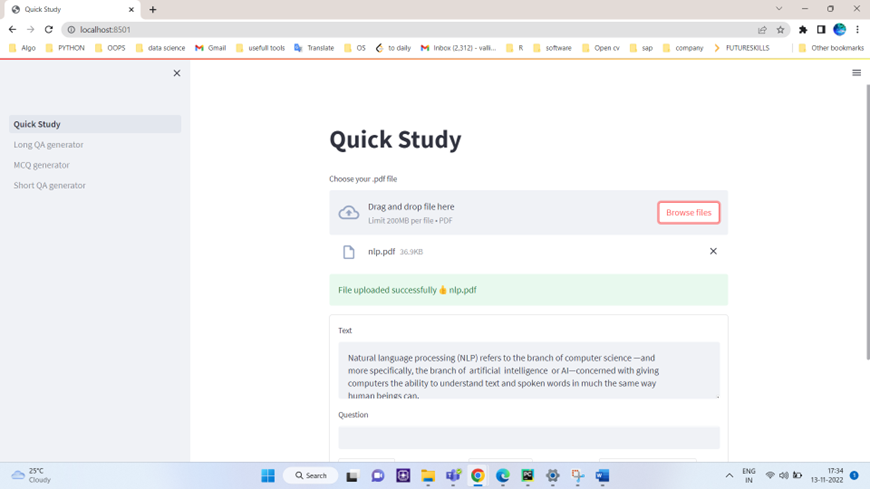
It is NLP model for Question and Answer based on text
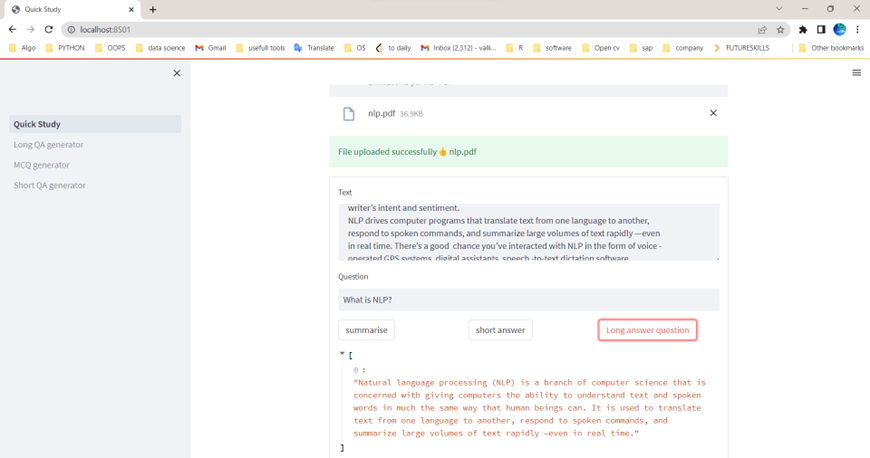
QuickStudy is an educational tool designed to help people grasp concepts quickly while avoiding getting stuck. Users can upload pdfs, images or give the text and receive summarised text, allowing them to understand the concept by reading a few sentences rather than a pool of sentences from the original text. Users can also get short and long answers to their text-related questions by simply typing them in. QuickStudy can also generate MCQs and questions along with corresponding short and long answers to assist users in assessing their knowledge of the topic.
QuickStudy contains multiple features which are listed below
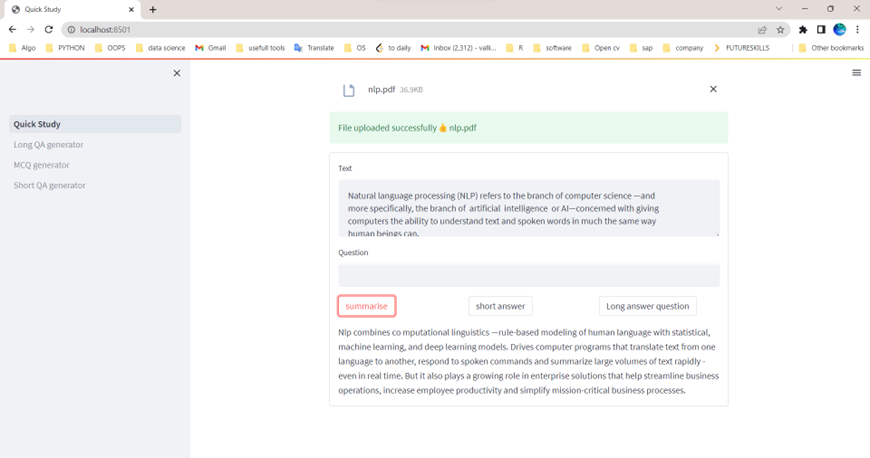
Text summarization is the process of creating a short, coherent, and fluent summary of a longer text document and involves the outlining of the text’s major points. Extracted text from pdf, image or the text given by the user is taken as input for the model and the summarised text is the expected output of the model.
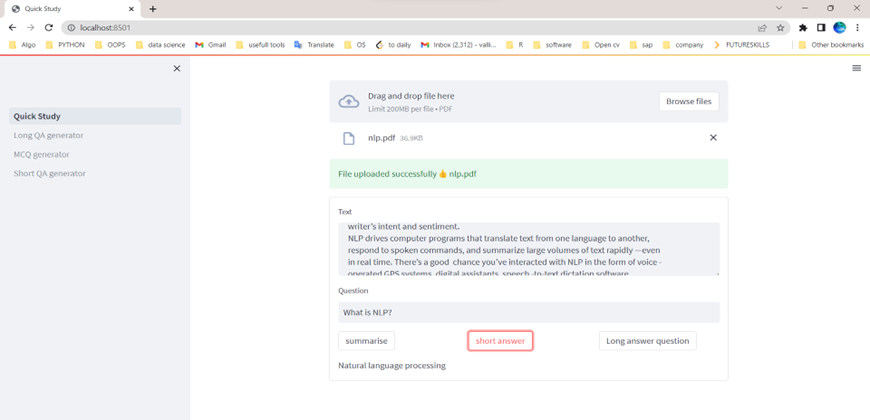
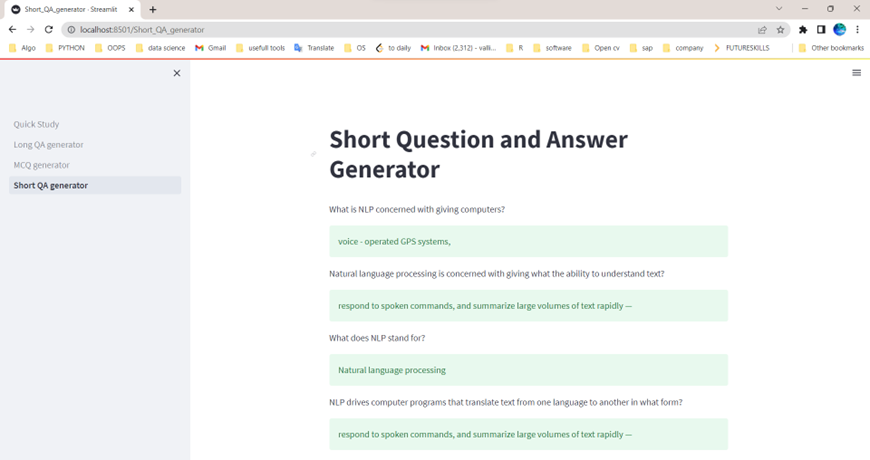
Given a question by the user, the model in this module must be able to generate corresponding short answer from the text.
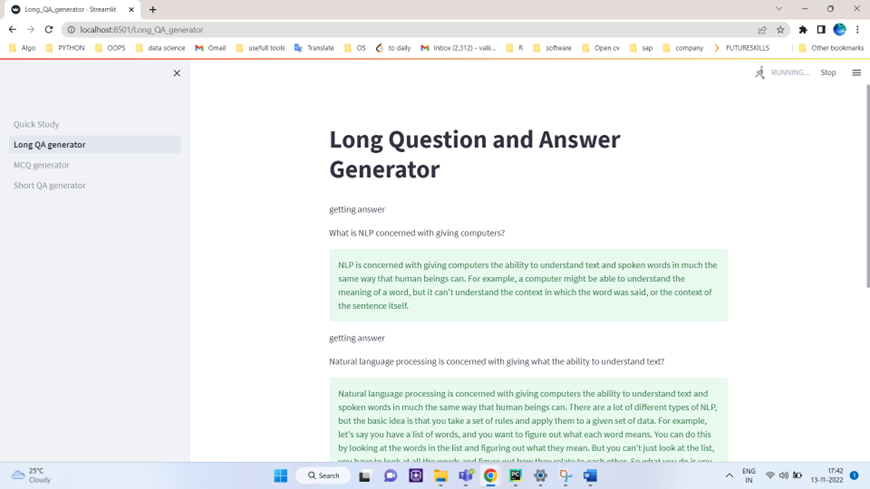
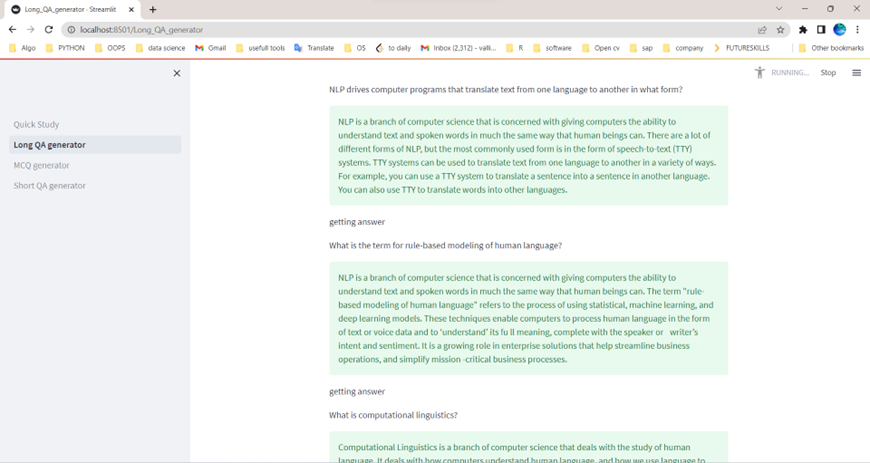
Given a question by the user, the model in this module must be able to generate corrsponding long answer from the text.
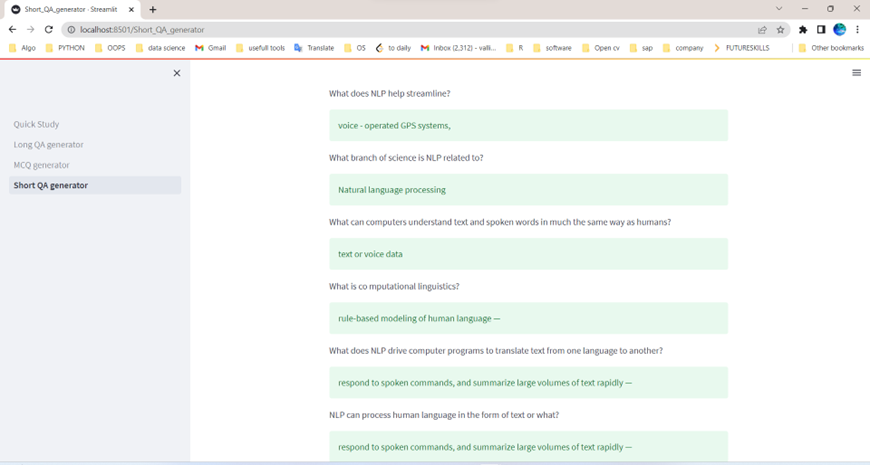
In this module question and answer generation is automated. It takes text as input for the model and generates both question and short answer.
In this module question and answer generation is automated. It takes text as input for the model and generates both question and long answer.
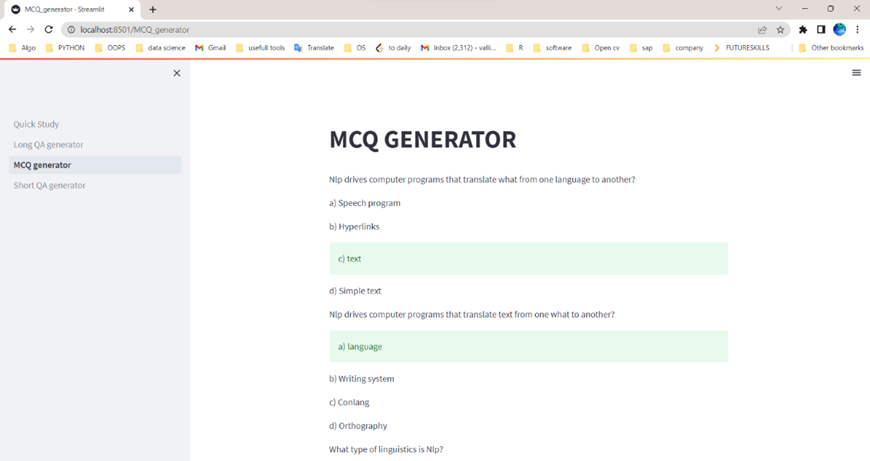
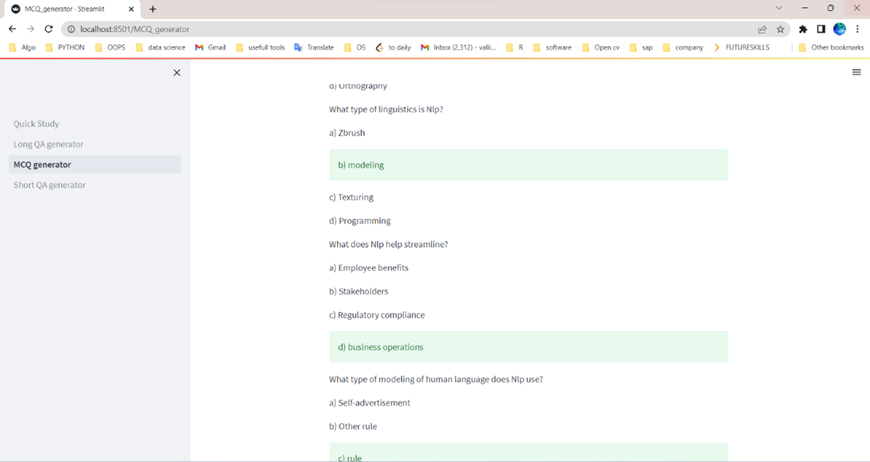
The model for MCQ generation takes original text and summarised text as input and process to display questions, distractors, correct answer as output.
The text is extracted from the uploaded pdf and the image.
Fast internet to download the model that is available in hugging face
Tesseract To download
git clone https://github.com/vallimangai/Quick-Study
Activate your virtual environment. Follow steps in this link to create your virtual environment : Click here
pip install virtualenv
virtualenv env
env\Scripts\activate
pip install -r req.txt
streamlit run "Quick Study.py"
Now you can see our app running on http://localhost:8501/! Register with an account and try it out for yourself.