[Gutenberg] Set consistent editor colours in both the WordPress and Jetpack apps #19113
Conversation


The editor's "tintColor" is explicitly set to be "wordPressBlue" with this commit. The most notable colour that will change following this is the editor's cursor and "highlight" colour when text is selected.
 SiobhyB
changed the title
SiobhyB
changed the title

You can test the changes in Jetpack from this Pull Request by:
|
You can test the changes in WordPress from this Pull Request by:
|

 dcalhoun
left a comment
dcalhoun
left a comment
dcalhoun
left a comment
There was a problem hiding this comment.
Thank you for investigating this. This change makes sense to me, however, I noticed several UI instances where this change does not control.
The Editor UI references below are bit unexpected IMO. If it is easily addressable, then I think it makes sense to avoid the Jetpack brand green for these places in service of wordpress-mobile/gutenberg-mobile#5047.
Editor UI
| Location | Image |
|---|---|
| Inserter Search | 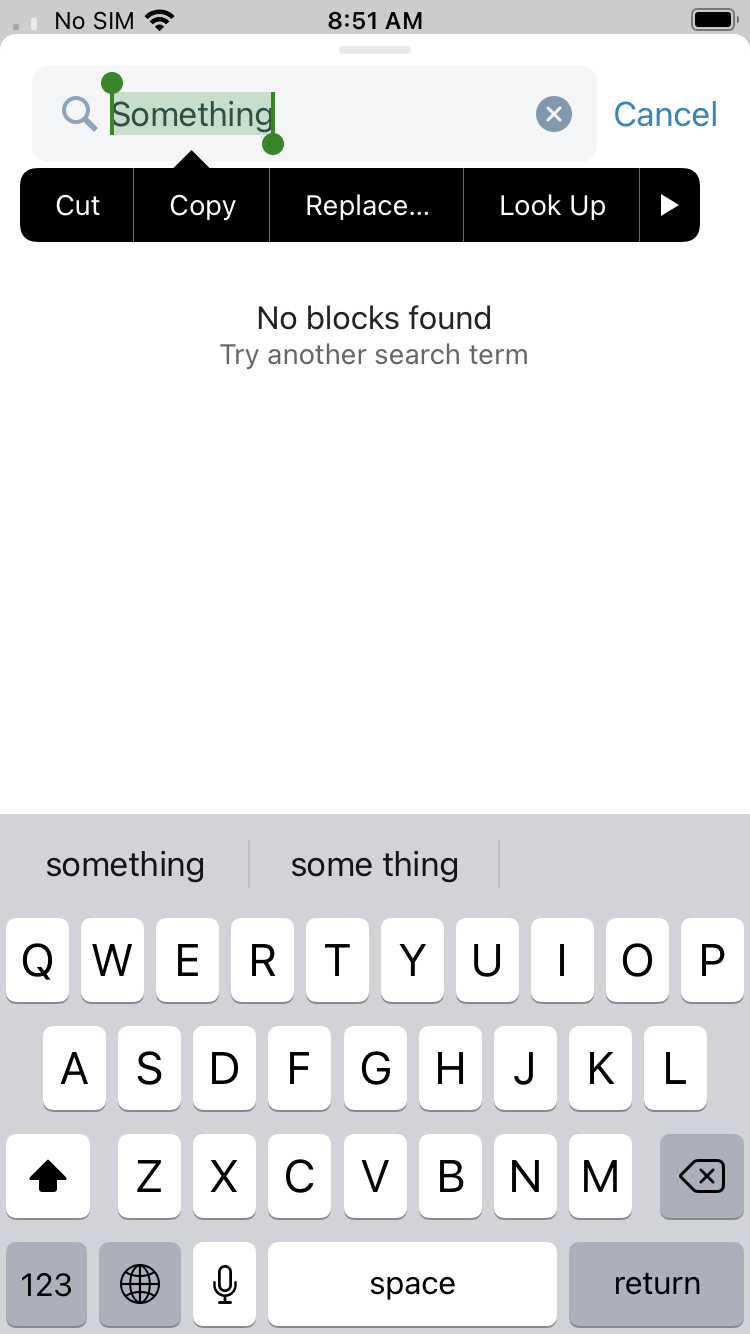 |
| Link Picker | 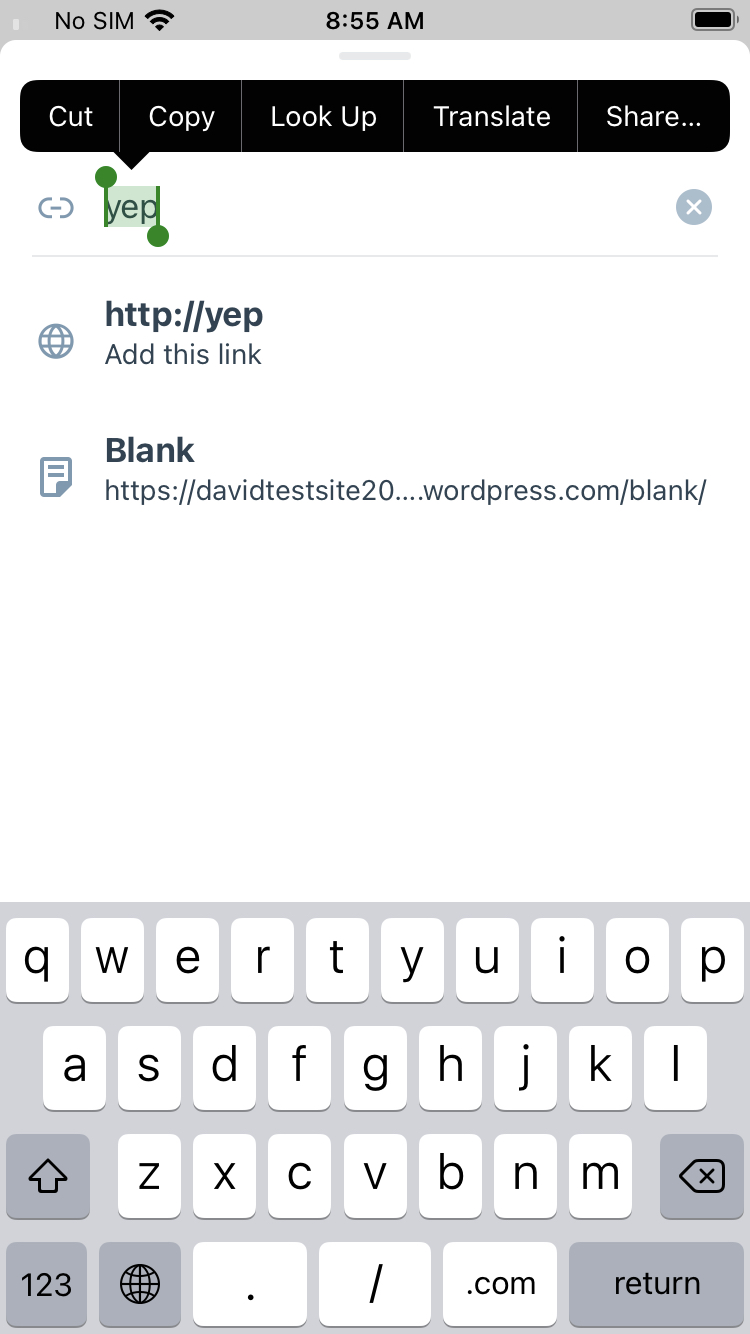 |
| Text Area | 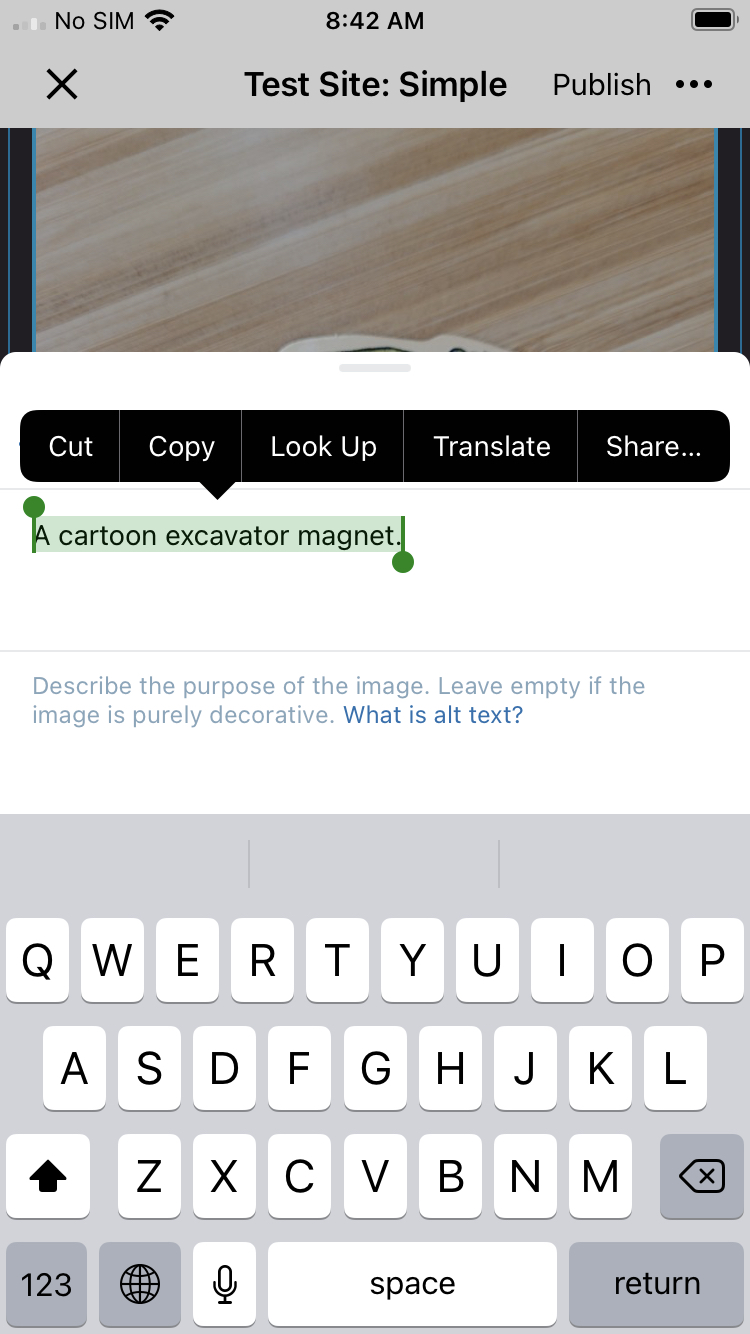 |
| Text Input |  |
| Range Input | 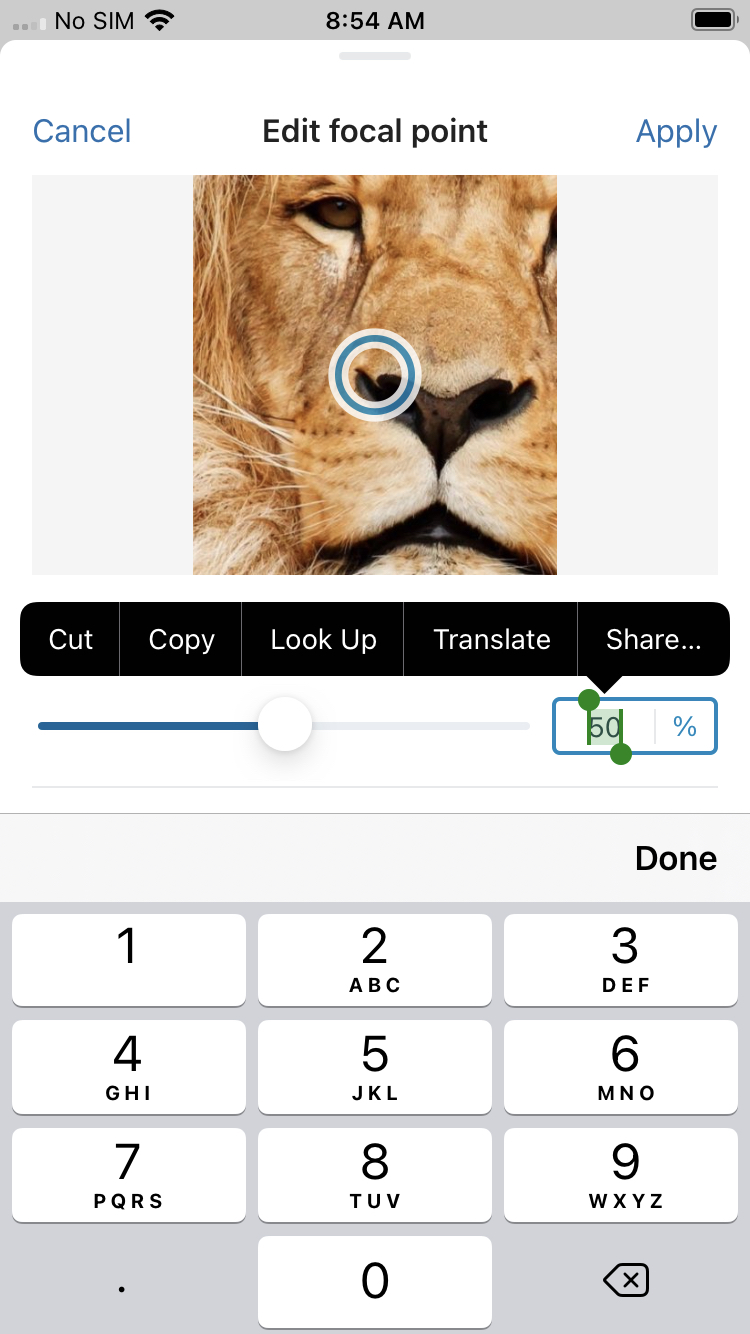 |
| Toggle | 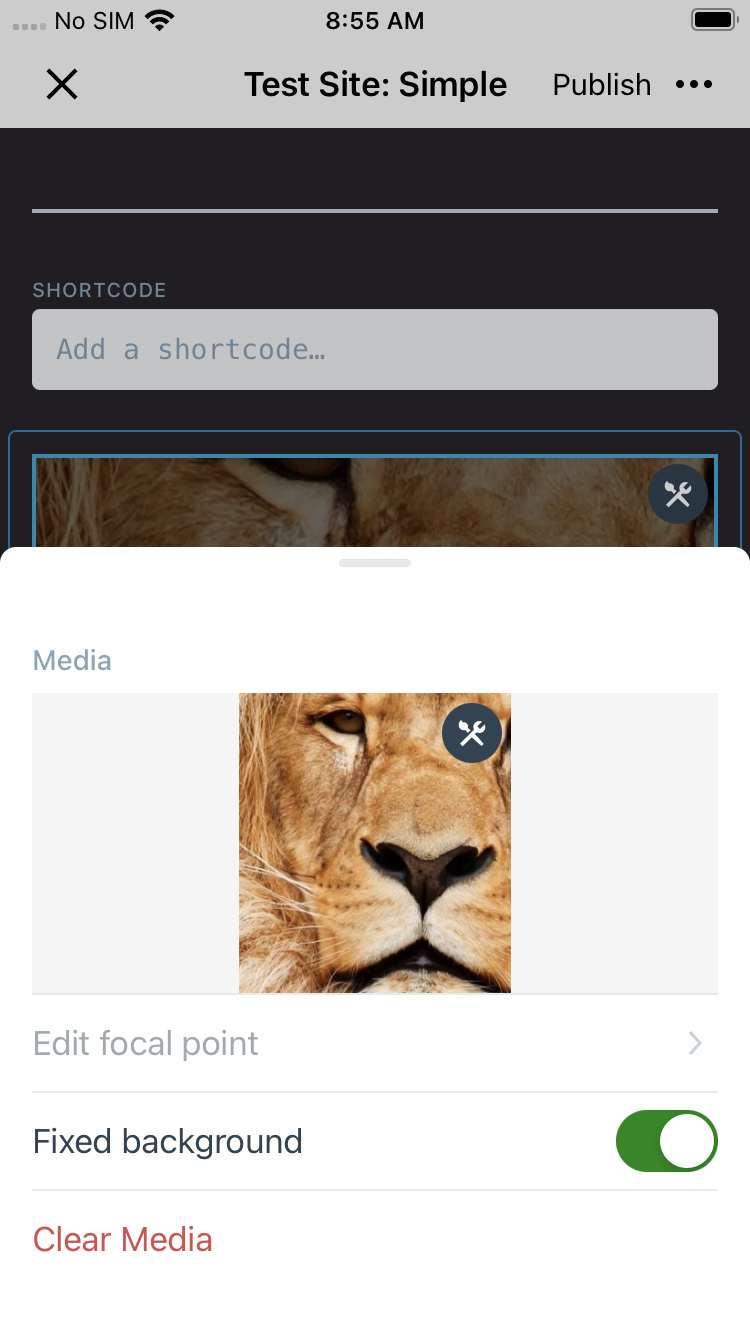 |
The Post Settings UI references below are bit of a "gray area" IMO, I think there is an argument to make that this UI is not within the editor and should mirror the general Jetpack app color scheme. We can likely leave the Post Settings UI as-is.
Post Settings UI
| Location | Image |
|---|---|
| Post Slug | 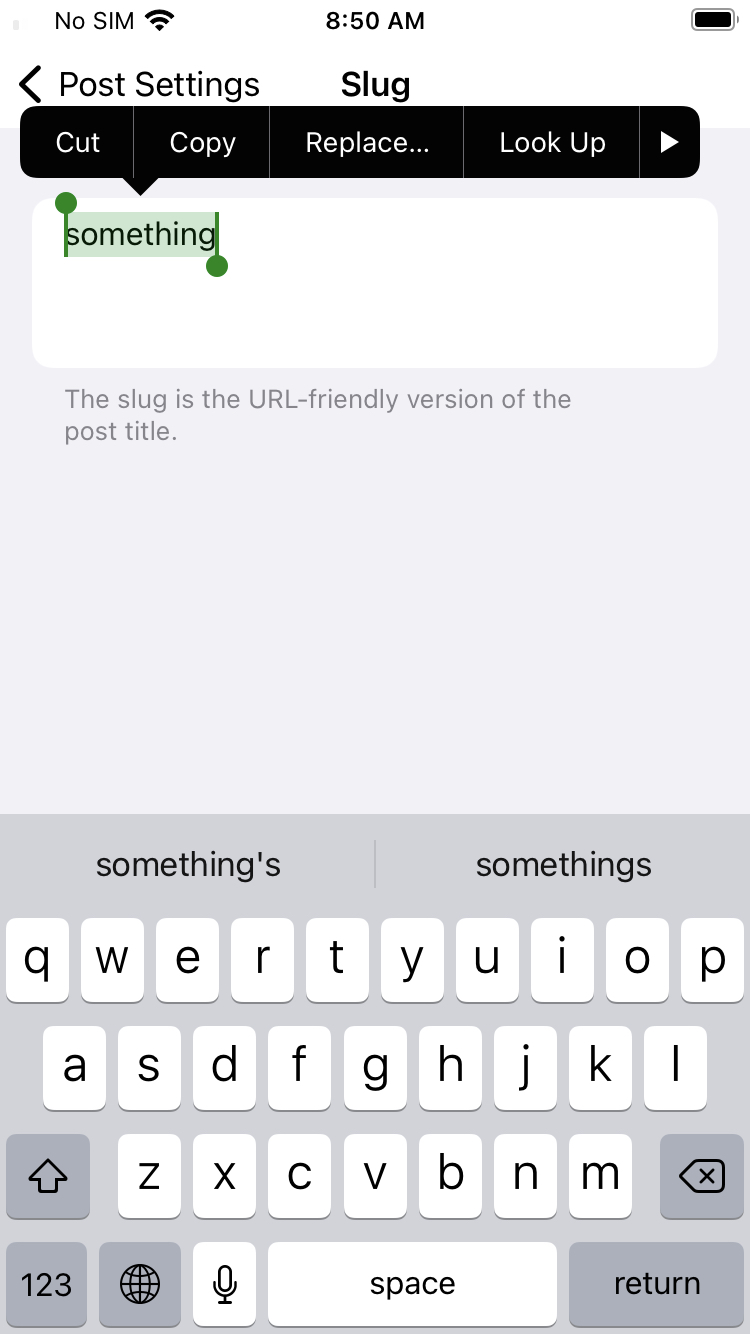 |
| Post Excerpt | 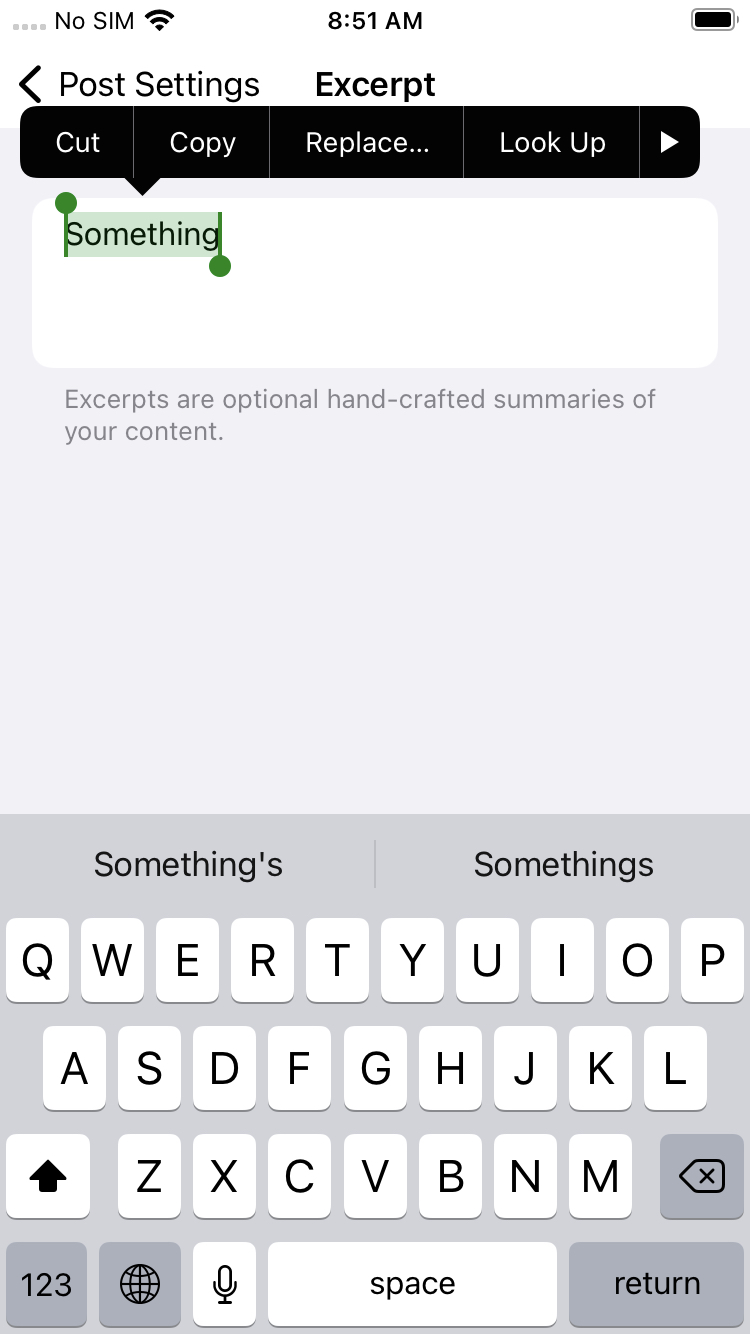 |
I could be convinced this PR is worth merging as-is to address the blatant issue of rich text fields utilizing the unexpected Jetpack brand green, with a follow up for the Editor UI references. WDYT about these references?
WordPress/Classes/ViewRelated/Gutenberg/GutenbergViewController.swift
Outdated
Show resolved
Hide resolved

|
Thanks so much for spotting those UI pieces that the original PR missed, @dcalhoun! I found that this is caused by In my testing, this addresses all the views from your screenshots, including the Post Editor settings. However, I see it also changes the tint colour for other areas of the app after exiting the editor. 🤔 I'll work on this further tomorrow and update you when it's ready for review again. 🙇♀️ |

Given that all the references I called out are rendered within a modal, I wonder if that explains why modifying the Gutenberg root view does not impact them. My understanding is that React Native
I do not find this surprising. The current code mutates the top-level window |
Setting the tintColor to the entire window caused colours to be set elsewhere in the app. As such, this commit, reverts that change and limits the tintColor to the editor's root view.
In the previous commit, I accidentally committed the reference to "editorPrimaryLight", but hadn't intended to. This commit removes that reference and adds back the "editorPrimary" function that was accidentally deleted.
Previously, the tintColor for the menu items in Post Settings was being targetted via the 'UIView' element. This had the undesired side effect of also changing the tintColor for other UI elements in the editor. With this commit, 'UIView' has been changed to 'UITableView' in order to more specifically target the UI elements that should be changed.
This change was committed accidentally, and won't be a part of this PR's changes.
|
@dcalhoun, thank you again for your diligent testing and help. I've been able to set the colours for the main editor and Post Settings, but some of the approaches I settled on feel very hacky. I suspect my lack of iOS experience is a part of that. In addition, I wasn't able to find a way to customise the preview and help sections that didn't also impact their use in other areas of the app. What do you think about reducing the scope of this PR to include only the main editor and Post Settings screens? The other areas could then be addressed in separate PRs, depending on feedback. I'd also definitely be interested to hear thoughts on possible different, cleaner alternatives to the approaches I've taken. |
dcalhoun
left a comment
dcalhoun
left a comment
There was a problem hiding this comment.
Great work! I was unable to identify any unexpected outcomes while testing the latest changes. 🎉 👏🏻
What do you think about reducing the scope of this PR to include only the main editor and Post Settings screens?
This makes sense to me. I believe the changes proposed here provide an improved brand experience in the editor. There is less inconsistency in color. The remaining color inconsistency is buried within adjacent configuration screens.
I left a few comments to spark discussion. I think it may be appropriate to request additional review from a more experienced iOS developer as well. That person may have ideas on alternative approaches.
| // Resets the action sheet's tintColor to `.primary` to prevent `.editorPrimary` being set as the tintColor for UI elements outside of the editor. | ||
| UIView.appearance(whenContainedInInstancesOf: [UIAlertController.self]).tintColor = .primary |
There was a problem hiding this comment.
The need to mutate and reset this change is unfortunate and obscure. I am curious if more experience iOS developers have idea for an alternative approach.

There was a problem hiding this comment.
I wonder if we can avoid this by targeting AztecNavigationController. [more context]
There was a problem hiding this comment.
@twstokes, thank you for taking a look at this!
I tried UIView.appearance(whenContainedInInstancesOf: [UIAlertController.self, AztecNavigationController.self]).tintColor = .primary, but it doesn't work locally for me.
I checked the hierarchy and I believe that AztecNavigationController is a 'sibling' view to UIAlertController, rather than a parent view:
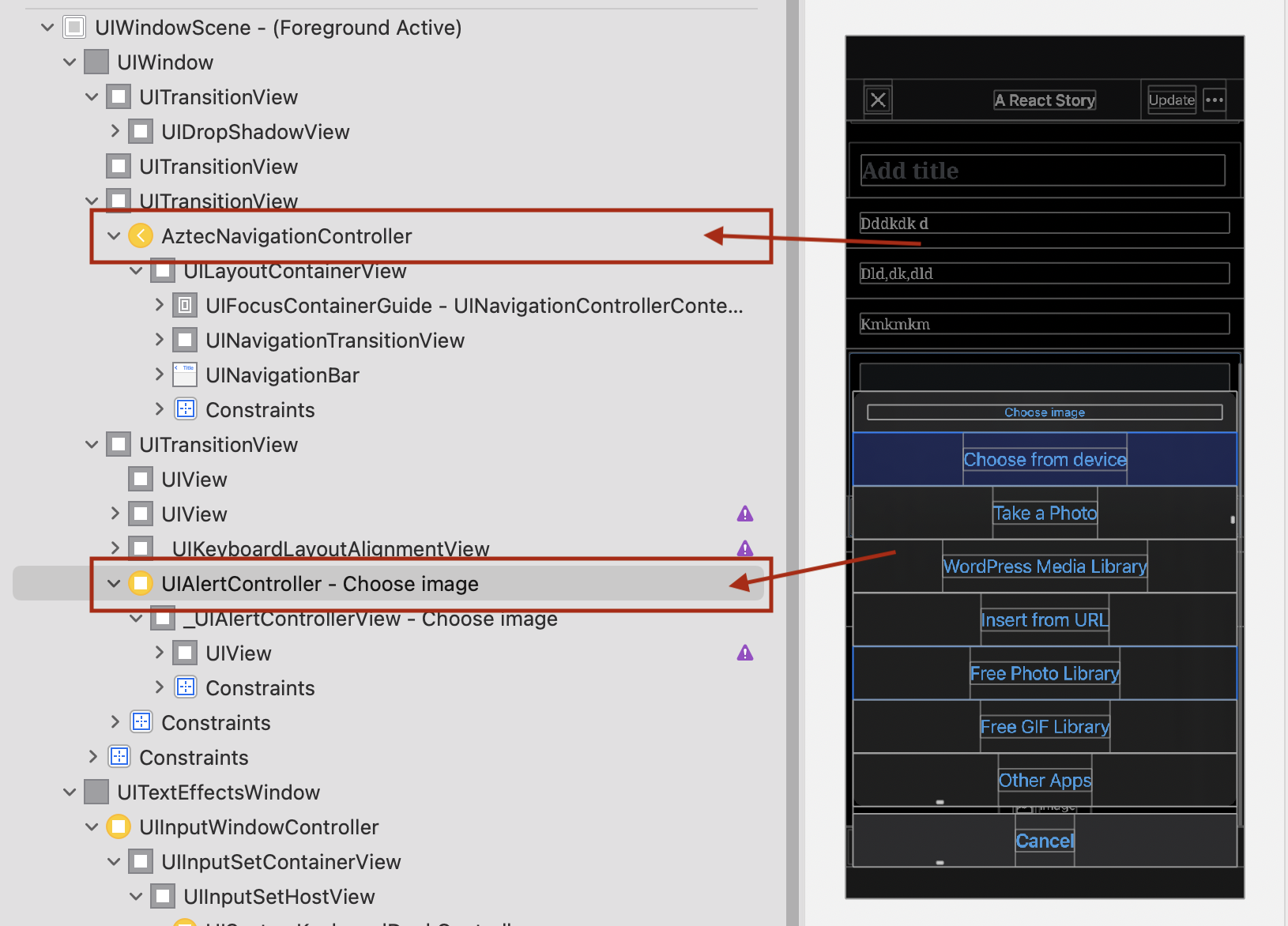
Is there perhaps another way to target the UIAlertController that I'm missing?
There was a problem hiding this comment.
I checked the hierarchy and I believe that AztecNavigationController is a 'sibling' view to UIAlertController, rather than a parent view
Good catch! When I did my smoke test this code was still active so I thought the appearance proxy umbrella covered it. 👍
Is there perhaps another way to target the UIAlertController that I'm missing?
I'll look into this.
There was a problem hiding this comment.
👋 @SiobhyB - This doesn't solve all the UIAlertController cases, but what do you think about adding alert.view.tintColor = .editorPrimary here to explicitly set the "More Sheet" tint color?
There was a problem hiding this comment.
For UIAlertControllers created on the RN side (e.g. Image block -> Add Image -> Choose image), is there a reason why we're not trying to enforce the tint from there (if that's possible)? Or perhaps RN has no concept of the branding colors?
There was a problem hiding this comment.
If this can't be controlled / set from the RN side, I currently can't think of a better solution than what you have @SiobhyB. It's fascinating to me that the bottom sheet being presented by the editor isn't a descendant.
There was a problem hiding this comment.
For UIAlertControllers created on the RN side (e.g. Image block -> Add Image -> Choose image), is there a reason why we're not trying to enforce the tint from there (if that's possible)? Or perhaps RN has no concept of the branding colors?
Woah, yes, I just tested this quickly and it seems possible! It seems such an obvious solution, not sure why I went down such a complicated road with it now. 🤦♀️ Thanks so much @twstokes, I'll work on a Gutenberg PR.
There was a problem hiding this comment.
I've gone ahead to create that PR at WordPress/gutenberg#42996 and have removed the (now redundant) calls within iOS in a67b94b.

Co-authored-by: David Calhoun <[email protected]>
|
Thanks so much for your review so far @dcalhoun!
+1, some of the approaches I've taken feel very hacky and I suspect I arrived at them due to lack of iOS knowledge rather than a lack of cleaner alternatives. @twstokes, 👋 , would you perhaps have availability to review this PR? Thanks in advance! |
Co-authored-by: David Calhoun <[email protected]>
With this commit, a redundant call to the PostSettingsViewController's 'UITableView' is removed. This call is 'covered' already by targeting AztecNavigationController's 'UITableView'.

In addition, instead of targetting PostSettingsViewController's UISwitch, this commit updates the target to AztecNavigationController.

AztecNavigationController is higher up in the view hierarchy, so will capture more UI elements.

Generated by 🚫 dangerJS |

|
One thing I noticed @SiobhyB was that Jetpack green was still coming through when selecting multiple items from the WordPress Media Library (Image Gallery block -> Add Media -> WordPress Media Library). This is partially affected by the call here to set the tint color of the cells. The footer also had green views, so they may be explicitly set as well.
|
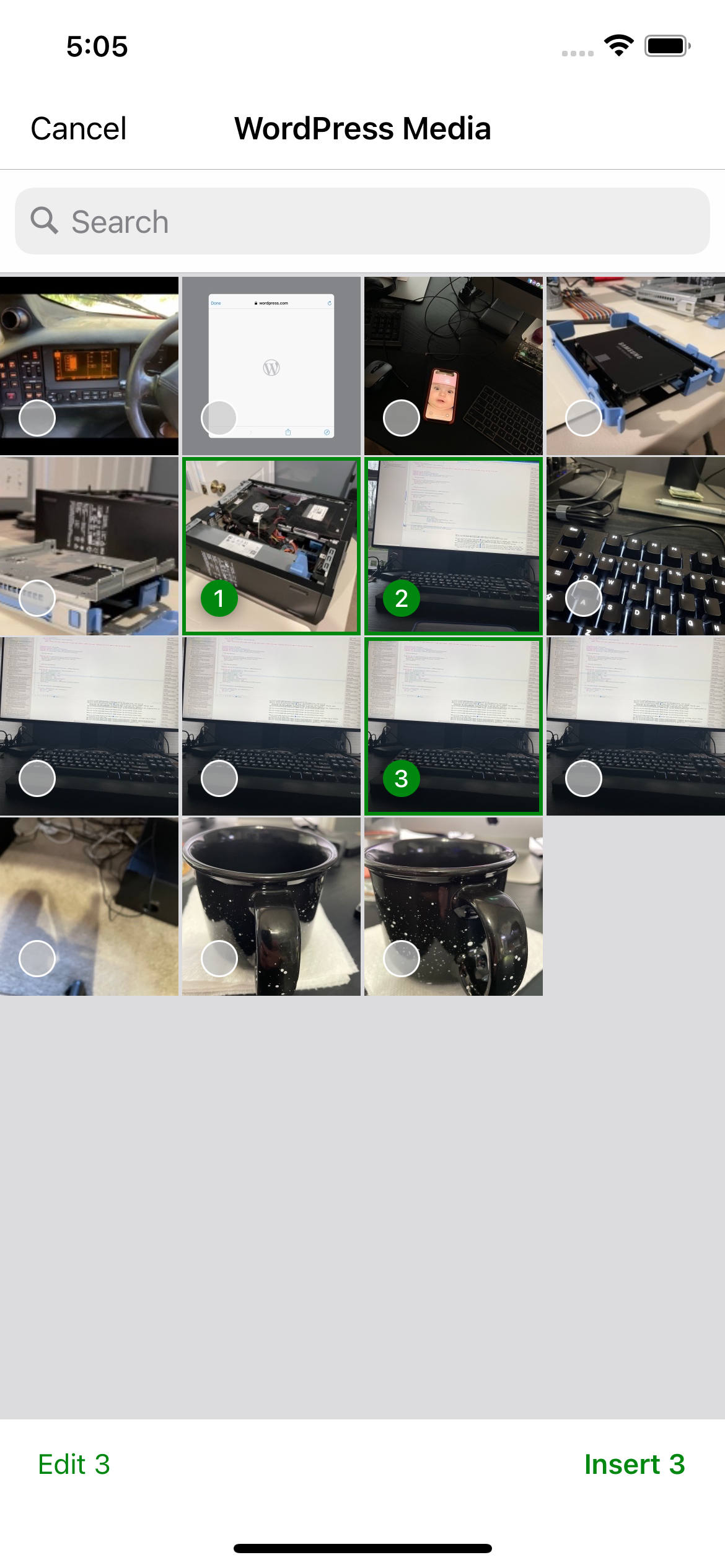
These calls are going to be replaced with direct calls in Gutenberg: WordPress/gutenberg#42996
|
@twstokes, @dcalhoun, thank you both for all your help with this. 🙇♀️ I've gone ahead to update the PR and, as it stands, it achieves the following for the Jetpack app:
The reset hack for the parent category screen has been left here, in order to avoid a single random screen with green remaining under Post Settings: WordPress-iOS/WordPress/Classes/System/WordPressAppDelegate.swift Lines 889 to 893 in 56dab96 Let me know if there's a better approach for handling that. I removed the reset option for the featured media selection, as that modal feels a bit more separate to the Post Settings screen to me and not as jarring. There's also still pending work to be done on the media selection within blocks and on the Android side, so I think it seems logical to group work together in future PRs for that.. I've summed up where we're at in a comment on the original issue here and the remaining inconsistencies are as follows:
Do you think it'd make sense to ship this PR's improvements and handle the remaining issues separately? Looking forward to hearing your thoughts. |
That makes sense to me @SiobhyB!
I think that's fair. Thanks for all your hard work and attention to detail! |


Fixes the iOS side of wordpress-mobile/gutenberg-mobile#5047, Android PR is here
Description
In the Jetpack app, some UI elements like the cursor, text selection, and caret are using a green colour. However, the rest of the editor’s elements are using blue.
To be consistent with colours across the editor, this PR seeks to update them for consistency across both the WordPress and Jetpack apps. The PR specifically achieves the following for the Jetpack app:
There's still some known inconsistencies that need to be addressed in separate PRs, however:
These remaining inconsistencies have been captured in the issue at wordpress-mobile/gutenberg-mobile#4889 for the future.
Screenshots
A before/after screenshot taken from the Jetpack app to show the editor's green → blue colour changes:
A before/after taken from the WordPress app (dark mode) to confirm there are no unexpected changes:
Testing
Special considerations to keep in mind while testing include:
Code Changes
The colours we're aiming to change are using the default
.tintColor, which is set to.primaryvia the following line of code:WordPress-iOS/WordPress/Classes/Extensions/Colors and Styles/WPStyleGuide+ApplicationStyles.swift
Lines 20 to 22 in 3eabde7
.primaryis set as.jetpackGreenhere for the Jetpack app and.bluehere for the WordPress app.As a number of UI elements needed to be updated as part of this PR, a new
.editorPrimaryvariable was created, following the same patterns found for other colours in theUIColor+MurielColors.swiftfile, such as.primaryand.success.Root React Native View
The
tintColorfor the editor's main view (i.e. the root React Native view) has been set here:WordPress-iOS/WordPress/Classes/ViewRelated/Gutenberg/GutenbergViewController.swift
Line 568 in 43b9994
React Native Modals
configureDefaultTint()is setting the tint colour for the entire window of each screen viaUIWindow. As React Native's modals exist outside of the root view, it's necessary to override the defaulttintColoronce again to ensure consistency inBottomSheetsand other parts of the app that may be using modals.This was achieved on the native side via
override func present:WordPress-iOS/WordPress/Classes/ViewRelated/Gutenberg/GutenbergViewController.swift
Lines 415 to 420 in 43b9994
React Native Action Sheets and Switches
The default
.tintColorfor switches/toggles within the editor's modals needed to be overridden, which was done via the following line of code:WordPress-iOS/WordPress/Classes/ViewRelated/Gutenberg/GutenbergViewController.swift
Line 576 in 43b9994
Note, the above was set within
GutenbergViewController.swiftrather thanWordPressAppDelegate.swiftasRCTModalHostViewControllerresulted in an out-of-scope error in the latter's file.In addition, the
.tintColorfor action sheets has been set directly in React Native via wordpress-mobile/gutenberg-mobile#5074.Post Settings Screen
It was possible to set the
tintColorfor multiple UI elements in the Post Settings screen.Some hacky code has been used for the parent category screen (found within Post Settings). This was necessary because the screen is used elsewhere in the app (via Site Settings → Category) and there wasn't any other views in the hierarchy that could be used to only target the Post Settings UI:
WordPress-iOS/WordPress/Classes/System/WordPressAppDelegate.swift
Lines 889 to 893 in 56dab96
Regression Notes
There's the potential for this PR to unexpectedly change colours in either the WordPress or Jetpack app beyond what's desired. For example, the cursor colour may unexpectedly change within the WordPress app.
I manually tested both apps, making sure to experiment with various blocks and writing flows.
No automated tests.
PR submission checklist:
RELEASE-NOTES.txtif necessary.