Skip to content

Conversation

@pinarol
Copy link
Contributor

@pinarol pinarol commented Jun 27, 2019

Fixes #1173

gutenberg PR: WordPress/gutenberg#16331

There are multiple issues need to be addressed:

  1. Local URL remains in the video block when upload fails. Update: It looks like current upload mechanism depends on this local url to update the post if upload finishes when the block editor is closed. So we can't just remove it.
  2. Upload progress events are not received from the main app as they used to, when we close/re-open a post during an upload we need to wait a lot to receive the upload progress event, which wasn't the case before. So this might be a side effect of changes on iOS side.

To test:

WPiOS (@etoledom)

  • Video upload from device library
  • Video upload by capturing
  • Select video from WP Media library
  • During the upload close/re-open the post and see it continues the progress
  • Video upload with no network, let it fail & retry upload
  • Video upload cancel
  • Try uploading multiple videos, close/re-open the post, wait until they complete and see everything is OK.
  • Try uploading multiple videos, close the post, wait until uploads are finished, reopen the post and see everything is OK.

WPAndroid (@marecar3)

  • Video upload from device library
  • Video upload by capturing
  • Select video from WP Media library
  • During the upload close/re-open the post and see it continues the progress
  • Video upload with no network, let it fail & retry upload
  • Video upload cancel
  • Try uploading multiple videos, close/re-open the post, wait until they complete and see everything is OK.
  • Try uploading multiple videos, close the post, wait until uploads are finished, reopen the post and see everything is OK.

Update release notes:

  • If there are user facing changes, I have added an item to RELEASE-NOTES.txt.

@pinarol pinarol changed the title Try fixing video upload [iOS]Try fixing video upload Jun 27, 2019
@pinarol
Copy link
Contributor Author

pinarol commented Jun 27, 2019

Upload progress events are not received from the main app as they used to, when we close/re-open a post during an upload we need to wait a lot to receive the upload progress event, which wasn't the case before. So this might be a side effect of changes on iOS side.

@diegoreymendez 👋I see that recently some changes were made to the media upload on WP-iOS app. Could you help me check if there are some side effects related to those ? You might want to use this branch to experiment because I made a change on gutenberg level to make sure video block is registering for upload events when component is mounted.

@pinarol pinarol self-assigned this Jun 27, 2019
@pinarol pinarol requested a review from etoledom June 27, 2019 15:36
@pinarol pinarol added this to the 1.9 milestone Jun 27, 2019
@pinarol pinarol changed the title [iOS]Try fixing video upload [iOS]Fix: Video Block doesn't continue upload after losing and restoring network connection Jun 27, 2019
@pinarol pinarol added the Media label Jun 27, 2019
@pinarol pinarol requested a review from marecar3 June 28, 2019 06:34
Copy link
Contributor

@etoledom etoledom left a comment

Choose a reason for hiding this comment

The reason will be displayed to describe this comment to others. Learn more.

Thank you @pinarol for taking care of this!

I see that the issue where the MediaPlaceholder was disappearing after saving as draft without connection is solved! 🎉

I did spot a couple of issues on this PR, the most important one is probably this one:

  • On a new post
  • Add a video via recording
  • While is uploading, exit the editor via save as draft
  • Wait for it to be uploaded
  • Open the post again
  • The video won't be there, just the placeholder

Here is a video showing the issue: https://cloudup.com/iQqaJKvFnV8

A second problem is more like a glitch and I don't thing that important:

  • On a new post
  • Add a video from camera roll
  • Wait until it successfully finishes to upload
  • Edit the video and replace it with a second video from camera roll
  • While is updating, stop networking to make it fail
  • When the error shows up, save as draft
  • The video block will show a black screen with the previous video's URL
  • The block's HTML keep the url of the previous block

After networking is restored, the upload state will continue and everything will be solved automatically.

Here is a video showing the problem: https://cloudup.com/i5BoQ5yN_bA

The video shows that closing the editor and going back to the post, the block will show the previous video momentarily while the new video finishes download. This wasn't happening always.

@diegoreymendez
Copy link
Contributor

@pinarol - The changes we did are just to trigger uploads when the App is opened / comes to foreground and when a connection is re-established. They are new triggers to make the uploads happen but they don't really change any existing logic for uploads.

@pinarol
Copy link
Contributor Author

pinarol commented Jul 4, 2019

Good catch @etoledom ! I had to revert the changes that I made to prevent setting the local url in the attributes.src, those issues should be fixed now. It turns out the main app uses that info to update the post content when upload finishes during block editor is closed.

So this PR is fixing 2 things only:

  1. Upload was not continuing when we close / open post(it was continuing in the background but the editor didn't show any signs of an upload, this might be a side effect of sth because it was working ok, this is the change that fixes it https://github.com/WordPress/gutenberg/pull/16331/files#r298241140)
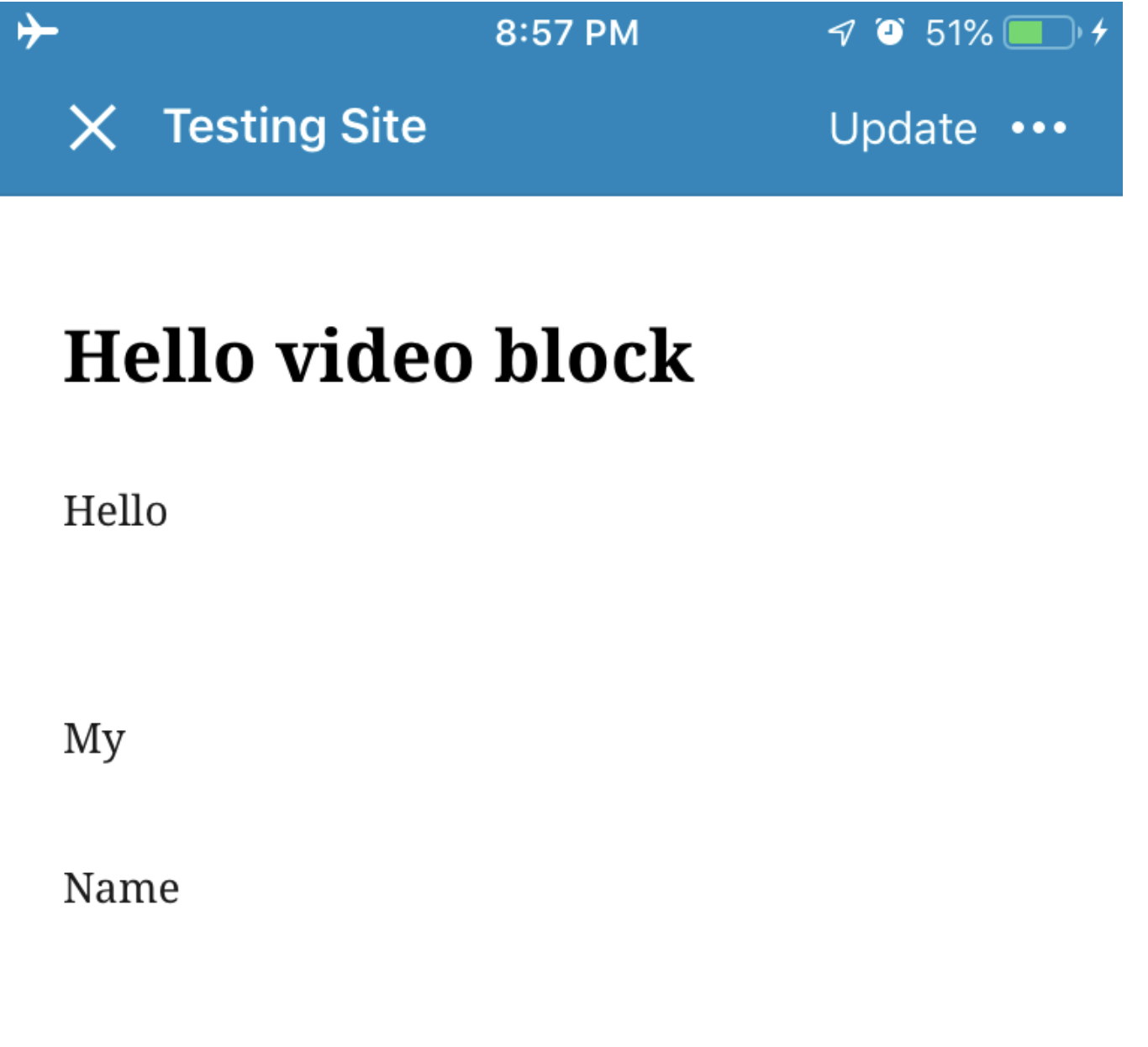
  2. In this situation the video block seemed blank but now it has a placeholder:

Before:
Screen Shot 2019-07-04 at 15 55 21

After:
Screen Shot 2019-07-04 at 15 41 48

Ready for another look

@pinarol
Copy link
Contributor Author

pinarol commented Jul 4, 2019

I still can't make sense of why we are receiving upload events with a little delay compared to the past. When I open a post with an ongoing upload the spinner doesn't get visible right away(because no upload events are received from the main app). I remember like it was getting visible quickly in the past. Do you observe the same thing @etoledom ?

@etoledom
Copy link
Contributor

etoledom commented Jul 5, 2019

@pinarol I updated from develop hoping that the last commit would fix the broken UI Tests

@etoledom
Copy link
Contributor

etoledom commented Jul 5, 2019

Do you observe the same thing @etoledom ?

Yes I did notice a small delay. It's usually quite small, but it looks like when I re-open the post with the ongoing upload on the final stage, the block won't receive any event until it's finished. That last process is usually longer and feels like a bigger delay.

@etoledom
Copy link
Contributor

etoledom commented Jul 5, 2019

Thank you @pinarol for the update!

The first half of the original Issue #1173 it's solved.

And the details I noticed on #1182 (review) are both fixed 🎉

I did notice two issues: One seems to be exclusive from this branch, while the second is still reproducible on develop.
I also experienced 2 different crashes related to media upload, but I find it unlikely that they are related to this PR, and they are also difficult to reproduce (they are related to CoreData)

Issue 1:
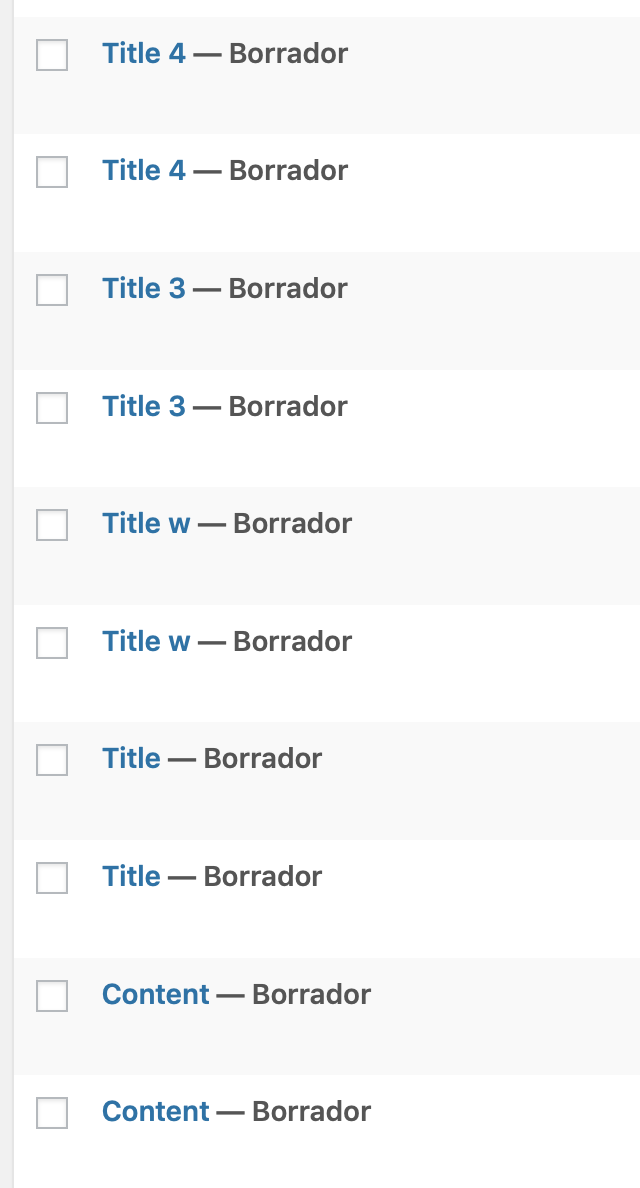
On many of my tests, uploading and replacing video blocks, I ended up with the post being duplicated. And it's not local core data problem since they got duplicated on the web too.

Screen Shot 2019-07-05 at 8 46 13 AM

I wasn't able to reproduce this on develop, but I wonder how can this be affected by this PR.

Steps:

  • Add a video block
  • Add a video from camera roll
  • While it's updating, turn off internet connection to make it fail
  • Save as draft
  • Turn ON internet connection again
  • Wait until the video is uploaded
  • Wait for the toast message "Post draft updated"
  • Close the post and refresh the post list.

I was able to check on web that 2 posts are created at the same time upon saving draft.

Issue 2:
Following the second part of the original issue #1173
After step 6, pressing the Save As Draft, the app will get stuck with the blocking Saving... Popup forever. Here is a video with the whole sequence https://cloudup.com/cvx_J8gNlf2

As I mentioned, this also happens on develop, and we can create a new ticket.

Crashes:
I've got one on video but I'm not able to reproduce it following the same exact steps.
I'll try to investigate them a bit more and I'll post a stack trace to get some idea about what might be happening.

But again, I find it unlikely that those crashes are exclusive from this branch.

@pinarol
Copy link
Contributor Author

pinarol commented Jul 5, 2019

@etoledom 👋Thanks for the detailed testing. I could repro the Issue 1 on develop branch also. I needed to do pull to refresh to see the duplicate draft. Although I doubt that it is a bug. Offline save of a draft is maybe just taking a snapshot of the post and duplicating it to avoid data loss.

About issue 2:

After step 6, pressing the Save As Draft, the app will get stuck with the blocking Saving... Popup forever.

I saw this one too, but after waiting a minute or so it is displaying an error message. So in my case it was not forever but definitely needs a shorter timeout.

Let's open issues on WPiOS repo if you think those are not related with this PR. These all seem like good tasks for Groundskeeping.

@pinarol
Copy link
Contributor Author

pinarol commented Jul 5, 2019

@marecar3 Could you also check this on WPAndroid? Thanks in advance.

@etoledom
Copy link
Contributor

etoledom commented Jul 5, 2019

I could repro the Issue 1 on develop branch also

Thanks for trying it out! Now that you mentioned it, I was able to reproduce it on develop too.

Since all the issues I found are not related to this PR, I think it's ✅ to :shipit: on the iOS side of things.
@marecar3 let me know if you think the Android side is good to go as well 👍

@marecar3
Copy link
Contributor

marecar3 commented Jul 5, 2019

Hey sorry for missing this one.
I will take a look at it right away! 😃

Copy link
Contributor

@marecar3 marecar3 left a comment

Choose a reason for hiding this comment

The reason will be displayed to describe this comment to others. Learn more.

Seems that every scenario which has been described in the description is working.
LGTM! 👍

@etoledom etoledom merged commit d5992dd into develop Jul 9, 2019
@etoledom etoledom deleted the issue/1173-video-block-upload-fail branch July 9, 2019 05:57
Sign up for free to join this conversation on GitHub. Already have an account? Sign in to comment

Projects

None yet

Development

Successfully merging this pull request may close these issues.

Video Block doesn't continue upload after losing and restoring network connection

5 participants