$ brew install pythonIts better if you install the latest version because in python 3.7 many tkinter methods were deprecated. To know how to install brew click here.
For Windows and Mac
$ python -m pip install pymongoIt's recommended to use pip to install pymongo.(Since Python 3.4 pip is bundled with the Python installation package... if you are using latest python verson you dont need to manually install it).
If any problem while installing on windows click here.
If you are using pycharm IDE then make sure to add the pymongo package to you python interpreter. How?
MongoDB database is hosted on mlab... no need to install mongoDB.
zapy.py is the entry point of the application.cd into the root folder and run the application
$ cd <Path-To-Folder>/python-inventory-management-mini-project-master
$ python zapy.py
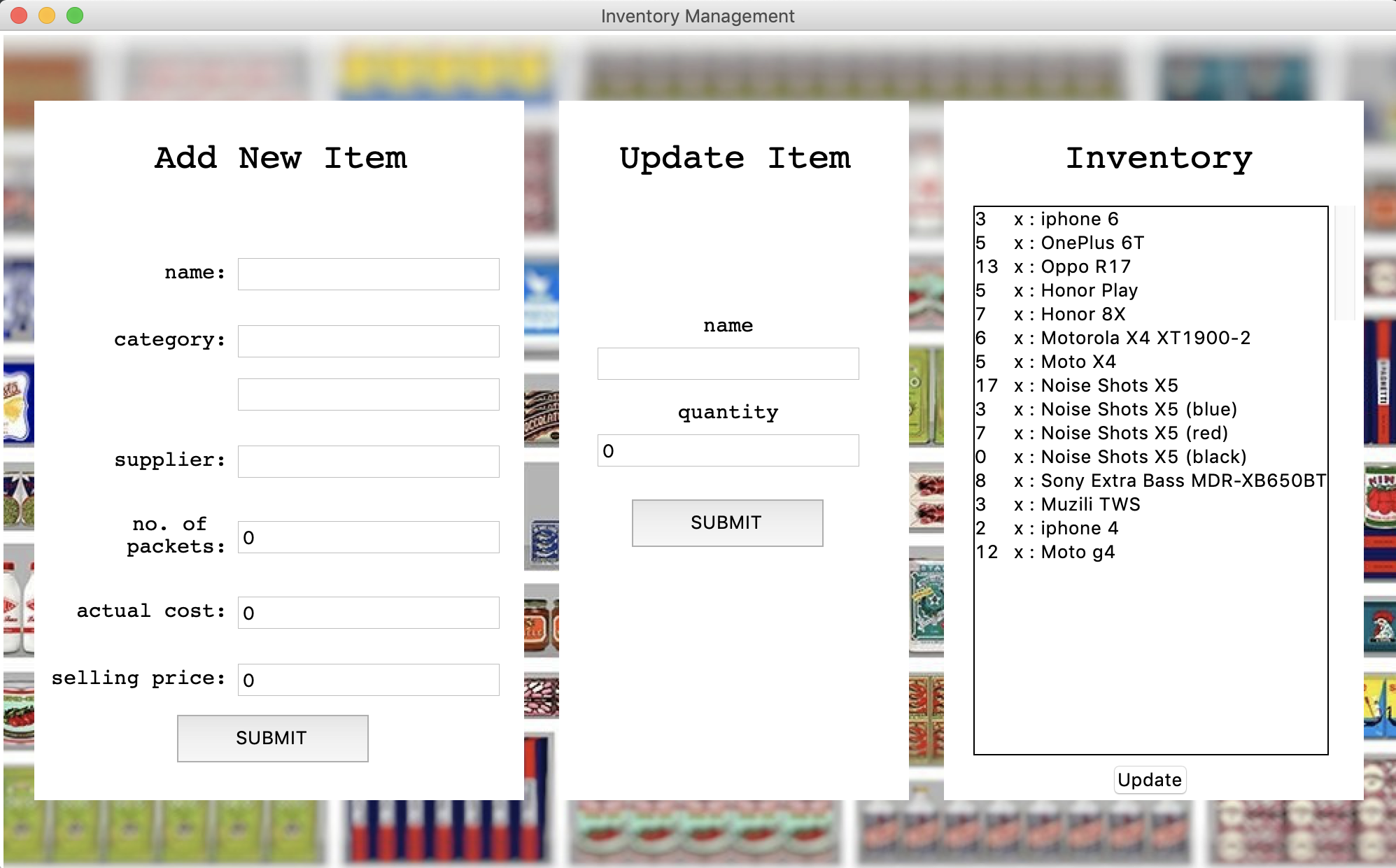
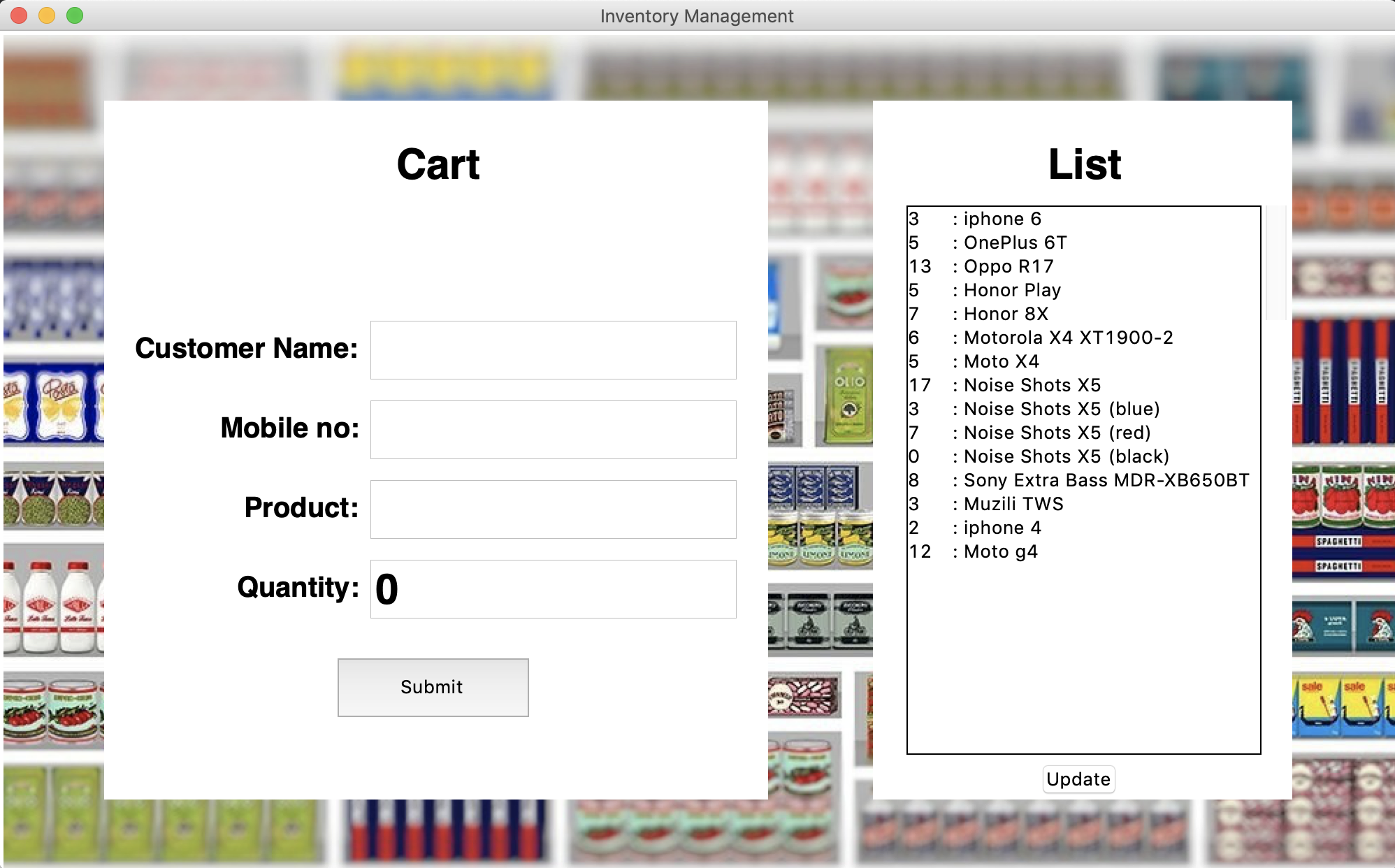
This application was created on mac and cuz of display resoultion issues the layout gets a bit messed up on low resolution screen.