[RNMobile] Enable Support for 'arm64-v8a' in Android's Gradle Configuration #36007
Conversation


 github-actions
bot
added
the
First-time Contributor
github-actions
bot
added
the
First-time Contributor

|
👋 Thanks for your first Pull Request and for helping build the future of Gutenberg and WordPress, @SiobhyB! In case you missed it, we'd love to have you join us in our Slack community, where we hold regularly weekly meetings open to anyone to coordinate with each other. If you want to learn more about WordPress development in general, check out the Core Handbook full of helpful information. |
 SiobhyB
added
Mobile App - i.e. Android or iOS
SiobhyB
added
Mobile App - i.e. Android or iOS

|
Requesting reviews from @gwwar as this PR came up following our recent conversations and also @oguzkocer as this involves changes to our Gradle configuration, I want to be certain that this won't cause any issues. Let me know if I can clarify anything! Thanks in advance 🙇♀️ |
SiobhyB
changed the title
SiobhyB
changed the title

 oguzkocer
left a comment
oguzkocer
left a comment
oguzkocer
left a comment
There was a problem hiding this comment.
Admittedly this is not something I have any prior experience with. Looking at the Android developer docs specifying extra architectures shouldn't cause any issues, although I do wonder if they needed to be specified in the first place, but this is not relevant to this PR.
As long as it works as expected, I think this is good 🤷 I'll leave the testing to @gwwar as I don't have my M1 machine setup to test this right now.


There was a problem hiding this comment.
Nice! Thanks for adding this @SiobhyB Running npm run native android works for me now. I tested this on a MacBook Pro (13-inch, M1, 2020.)
I also didn't need to download the extra Platform S packages, noted in #35529 (comment)
| before | after |
|---|---|
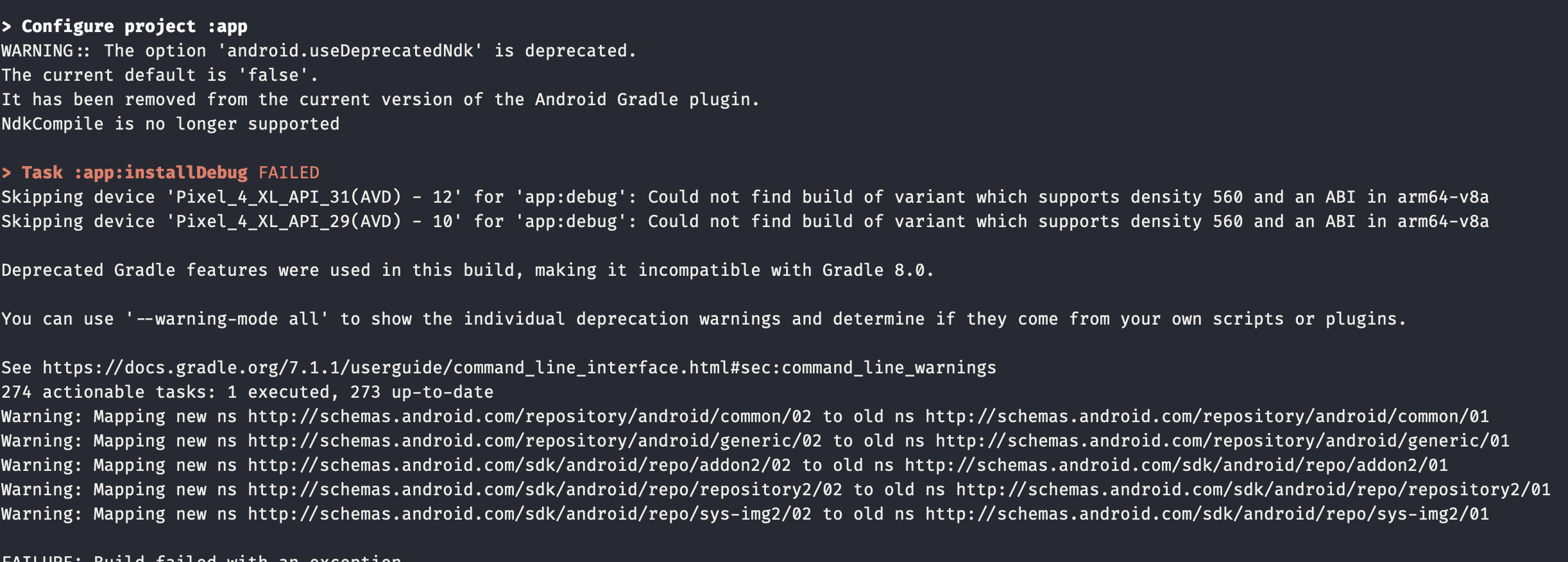 |
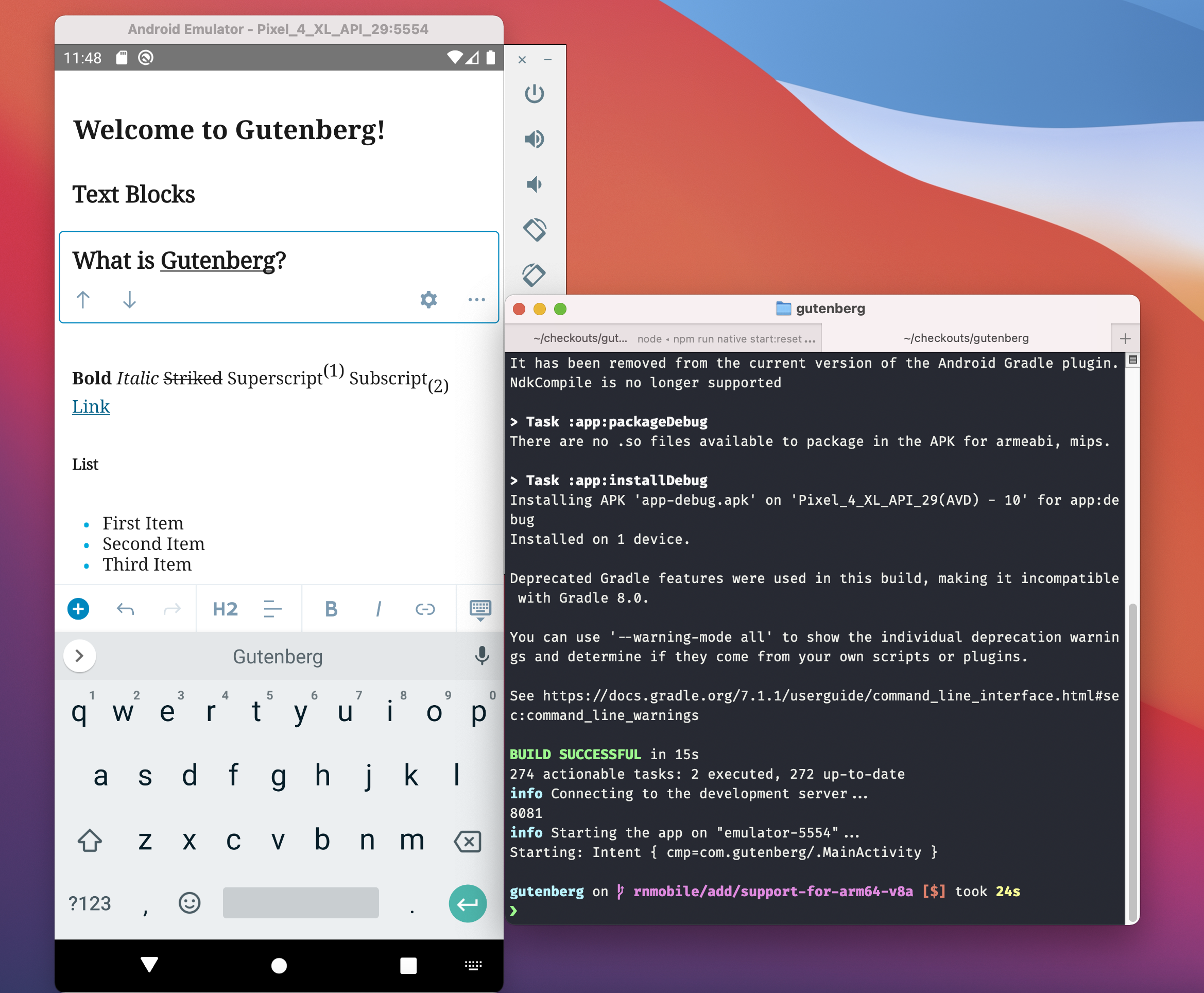 |


gutenberg-mobile: wordpress-mobile/gutenberg-mobile#4170Description
At the moment, anyone running on an M1 Mac who wishes to run Gutenberg's demo app for Android would need to manually add support for
arm64-v8a.With this PR, support is enabled by default, by adding
arm64-v8atoabiFiltersin the project's Gradle configuration.How has this been tested?
The demo app still runs as expected on a Mac with an 8-Core Intel Core i9 processor, confirming there are no unexpected regressions for 'non-M1' machines.
This will also need to be tested by someone with a machine that has the M1 chip, to confirm that the demo app runs smoothly for them with no necessary changes to the Gradle configuration.
Types of changes
Non-breaking change to code, to enable support, involving the addition of
arm64-v8atoabiFiltersinpackages/react-native-editor/android/app/build.gradle.Checklist:
*.native.jsfiles for terms that need renaming or removal).