Microsoft Teams Webhook alert destination #5691
Conversation


|
Working on text formatting and icons. |
|
|

|
|


|
MS Alert Webhook documentation here: https://docs.microsoft.com/en-us/outlook/actionable-messages/message-card-reference |


 arikfr
left a comment
arikfr
left a comment
arikfr
left a comment
There was a problem hiding this comment.
Thank you for submitting this!
| return { | ||
| "type": "object", | ||
| "properties": { | ||
| "url": {"type": "string"}, |
There was a problem hiding this comment.
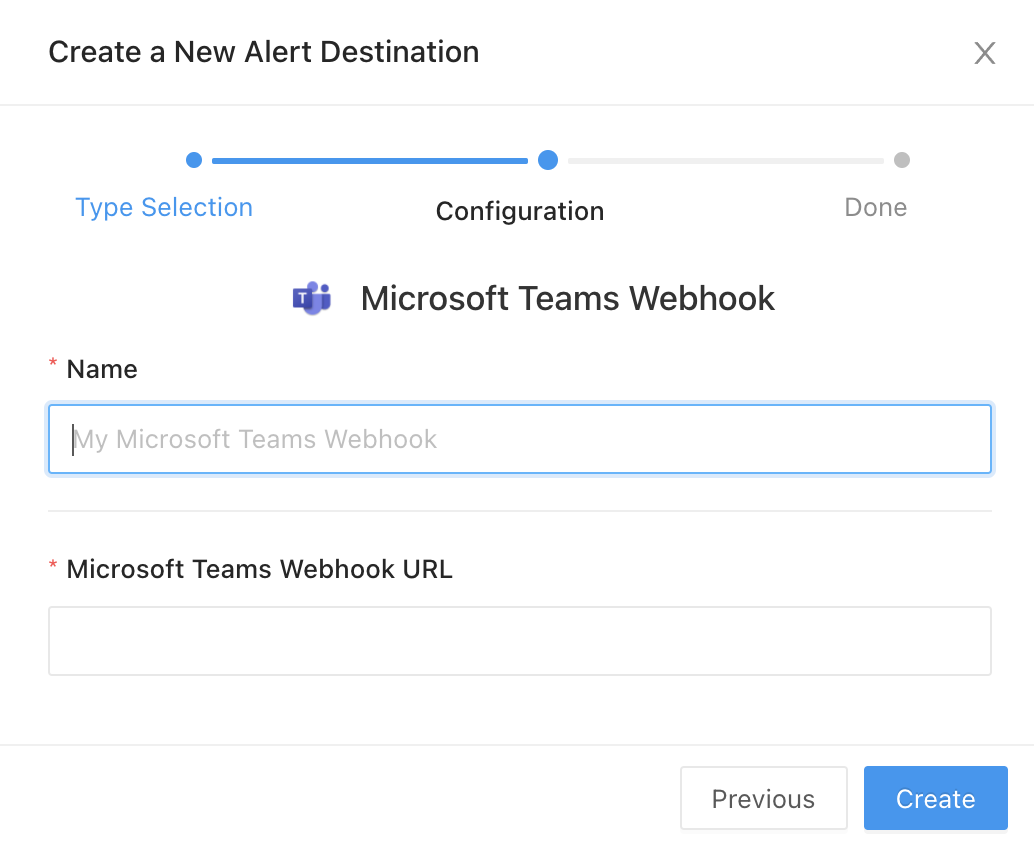
You might want to add a title here to indicate this is a webhook URL.
| :type app: redash.Redash | ||
| """ | ||
| try: | ||
| data = { |
There was a problem hiding this comment.
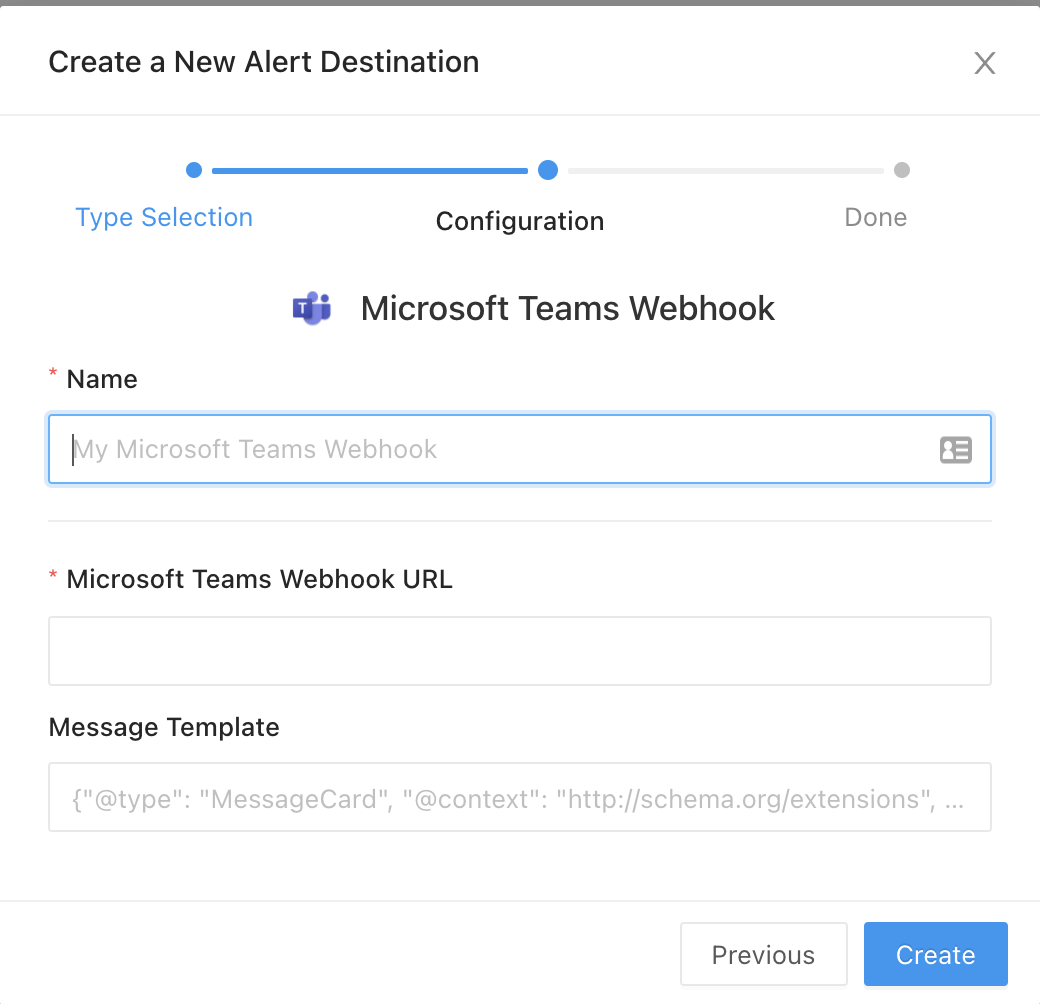
What about supporting custom templates?
There was a problem hiding this comment.
I can try to copy what the chatwork destination did for message templates.
|
@arikfr , one thing I noticed during testing is that a trigger is fired when the criteria is met and when the criteria is reset. Is that correct (I see it here now https://redash.io/help/user-guide/alerts/setting-up-an-alert#Alert-Statuses)? Is that info in the new_state argument (new_state seems the three options here: https://github.com/getredash/redash/blob/master/redash/models/__init__.py#L970)? |

Yes.
Yes. Related docs: UNKNOWN means Redash does not have enough data to evaluate the alert criteria. You will see this status immediately after creating your Alert until the query has executed. You will also see this status if there was no data in the query result or if the most recent query result doesn’t include the Value Column you configured. |


|
If for some reason this doesn't make it into the next release, could the patch from #5726 ship tactically (it's super tiny), and then reverted in this PR? |

|
Any update about this work? There's an official way to implement this MS Teams in the current release (such as a plugin)? |
|
This will be included in the next release later this summer. Yes, alert destinations are pluggable just like query runners 👌 This one should be compatible with any installation of Redash V10. |
how can I add it to my current instance so? Do we have a tutorial for that? |
We don't but working on publishing a doc with a strategy for this. There are a few different approaches. Probably the easiest is to copy the file into your local copy of the source code and then issue a |
|
In case anyone wants to bring this into their existing install, your Dockerfile should look something like this. (double check the base image) Then set the environment variable |


|
Thanks! |


* Microsoft Teams Webhook alert destination

* Text formatting and new image for Microsoft Teams Webhook

* Comment on how to build frontend

* Add title to clarify webhook URL

* Make the message into a configurable template.
* Microsoft Teams Webhook alert destination

* Text formatting and new image for Microsoft Teams Webhook

* Comment on how to build frontend

* Add title to clarify webhook URL

* Make the message into a configurable template.

* Microsoft Teams Webhook alert destination

* Text formatting and new image for Microsoft Teams Webhook

* Comment on how to build frontend

* Add title to clarify webhook URL

* Make the message into a configurable template.
5 participants


What type of PR is this? (check all applicable)
Description
Create a new alert destination for Microsoft Teams Webhooks
Related Tickets & Documents
https://discuss.redash.io/t/microsoft-teams-integration/852
Mobile & Desktop Screenshots/Recordings (if there are UI changes)